stefanf51186509
Known Participant
May 9, 2018
Answered

Can't save effect settings

  • May 9, 2018
  • 1 reply
  • 4259 views

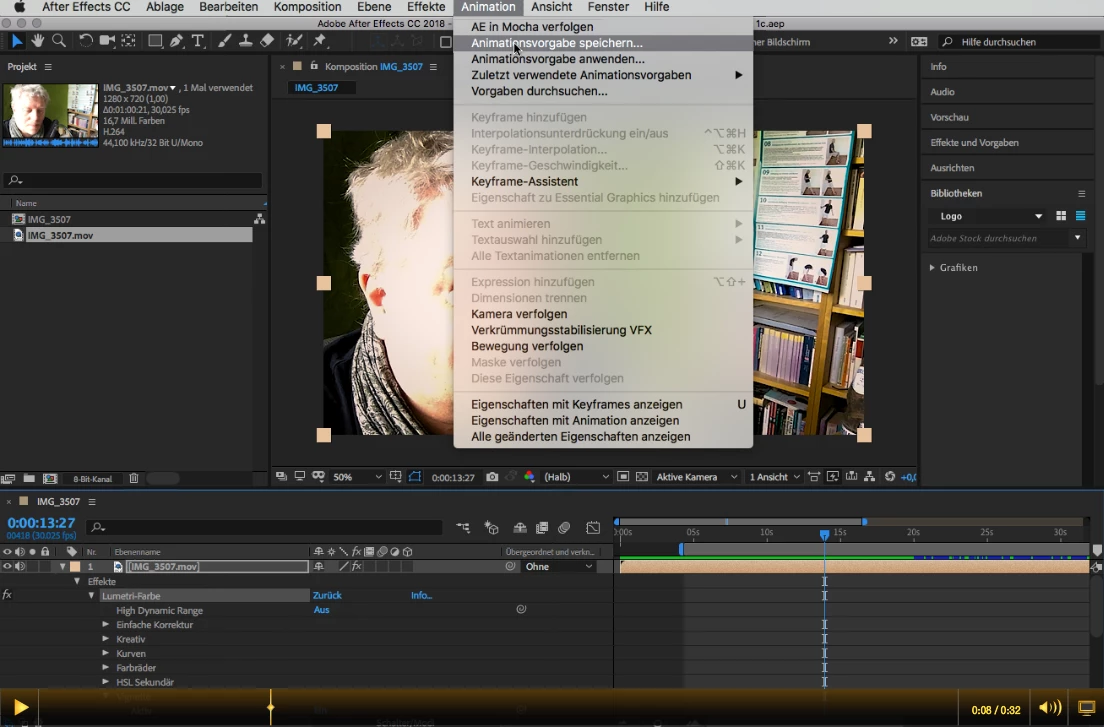
Hi, I've set the Lumetri effect (actually a complete bundle of effects with several settings) for a certain video, but I want to save it to apply the same settings for other videos too. I go to menu Animations -> Presets -> Save (I do it in German, so this is just an approach to the correct names).
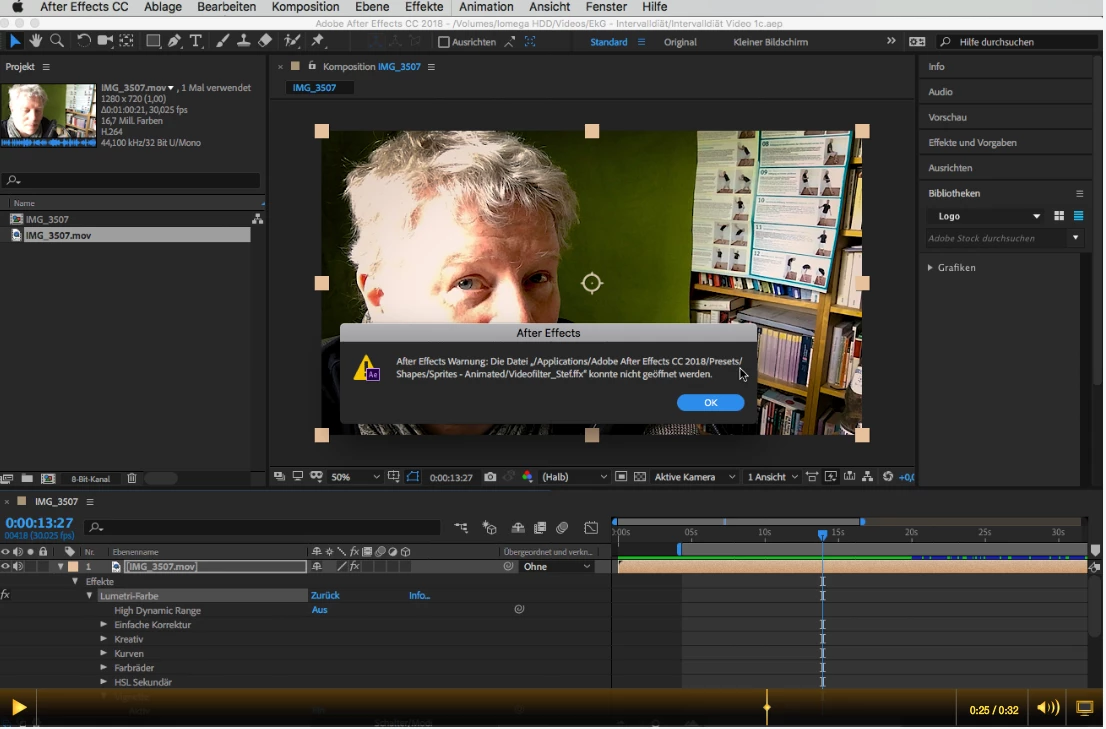
But then I get an error message, that this file could "not be opened".
What can I do to save my effect settings?

Thanks, SF
    This topic has been closed for replies.
    Correct answer Jose Panadero

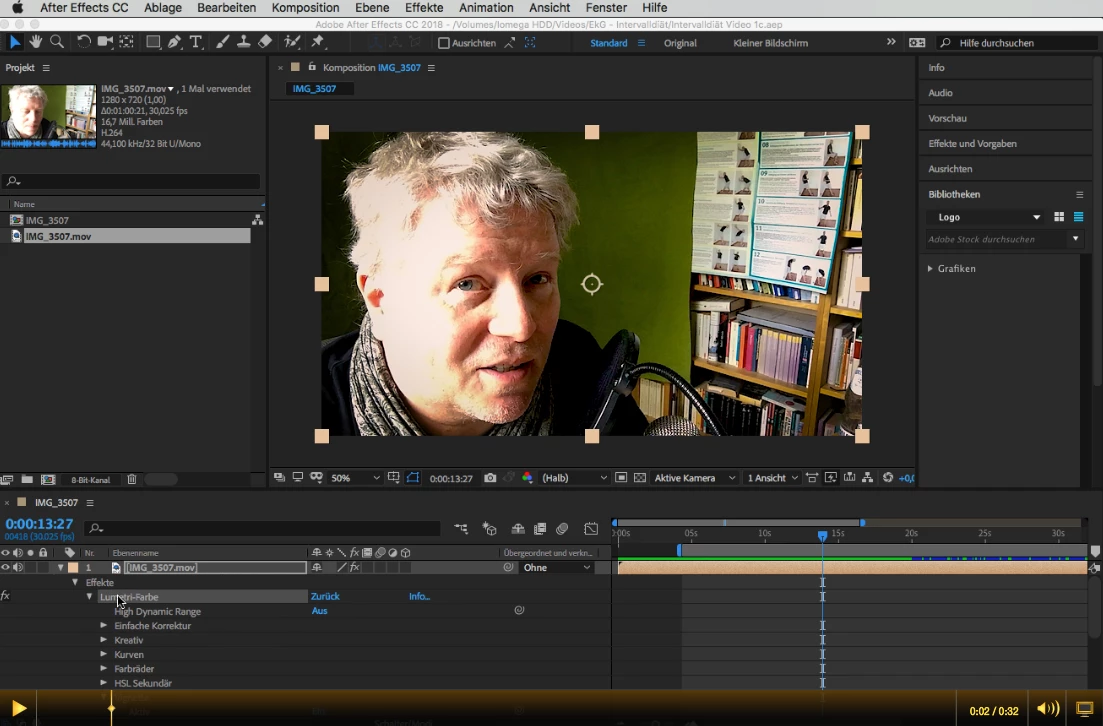
    Hi Rick, I made a quick video on Jing, that's how they present it, sorry. Anyway, it only should show what I already had described. In single screenshots:

    A simple effect settings group:

    Save Animation Presets:

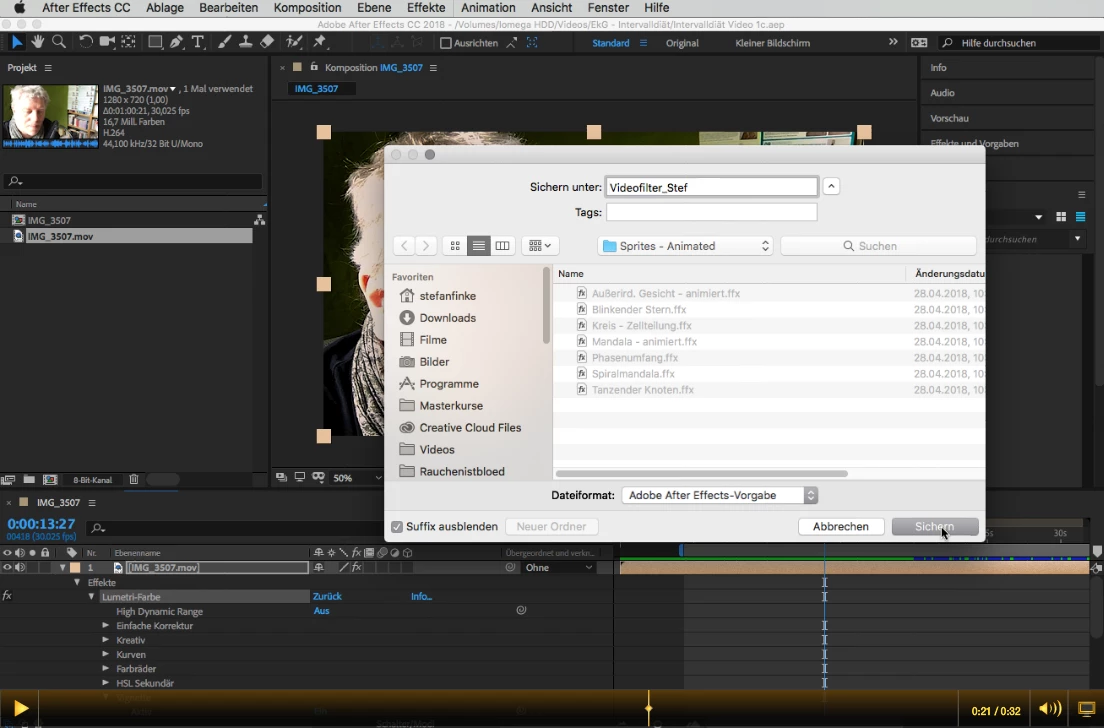
    Give it a name, try to save it under Sprites - Animated (just for example):

    Nope:

    Warning:

    Is it me, if yes, what do I do wrong? If not, is there a workaround? If not, what else can I do? If nothing, is it a bug? If yes, what can I do? :-)


    Well I think you can not save inside the categories created by After Effects. If you go to an upper directory level, you will find a User Presets folder. Have you tried in this folder?

    1 reply

    Jose Panadero
    Community Expert
    Community Expert
    May 9, 2018

    When occurs the problem? When saving or when applying the animation preset?

    Some animation presets cannot be applied through Adobe Bridge, so you need to apply them from the Effects & Presets Panel.

    stefanf51186509
    Known Participant
    May 9, 2018

    Hi Jose,

    the problem occurs when saving (sic!). It can't be saved, though it says it can't be "opened". At least in German (maybe there's a translation error), it says, when saving (sic!)

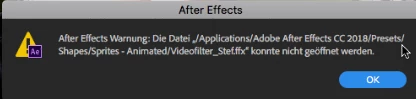
    After Effects Warnung: Die Datei "/Applications/Adobe After Effects CC 2018/Presets/Shapes/Sprites - Animated/[my file name]" konnte nicht geöffnet werden.

    Translation

    After Effects Warning: The file ""/Applications/Adobe After Effects CC 2018/Presets/Shapes/Sprites - Animated/[my file name]" could not be opened.

    Kyle Hamrick
    Community Expert
    Community Expert
    May 10, 2018

    Have you tried saving to a different location? There might be some translation issues here, but I wonder if you don't have admin rights to the folder in question, or something to that effect?