kattyh25613779
Participant
Apr 7, 2019 6:00 PM UTC
Answered

Can't see "Allow scripts to write file and access network" in preferences

Hi,

I'm trying to import a VR video from C4D and I'm following a tutorial in which the person checks "Allow scripts to write file and access network" in AE under general.

When I go to mine, I can't see that line, I see others like "show tool tips", etc.

I already uninstalled and installed after effects and it's still not working so I haven't been able to import the  AEC file.

Please help!

Thanks.
Rick GerardCorrect answer
Community Expert
Apr 7, 2019 6:51 PM UTC

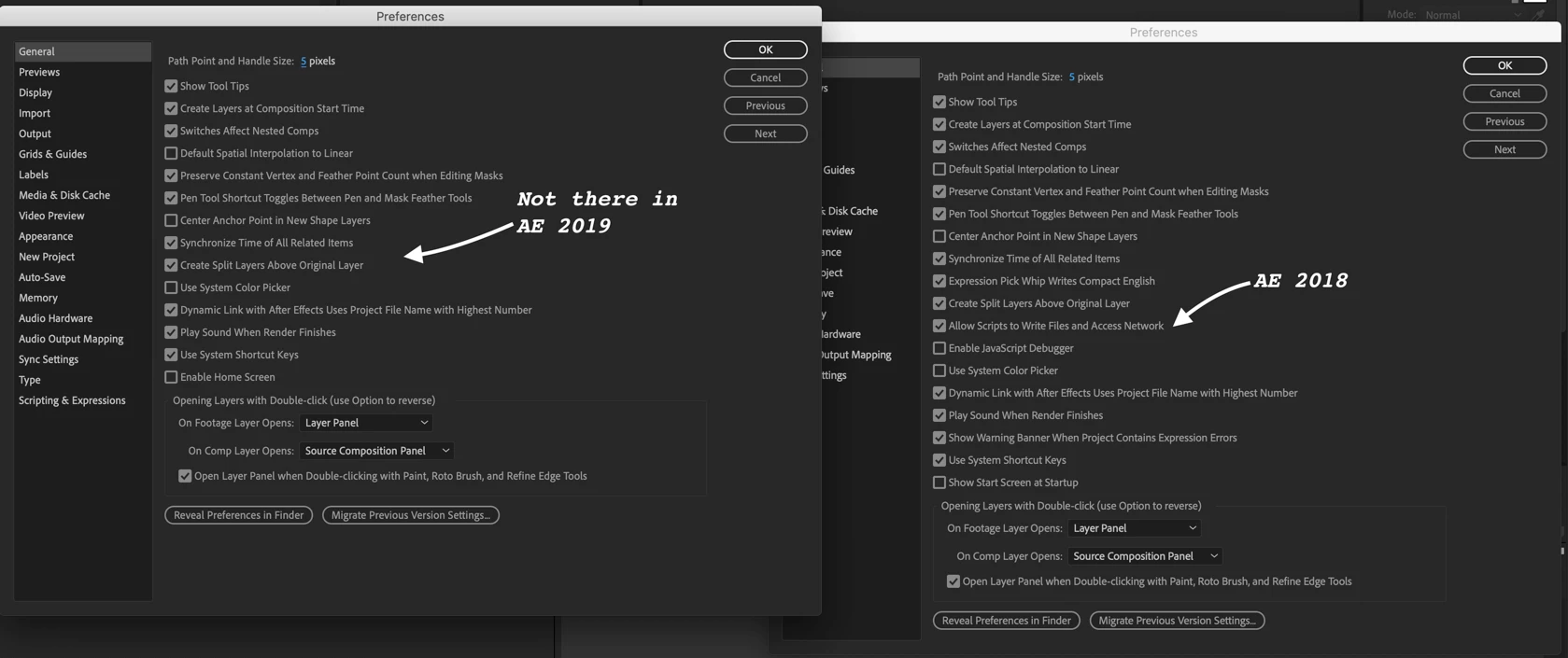
What version of AE? It has apparently been removed in CC 2019

If you check what's new Feature summary | After Effects (April 2019 release)

Scripting & Expressions

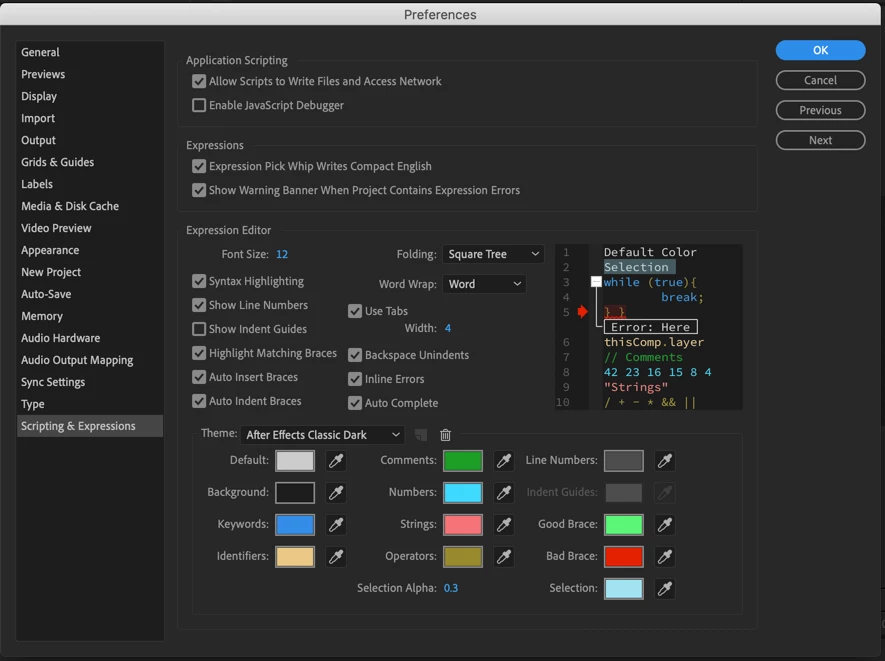
The following existing preferences related to scripting and expressions have been moved from the General preferences panel to the new Scripting & Expressions panel:

  • Allow Scripts to Write Files and Access Network
  • Enable JavaScript Debugger
  • Expression Pick Whip Writes Compact English
  • Show Warning Banner When Project Contains Expression Errors

The Scripting & Expressions panel also contains options related to the new Expression Editor.

For more information, see For more information, see General preferences, and Expression Editor enhancements.

And sure enough:

I am not trying to be a smart ass, just pointing out some of the amazing things you can learn if you spend just a few minutes with the new feature notes and user guide.

6 replies

Rick GerardCommunity ExpertCorrect answer
Community Expert
Apr 7, 2019 6:51 PM UTC

What version of AE? It has apparently been removed in CC 2019

If you check what's new Feature summary | After Effects (April 2019 release)

Scripting & Expressions

The following existing preferences related to scripting and expressions have been moved from the General preferences panel to the new Scripting & Expressions panel:

  • Allow Scripts to Write Files and Access Network
  • Enable JavaScript Debugger
  • Expression Pick Whip Writes Compact English
  • Show Warning Banner When Project Contains Expression Errors

The Scripting & Expressions panel also contains options related to the new Expression Editor.

For more information, see For more information, see General preferences, and Expression Editor enhancements.

And sure enough:

I am not trying to be a smart ass, just pointing out some of the amazing things you can learn if you spend just a few minutes with the new feature notes and user guide.

Translate
kattyh25613779
Participant
Apr 7, 2019 7:29 PM UTC

Thanks so much, you're right 

Translate