
Answered
Can't see shape layer
Hello, I can't see the shape layer that I created on text ! All the eyeballs are selected, the stroke size + color too ! How can make it visible ? (I use the AE 2020)
Thank you,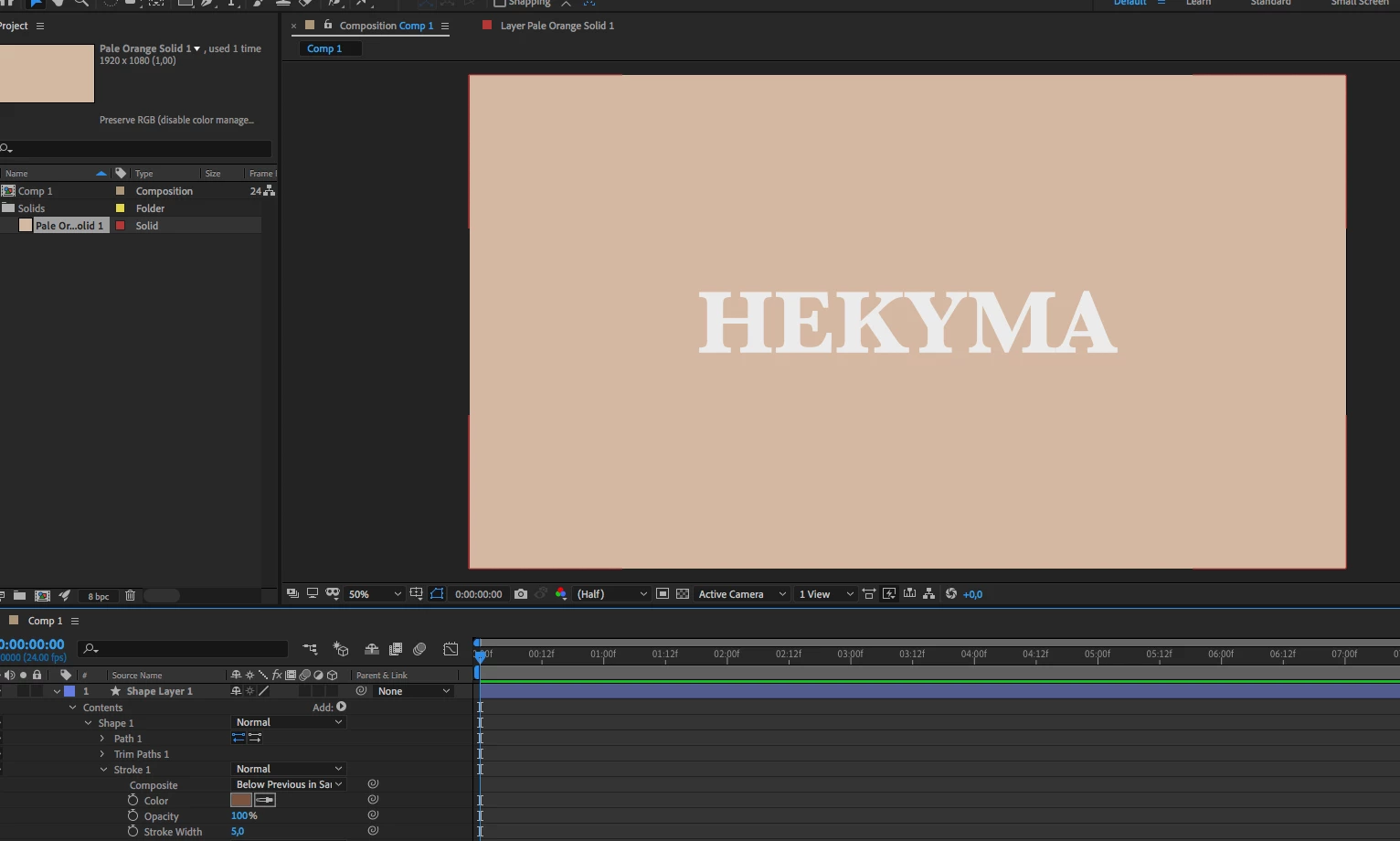
Hello, I can't see the shape layer that I created on text ! All the eyeballs are selected, the stroke size + color too ! How can make it visible ? (I use the AE 2020)
Thank you,
Check the layer position, it might be just off screen. Check transparency and scale as well.
Also you can literally create empty shape layers or paths with only one path point.
Last, I see "trim path" and those settings might just be off, so you path is there but 100% trimmed.
*Martin
Already have an account? Login
Enter your E-mail address. We'll send you an e-mail with instructions to reset your password.
 AdChoices