Participating Frequently
August 11, 2023
Question

Cannot export simple comp on Mac Big Sur 11.7.8 with AE 23 in a format Quicktime can play

  • August 11, 2023
  • 10 replies
  • 391 views

I have no earthly clue what's happening, but despitemy attepts to export a very humble comp (literally half second animation mov files and png image sequences for a mighty 62 seconds worth of timeline, not even any sound yet), it has proven impossible. I've spent more time trying to hunt down a solution than actually working on the damn thing.


My computer is an older MBP, but still has 16 gb of ram, a 

2.6 GHz Quad-Core Intel Core i7 processor, and NVIDIA GeForce GT 750M 2 GB graphics card.


I've regrettably been a monthly subscriber to creative cloud (the whole thing, $60 a month!!!) for years and for whatever reason all of the adobe suite has begun to crap out on me these last few months.


When I try to export with the suggested settings of Lossless, Apple Pro Res 444 or whatever, it just comes out as a .mov file with a blank screen. Worse, it comes out glichy with pops of green or blue and completely full of noise with the faint inclination of my actual footage behind.


I understand these are pro software (I've literally been using AE for over a decade on a semi-regular basis, occassionaly as a paid freelancer in my own right), but where is the idiot-proof button? I'm on a mac like so many others, why is it impossible to export a quicktime?


I've also tried importing the sequence into Premiere and while the little preview shows the first frame of my comp in the media browser, when i drag it into the Premiere sequence timeline, it's all blank. What the hell?? I thought "ok, but maybe it will render in the export?" Nope.


Maybe this is "user error" but this kind of thing rarely happened to me the bulk of my time working in Adobe products. Feels more like a bug if there isn't an obvious way to export a simple test (I just wanted to share it with my collaboator so they can see a rough cut) 😐 


See some of my depressing attempts below.
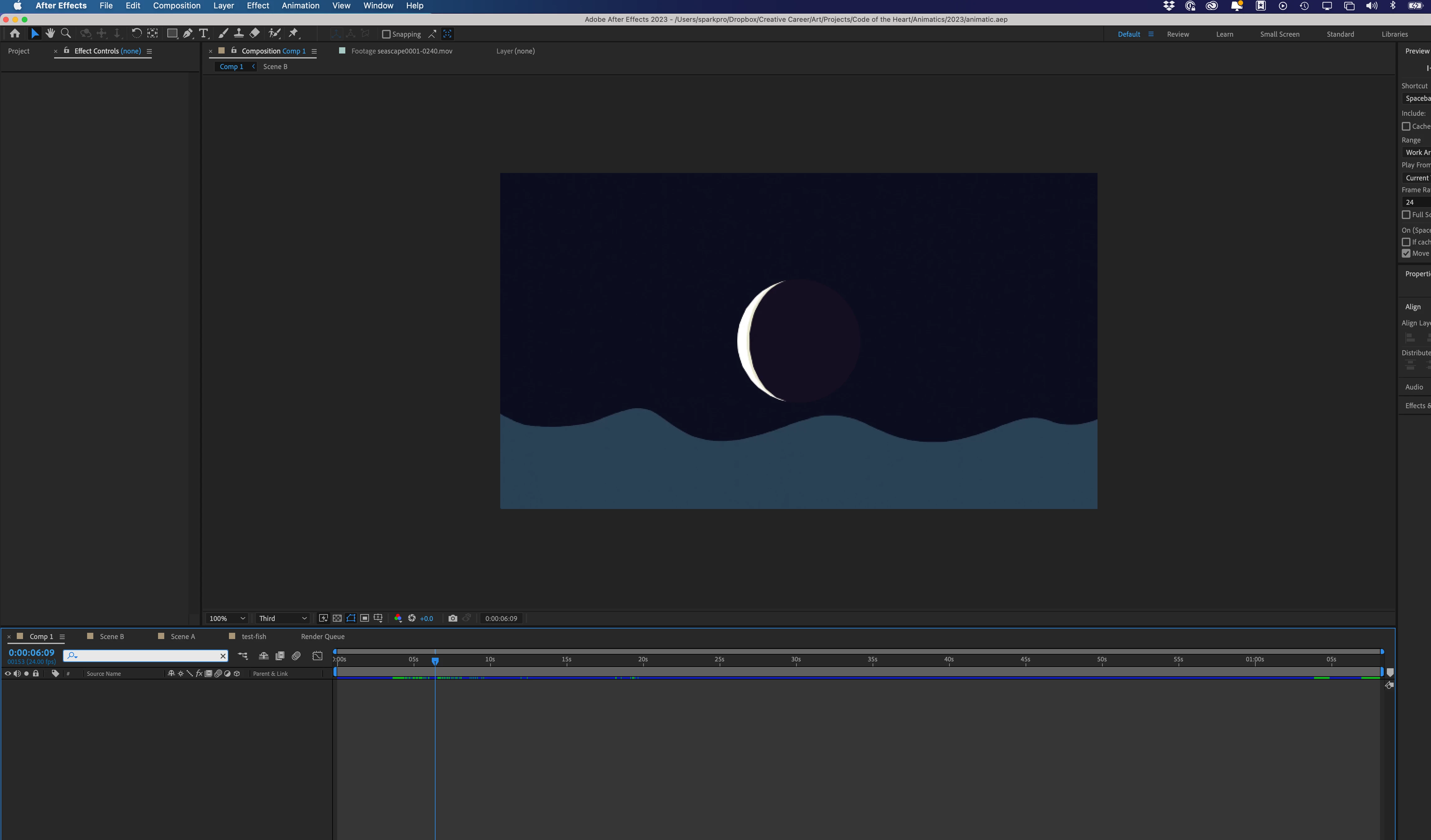
 

Hey look it's footage in my AE timeline!
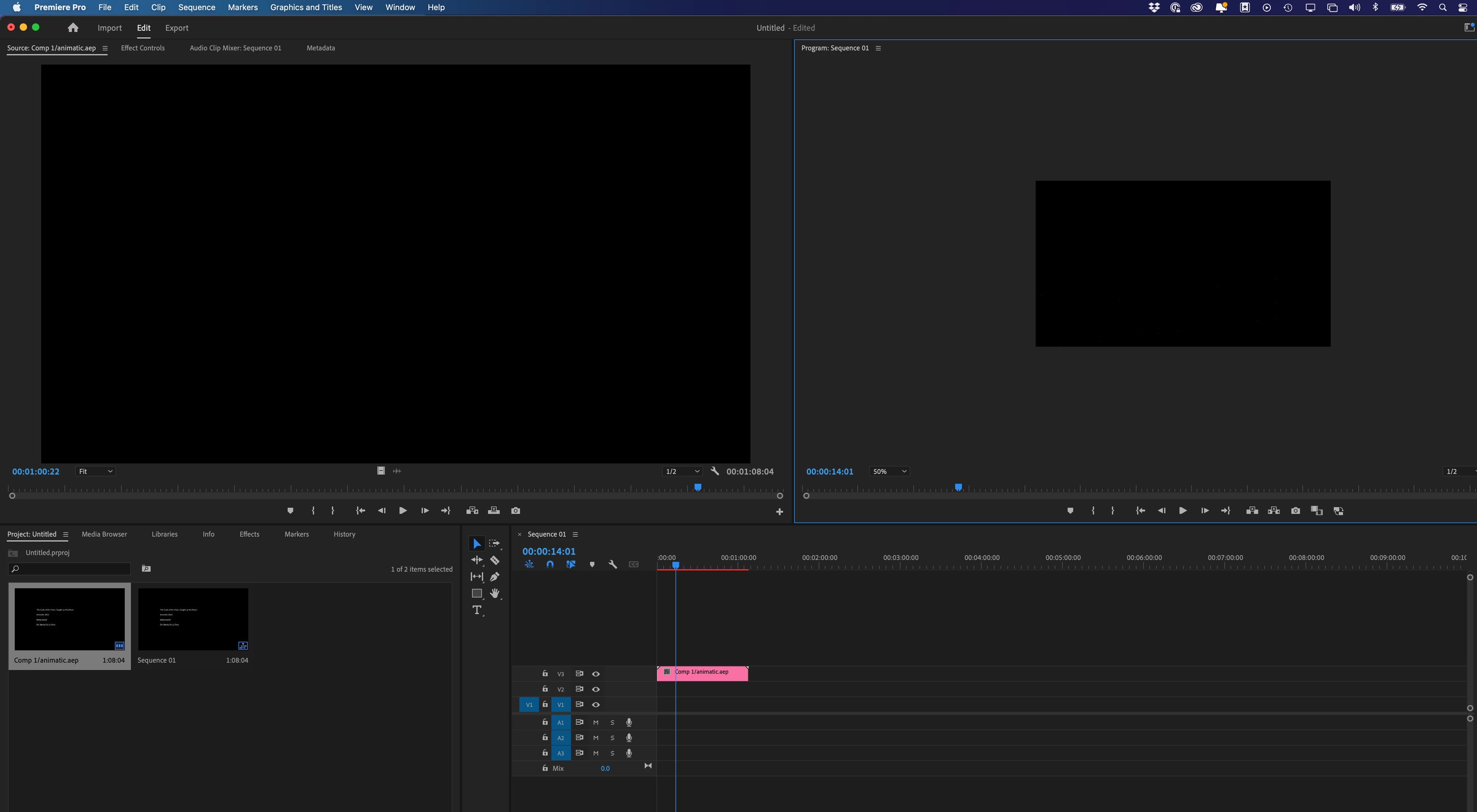
 

Blank in premier


Attempted pro res render?


A few other attempts that are all glitchy or blank


This topic has been closed for replies.

10 replies

nishu_kush
Legend
June 1, 2024

Thank you for the message and sorry for the delayed response. Are you still having the issue? Let us know.

I am moving this thread from Bugs to Discussions for now.


Thanks,

Nishu

Moon GirlAuthor
Participating Frequently
August 14, 2023

I have since created more or less the same sequence in iMovie, so I can at least assemble the rough edit but I am still not entirely sure which rendere settings I should be using. I don't want to spend more time on this if I can get something simple with iMovie, but if there is an obvious setting that should work with my machine and version to export a video supported by quicktime on mac, please let me know!

Trying to remember everything off the top of my head, I've used:

  • H.264 with the default settings
  • Quicktime Animation 
  • Quicktime Pro Res 422
  • Quicktime Pro Res 444


I've not tried the other types of pro-res but I guess I might as well. This based on everything I did with my own research, hence the post here. Thanks!


Moon GirlAuthor
Participating Frequently
August 11, 2023

I'd also like to note that I've tried changing the composition background color to a navy color to see if it somehow was just not rendering the layers, but my failed attempts continue to be all black. Latest export attempt was a Quicktime with video setting sto RGB Alpha (which I don't really need any transparency for this, just trying things) and Pro Res 4444. Still a black video for this. Will check this thread later for any other recommendations. Thank you!

Moon GirlAuthor
Participating Frequently
August 11, 2023

I am on After Effects 23.5 and may try updating to the next version if nothing else works, but it seems relatively up to date?


I've tried exporting with a bunch of different settings. My usual go to was always to do Losless, Quicktime, Animation. I've read that the Animation codec no longer works, so now I've tried various combos of H.264 or Quicktime exports. I've also tried taking these exports that play black and pulling them into the Media Encoder, but it just results in the same thing more or less.


Is there a recommended setting to use?

Community Manager
August 11, 2023

Could you try rendering with different output module settings? And which version of After Effects are you using? 

Moon GirlAuthor
Participating Frequently
August 11, 2023

Here's another screenshot of this comp rendering....


Moon GirlAuthor
Participating Frequently
August 11, 2023

Ok I can see that it did filter out on the right, but here it is unfiltered


Moon GirlAuthor
Participating Frequently
August 11, 2023

Sorry that looks confusing. I did a search filter on my layers and forgot to clear it out, but I assure you the timeline has layers (you can see them on the right side with the footage on the timeline)

Moon GirlAuthor
Participating Frequently
August 11, 2023

I actually just filtered the layers out. The video plays in the render preview when I'm doing the render. I did purge all memory the other night, but will try again.

Community Manager
August 11, 2023

Hi Moon Girl

So in your first screenshot, you seem to not actually have any layers in your timeline panel in Comp 1....but there are layers visible in the comp viewer. 

I think you may be seeing an error in your Comp Viewer, I think it should be blank too. Could you try purging the cache by going to the Edit menu and then choosing Purge > All Memory. You may have to recreate your comp contents,