
Participant
January 30, 2023
Answered

Cannot Find Null Object Animation Keyframes

  • January 30, 2023
  • 1 reply
  • 503 views

Hey all. Working in Ae with a pre-built template.


Problem Summary

For the [PH Logo] comp I can see that the animation is linked to Null 2.
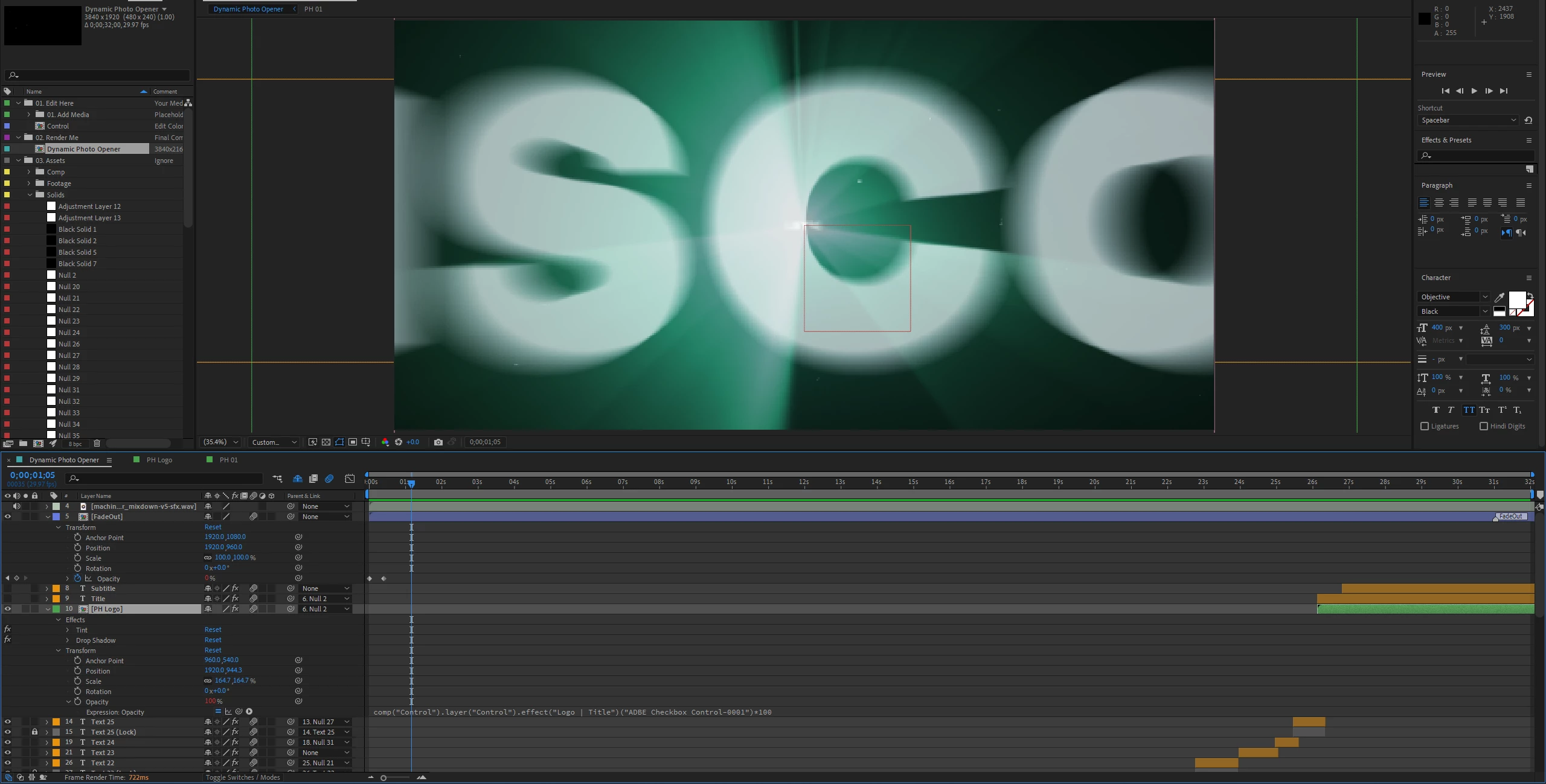


However, I cannot find where to modify Null 2's keyframes.

Null 2 is not in the main compisition timeline, and double-clicking into Null 2 from the project file window doesn't yield any results (pulls up Null 2's footage panel).

If I drag Null 2 from the project file window into the main []Dynamic Photo Opener] comp, the null has no keyframes or information under its transform properties.


Question

How can I change the keyframes for Null 2?

Where do I find my Null Object settings?

This topic has been closed for replies.
Correct answer Rick Gerard

You have hidden the shy layers. Turn that switch off in the top left side of the Timeline Panel and look for the layer in the timeline. 


You can also search for Null 2 in the timeline search field.


You can also open the Composition Flowchart, expand it and reveal all layers and all effects added to the project. Double-clicking on any layer in the Flowchart will open that layer in the appropriate comp. Pressing the 'u' key twice will reveal all modified properties on that layer.

1 reply

Rick GerardCommunity ExpertCorrect answer
Community Expert
January 30, 2023

You have hidden the shy layers. Turn that switch off in the top left side of the Timeline Panel and look for the layer in the timeline. 


You can also search for Null 2 in the timeline search field.


You can also open the Composition Flowchart, expand it and reveal all layers and all effects added to the project. Double-clicking on any layer in the Flowchart will open that layer in the appropriate comp. Pressing the 'u' key twice will reveal all modified properties on that layer.

Mr. DoeAuthor
Participant
January 30, 2023

Thanks so much, Rick. That's a new one for me. Appreciate the assistance; a true life-saver!