Participant
March 2, 2018
Answered

Cannot open anything

  • March 2, 2018
  • 1 reply
  • 549 views

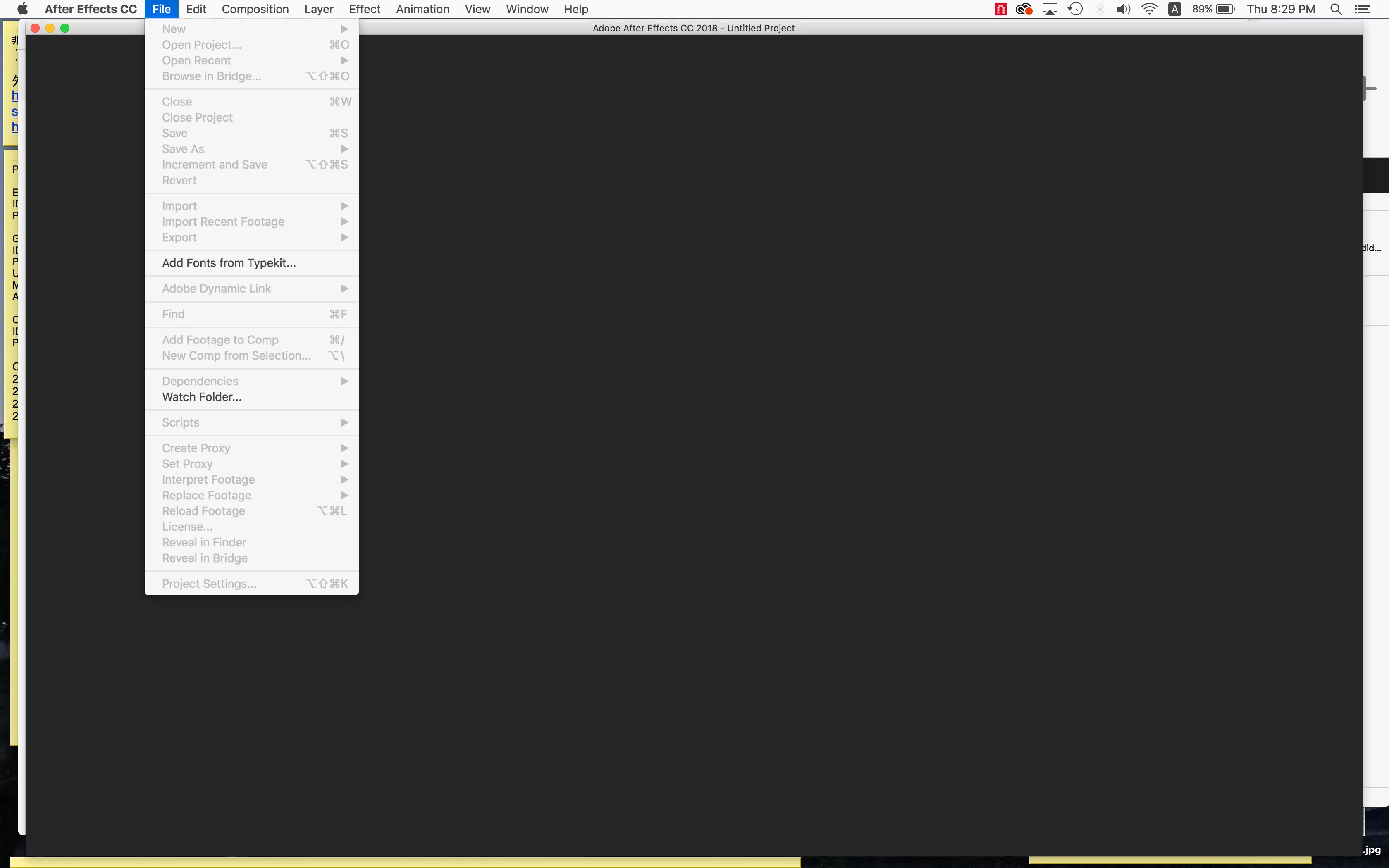
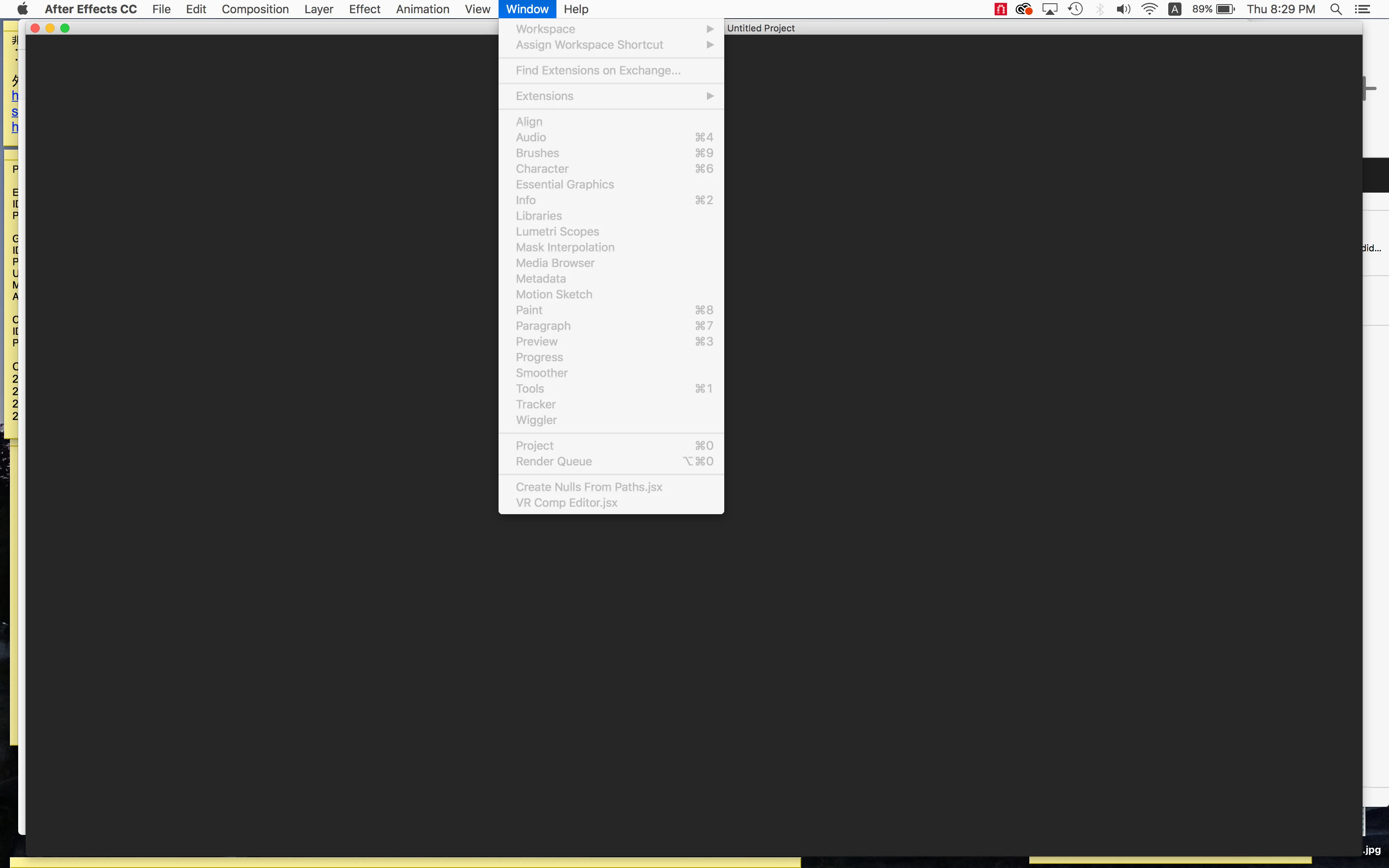
I'm using CC 2018 and never had any problems before, but when I open AE today, it shows nothing. Just black. And cannot open any new project or workplace window. What is happening? How can I create new project?

Every time I have to open my old project first then delete all the comps, layers and everything to start.
    This topic has been closed for replies.
    Correct answer Roland Kahlenberg

    Rick may be on to something that I missed out. It's quite likely that you've launched the wrong executable file - AE's Render Engine instead of AE itself - they both reside in the same folder. Hence, you may have inadvertently launched the wrong application.

    On graphics card drivers, yes; you do need to ensure these are updated. They are manufactured by a third company and installing AE will have little effect in ensuring that these cards are updated with the latest drivers, which invariably means a more stable system to work with; especially with a demanding application such as AE.

    1 reply

    Roland Kahlenberg
    Legend
    March 2, 2018

    Ensure you have the latest drivers for your graphics card. And ensure your OS is up to date. Such issues normally point to an issue with your graphics card/drivers and less often an issue between the OS and the graphics card. AE uses the graphics card to display its user interface (UI). Hence this is where the initial cause of the problem should be looked at.

    Very Advanced After Effects Training | Adaptive & Responsive Toolkits | Intelligent Design Assets (IDAs) | MoGraph Design System DEV
    Community Expert
    March 2, 2018

    Make sure you have not opened the render engine. Check the program file. It should NOT say Render Engine.