Participant
June 1, 2022
Question

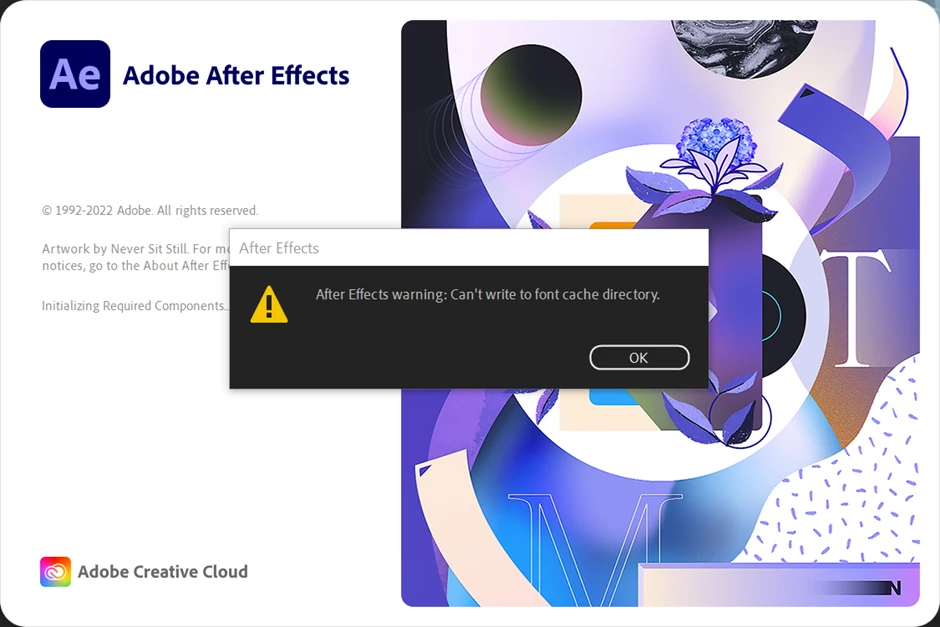
Cant't write to font cache directory

  • June 1, 2022
  • 1 reply
  • 550 views

Hello!

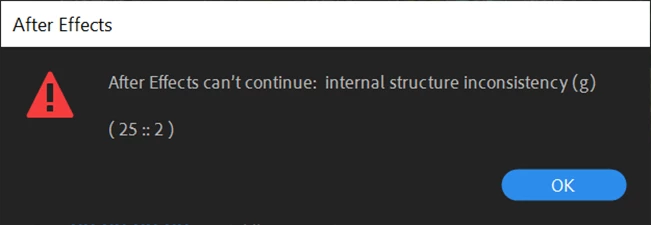
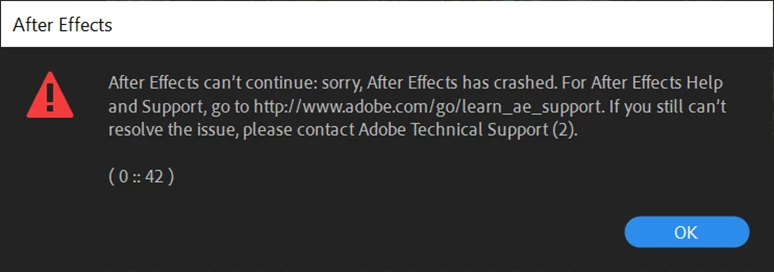
It is not possible to get Ae to work. Uninstalled, installed, same problem.

Best...

Stefan
 

This topic has been closed for replies.

1 reply

Mylenium
Legend
June 1, 2022

Without any actual system info we can't really tell you much. From permissions issues on the folders to technical problems with the font rendering this could be anything. The first thing to do would be to delete the Adobe and Windows font caches in safe mode and then also check the graphics driver, system DPI setting and so on. also of course weed out any unnecessary fonts you may have added. A single "bad" font can totally mess up things.


Mylenium

Participant
June 2, 2022

Thank you, Mylenium.

After trying various things, I had the idea this morning to start Ae with administrator rights. And see, it starts up. And then it also starts without administrator rights. But that didn't solve my real problem: Premiere needs Ae in the background when using Motion Graphics and still claims that Ae is not installed (it's running right now, as you can see).

Stefan


nishu_kush
Legend
June 2, 2022

Hi default19dr8lrgeh1h,


Great troubleshooting!

Can you try changing the permissions as instructed in the following article: https://helpx.adobe.com/ie/x-productkb/multi/preferences-folder-read-only-error.html

If it doesn't help, create a new user account (for testing) and see if After Effects is working in it.

Let us know how it goes.


Thanks,

Nishu