
Participant
January 10, 2023
Question

Casting Shadows using Cinema 4D rendering engine?

  • January 10, 2023
  • 3 replies
  • 675 views

I have a comp that contains extruded shapes so I need to use the Cinema 4D rendering engine. However nothing in the comp will cast shadows. Is there anything I can do about this? I can't use C4D to do this project instead as it's way too complex but I guess I could remake the extruded objects in C4D if that helps. I'm on AFX 22.2.1. Thanks


Here is the comp with the Classic 3D engine. Objects cast shadows.
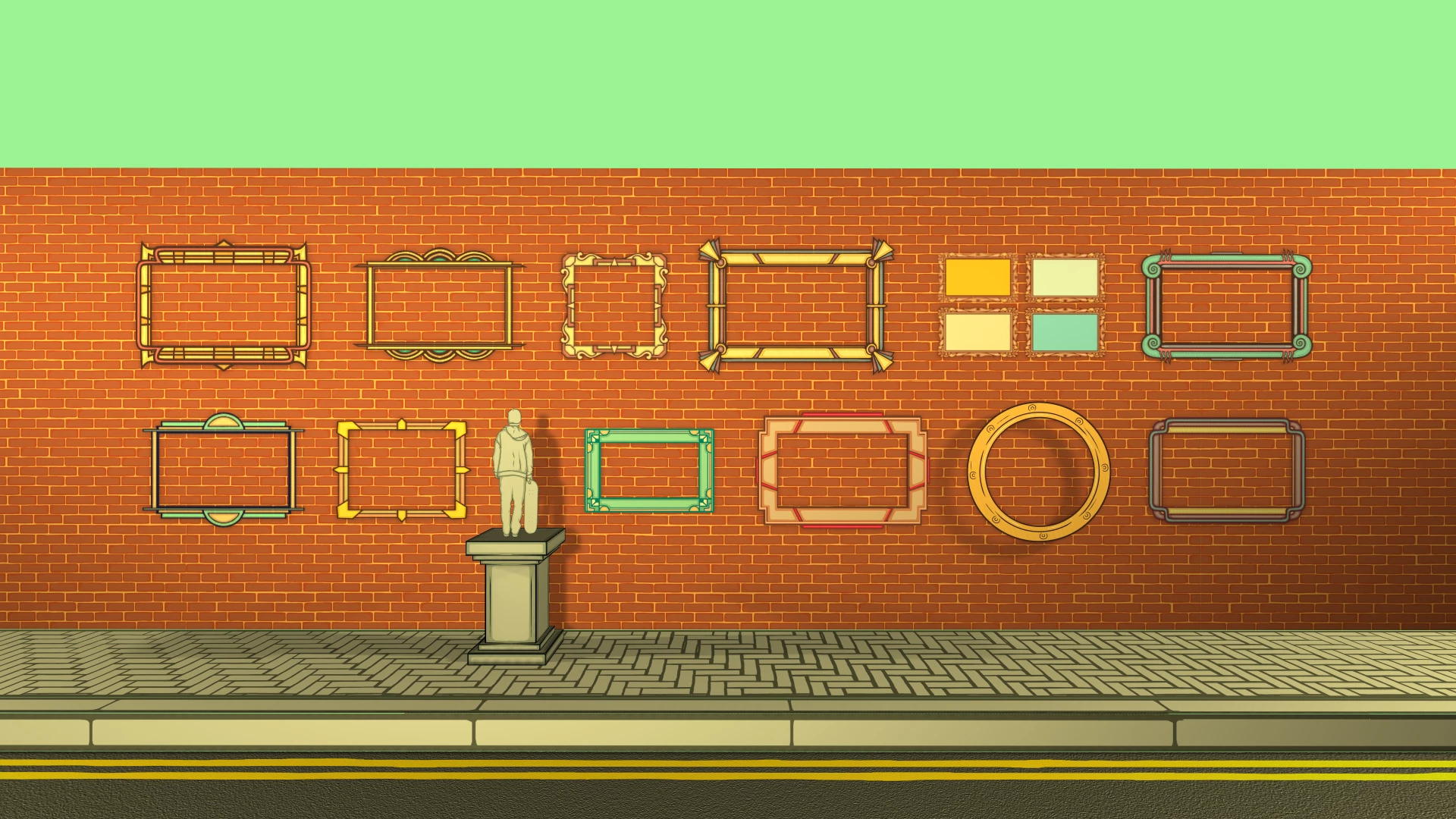


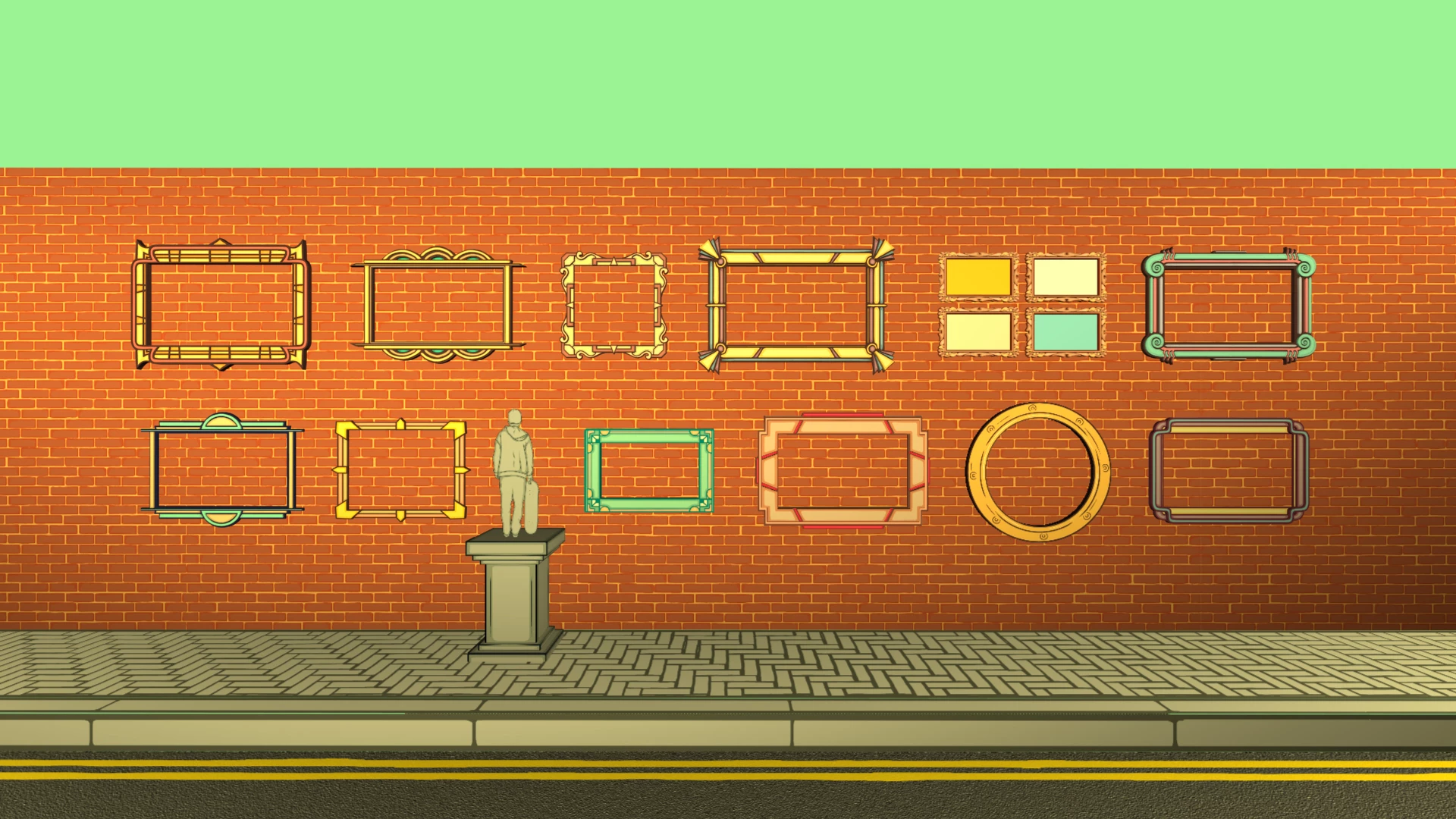
Here it is with Cinema 4D enabled. The frames on the wall are extruded and 3D but no shadows are cast from any objects


3 replies

Mylenium
Legend
January 11, 2023

Not sure what you're getting at. Your picture frames do cast shadows, they just look drastically different, which may relate to the limitations laid out in the help with respect to light transmission and transparency handling.


Mylenium

Mylenium
Legend
January 11, 2023

Refer to this:


https://helpx.adobe.com/after-effects/using/composition-basics.html


There are definitely a lot of limitations using the C4D renderer.


Mylenium 

Participant
January 11, 2023

Thanks. That article doesn't seem to say much on the issue, only pointing out the limitations that pop up in AE when you switch to C4D. I understand there are limitations but objects casting shadows doesn't seem to be one of them


ToolfarmJP
Community Expert
Community Expert
January 11, 2023

I am not sure about the specific cause. If you are a Windows user, I recommend you update the graphic card driver to the latest.