



CC Particle World - Origin and 3D Camera tracker strange issue
Now here's a puzzle I'm curious about and maybe it's just pushing the limits of the effect too far.
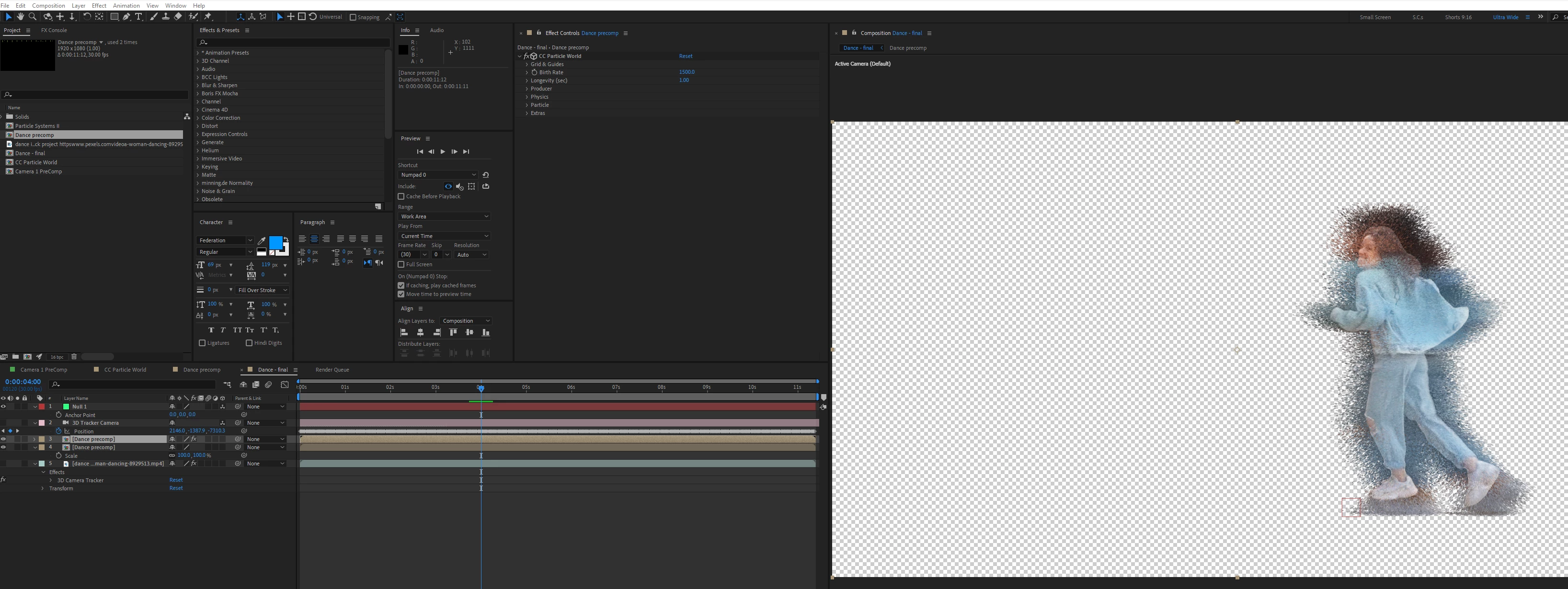
I was playing around with CC Particle World and footage of a woman dancing. I'd roto-brushed the figure and used CC Particle World's Color Map's Origin Constant setting. This produces a cute effect, similar to Particle Systems II's but in 3D space.
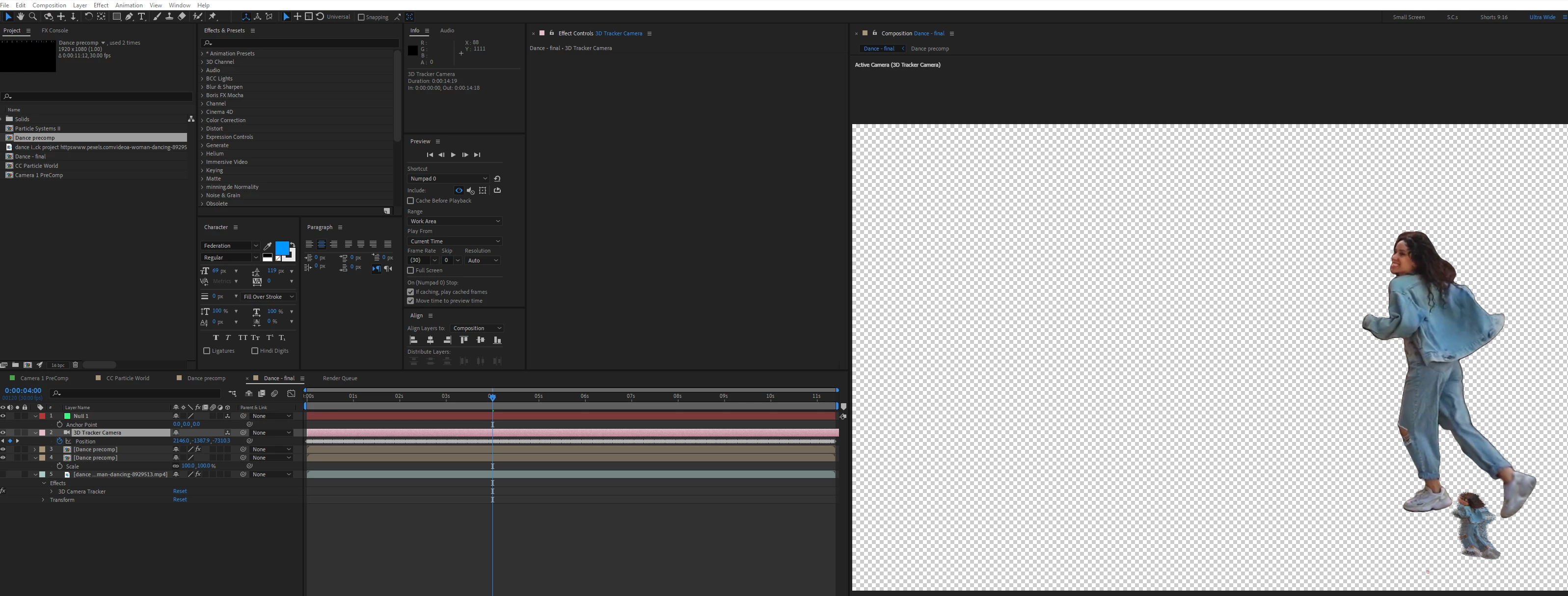
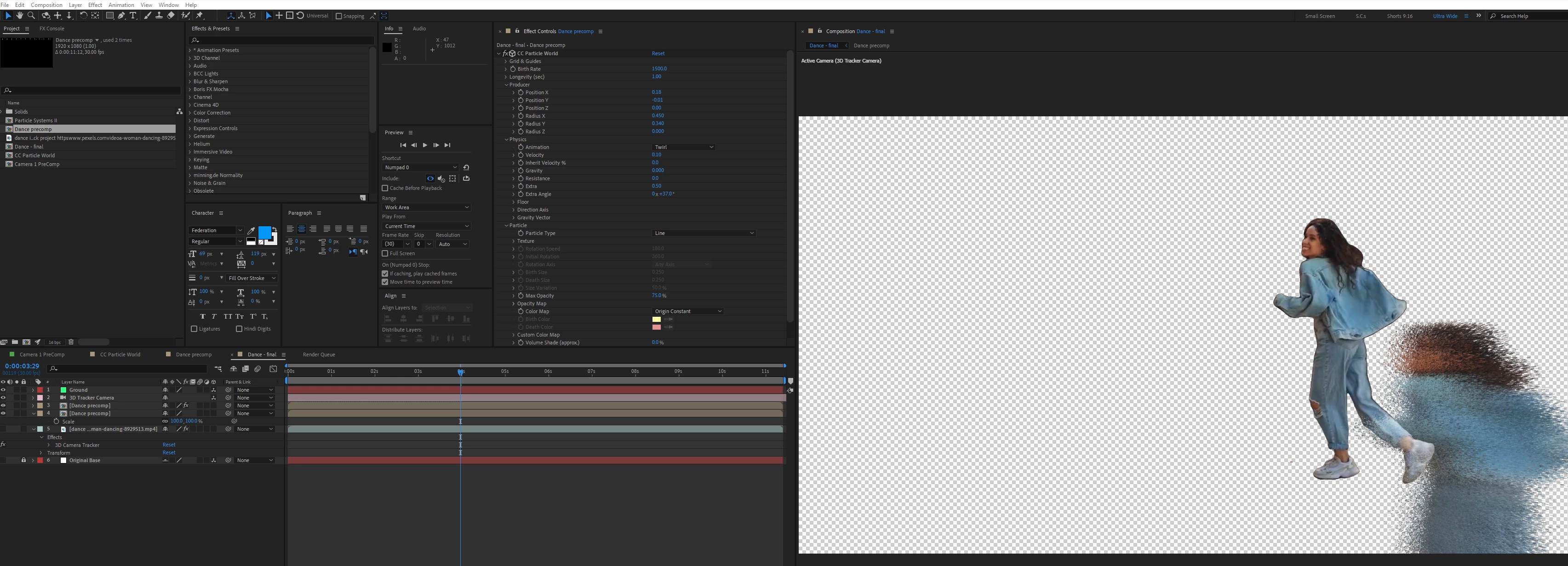
The footage is from Pexels and the camera is moving, so I added a camera tracker. This is where it gets odd. Without the 3D camera, the particles appear on the figure. With the 3D camera, they are displaced and small in frame. Using Workbench's Normalize Track script to reduce the tracking distances, the particles emit at the correct size of emitter, but are still not on the figure.
It's not that big a deal, but the overall effect looks better when a floor is added, as it makes the particles look like they are in real space more.
No camera:
With Camera:
With normalized script and camera:
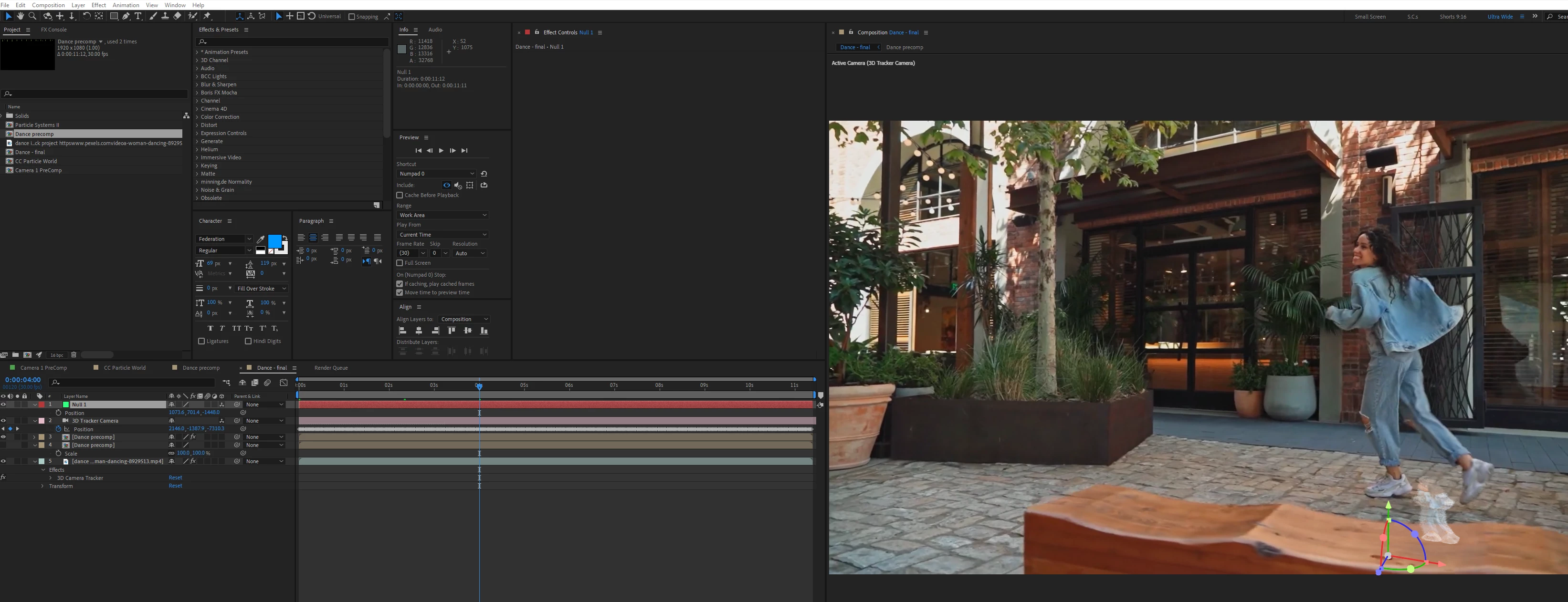
Original footage visible:
Normalised but Origin off ( a similar issue occurs without normalising the tracking data)
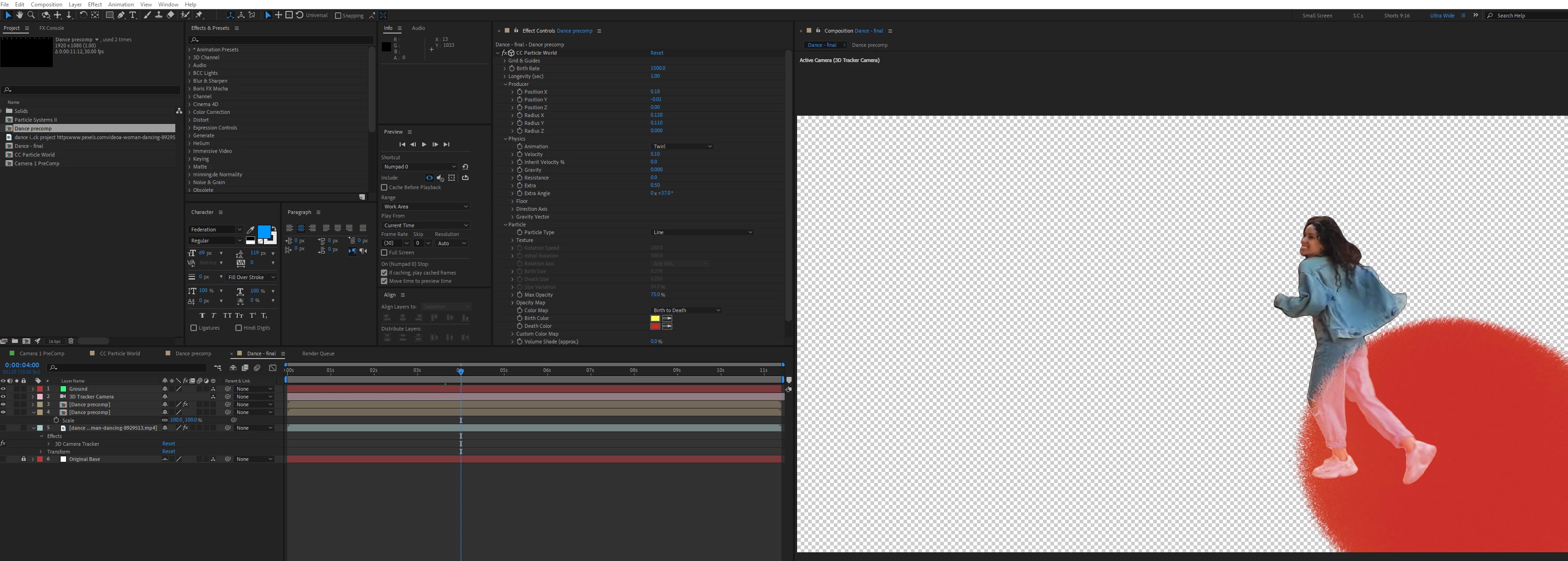
(I can't replicate again, but yesterday when trying this, I ended up with mini figures reflecting(?) on the particle layer.)
I think Particular can do this, but as I make tutorials, I try to force myself to not promote pay-for solutions. My feeling is if you are a watching a tutorial because you need to learn how to do something, then you probably don't have the resources to spend even more money.
I've used CC Particle World with a 3D cameras loads of times, but I'm not sure if I've ever used it with a 3D Tracker Camera. Missing from my screenshots is that these were in Advanced 3D, but I've also tried with the other 3D renderers.
So that's the head scratcher. Any ideas?
(AE 24.6.2 on Windows 11)


 AdChoices