
Participant
December 4, 2020
Answered

CC Repetile or Offset causing render failure?

  • December 4, 2020
  • 1 reply
  • 1645 views

Hi all,


I'm trying to export a short 4second 1080x1080 vid. I've isolated the comp that cant be exported to the one with CC Repetile and Offset effects being used. I'm able to export all comps within this comp, so I'm sure one of the effects at this level is causing the issue. Initially I thought it might have been due to my PSD file layers, so I rexported and imported them as PNGs, but the problem still persists. 
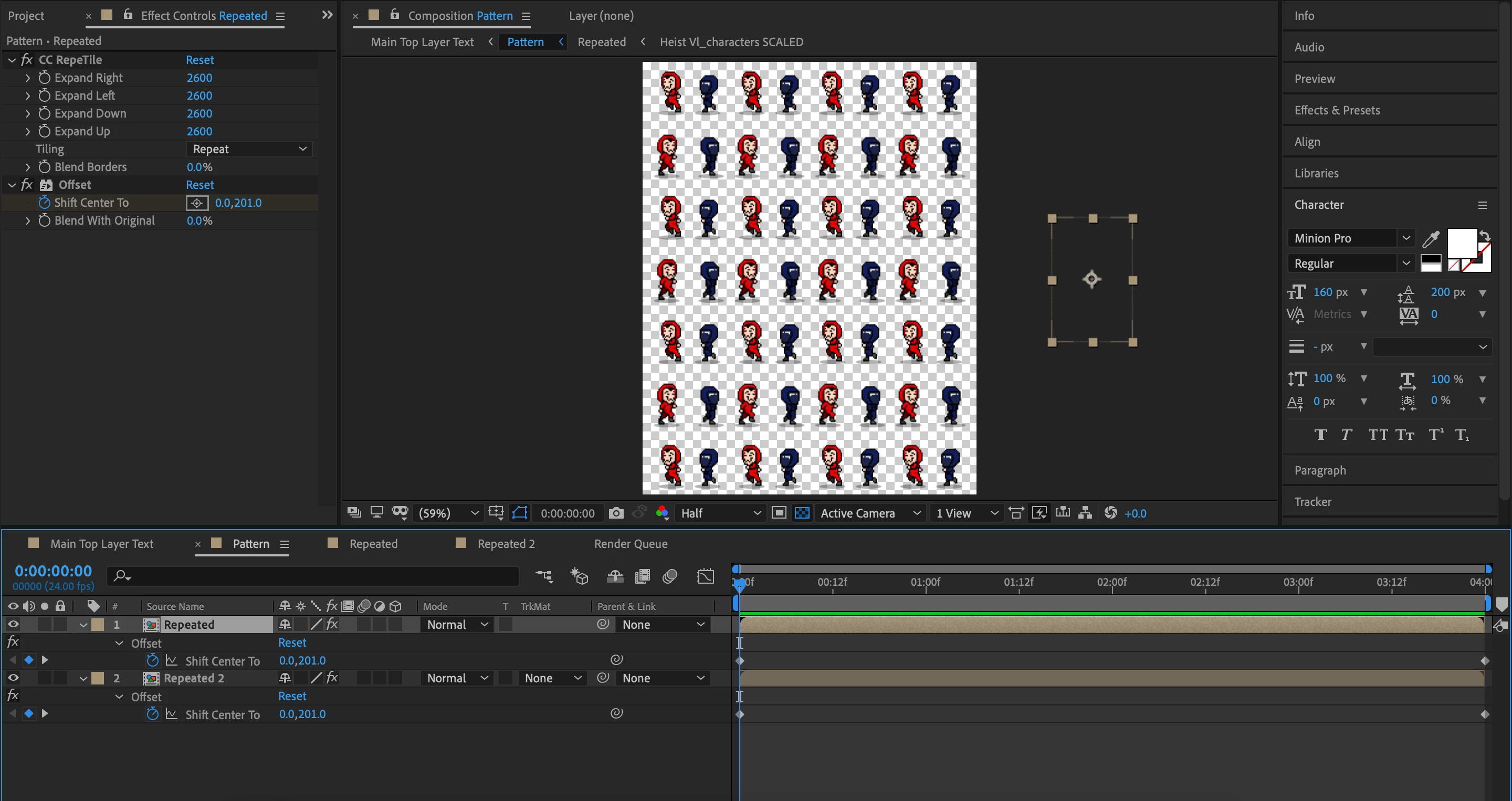
 

In media encoder, the render fails at 20 secs, and cant be previewed in export settings either (Only see "Rendering..." but nothing ever happens".
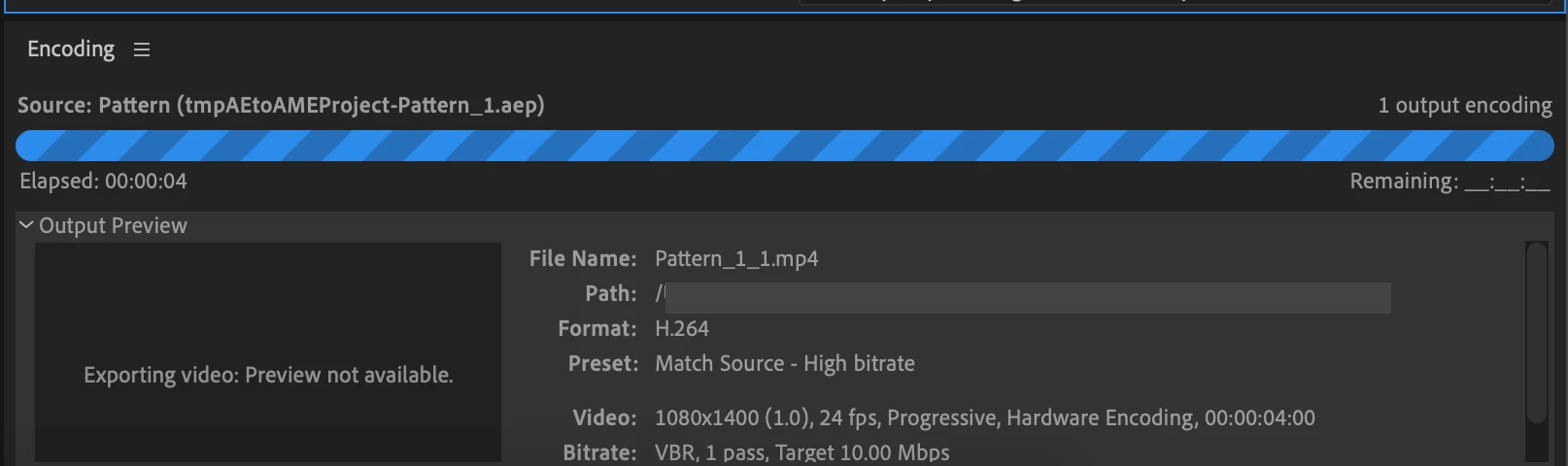
 

I'm doing this on AE 2020 and Adobe Media Encoder 2020.

Is this a known bug? Or is there a setting that I'm forgetting?


Any help will be appreciated. Thanks!

This topic has been closed for replies.
Correct answer Szalam

Try rendering out of AE's render queue instead. Render to a decent intermediate codec (for example, QuickTime with ProRes 422). Then you can take that into AME to make your MP4 deliverable.

If that fails in AE, it might give you some more useful information in the log as to why it's failing.

1 reply

Szalam
Community Expert
SzalamCommunity ExpertCorrect answer
Community Expert
December 4, 2020

Try rendering out of AE's render queue instead. Render to a decent intermediate codec (for example, QuickTime with ProRes 422). Then you can take that into AME to make your MP4 deliverable.

If that fails in AE, it might give you some more useful information in the log as to why it's failing.

NnmmttAuthor
Participant
December 5, 2020

Hey Szalam, thanks for the quick reply!


Yup so I exported in AE's render queue, and and changed the log dropgdown from "Errors only" to "Plus Per Frame Info". This is what I got in the logs:


didn’t delete empty file “Pattern.mov” because it was larger than expected. (26 :: 170) After Effects has encountered a failure related to GPU-enabled effects on this frame. This is likely because your GPU is out of memory.

Please decrease your rendering resolution, close applications that may be using GPU resources, or set this project to render effects using "Mercury Software Only" in: File -> Project Settings -> Video Rendering and Effects


So that told me why it still managed to render my vid, even tho it came out as a black vid. With that info I set the project to render effects using "Mercury Software Only", and also went to Edit > Purge > All memory & Disk Cache, and realised I had arnd 75GB in my disk cache... 🥴


After I purged it I could export it in AE's render queue to a QuickTime with ProRes 422 codec as suggested, which rendered out fine! I then converted it to MP4 in AME. However it still wasn't able to be directly exported and rendered in AME, so not sure what's happening there.


But still worked out in the end, thanks!

Szalam
Community Expert
Community Expert
December 5, 2020

I've found, in general, there are fewer errors and things are faster to do the two step process vs. sending it to AME. Glad it worked out for you too!