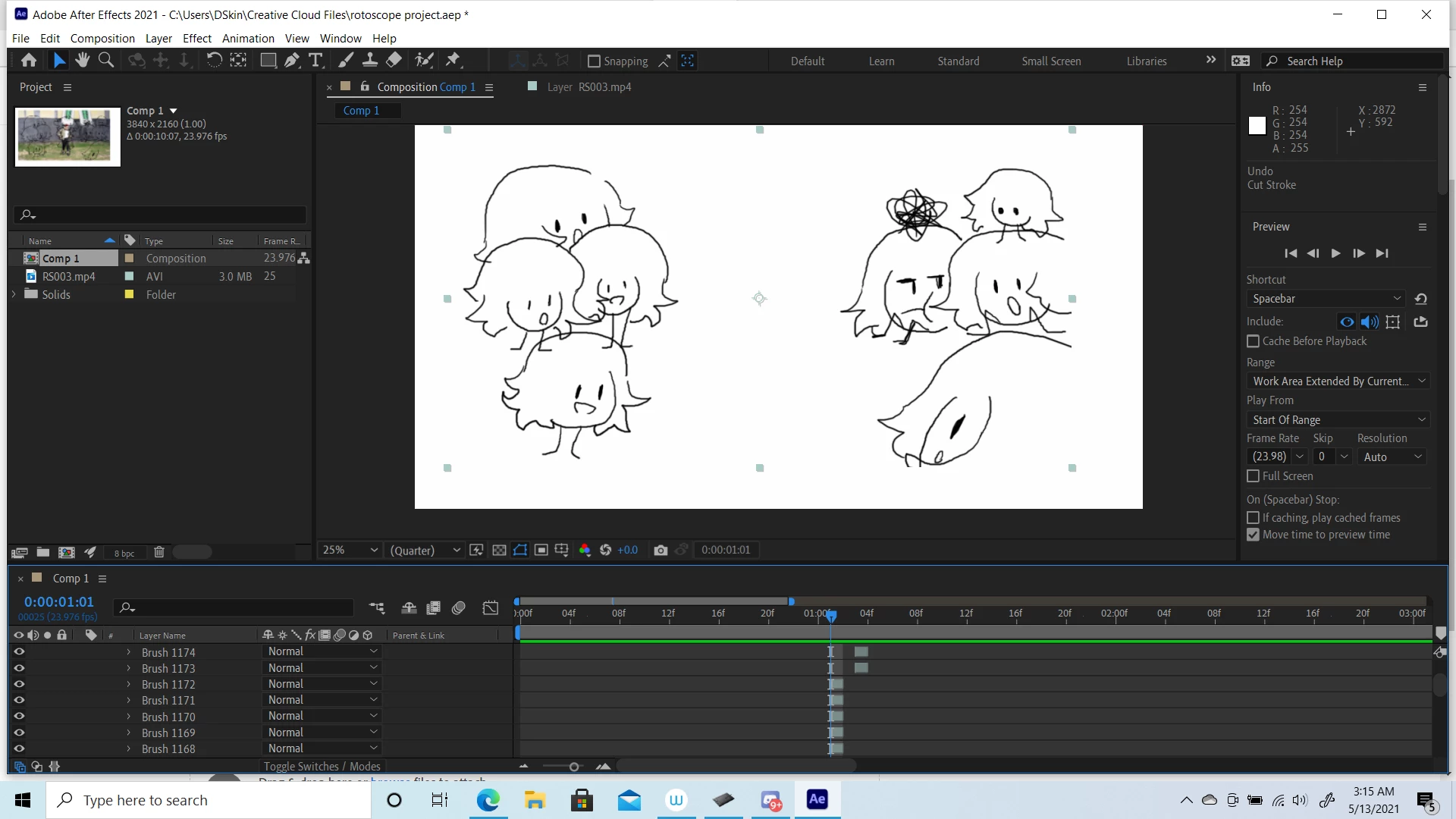
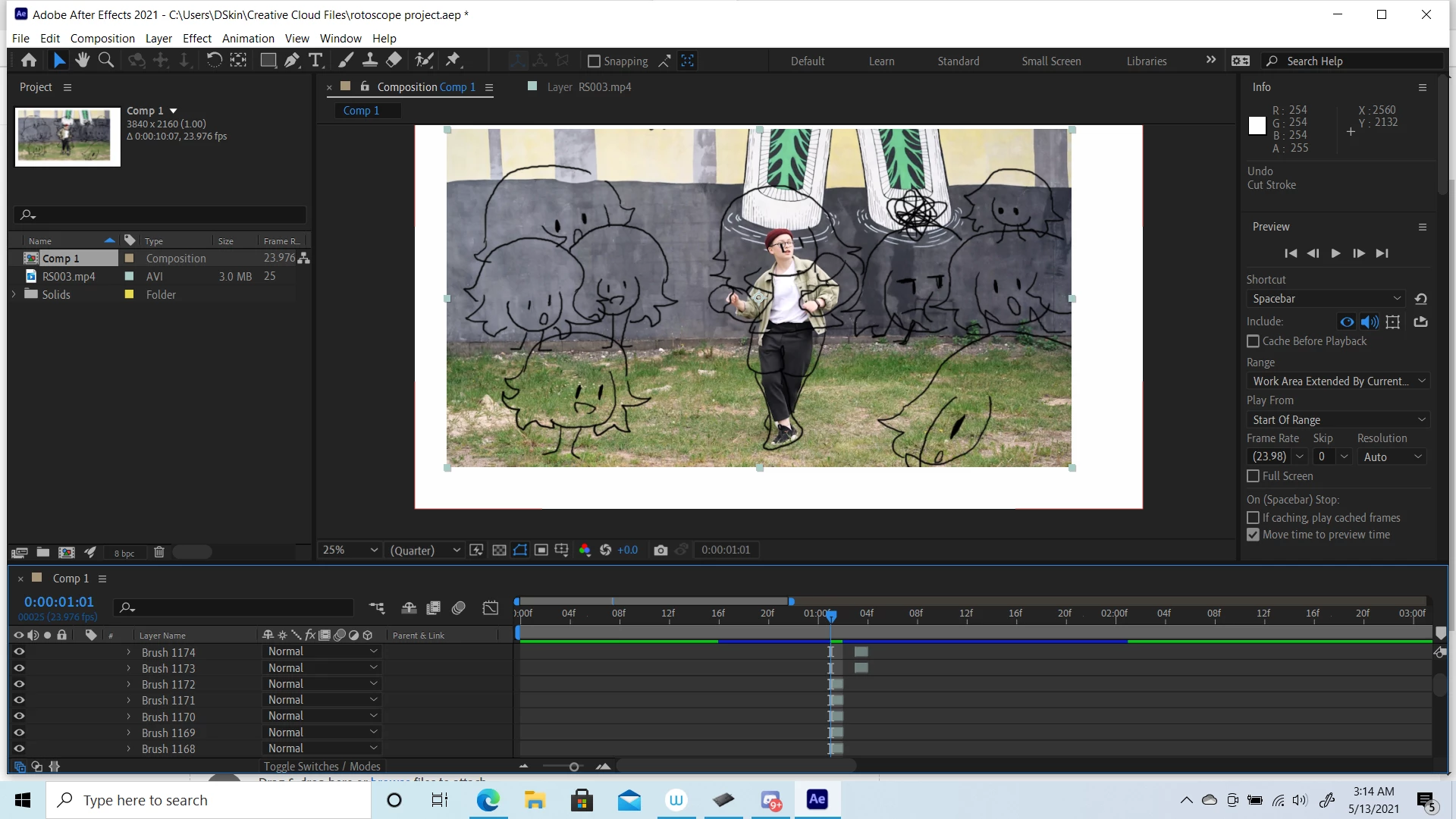
Participant
May 13, 2021
Question

certain paint layers become transparent when turning on "paint on transparent"

  • May 13, 2021
  • 2 replies
  • 304 views

Im not sure why after effects is doing this, i tried rotoscoping on the application and when i finished adding my last set of frames and finally turning on "paint on transparent" certain frames become transparent with the video im rotoscoping. all my paint layers 
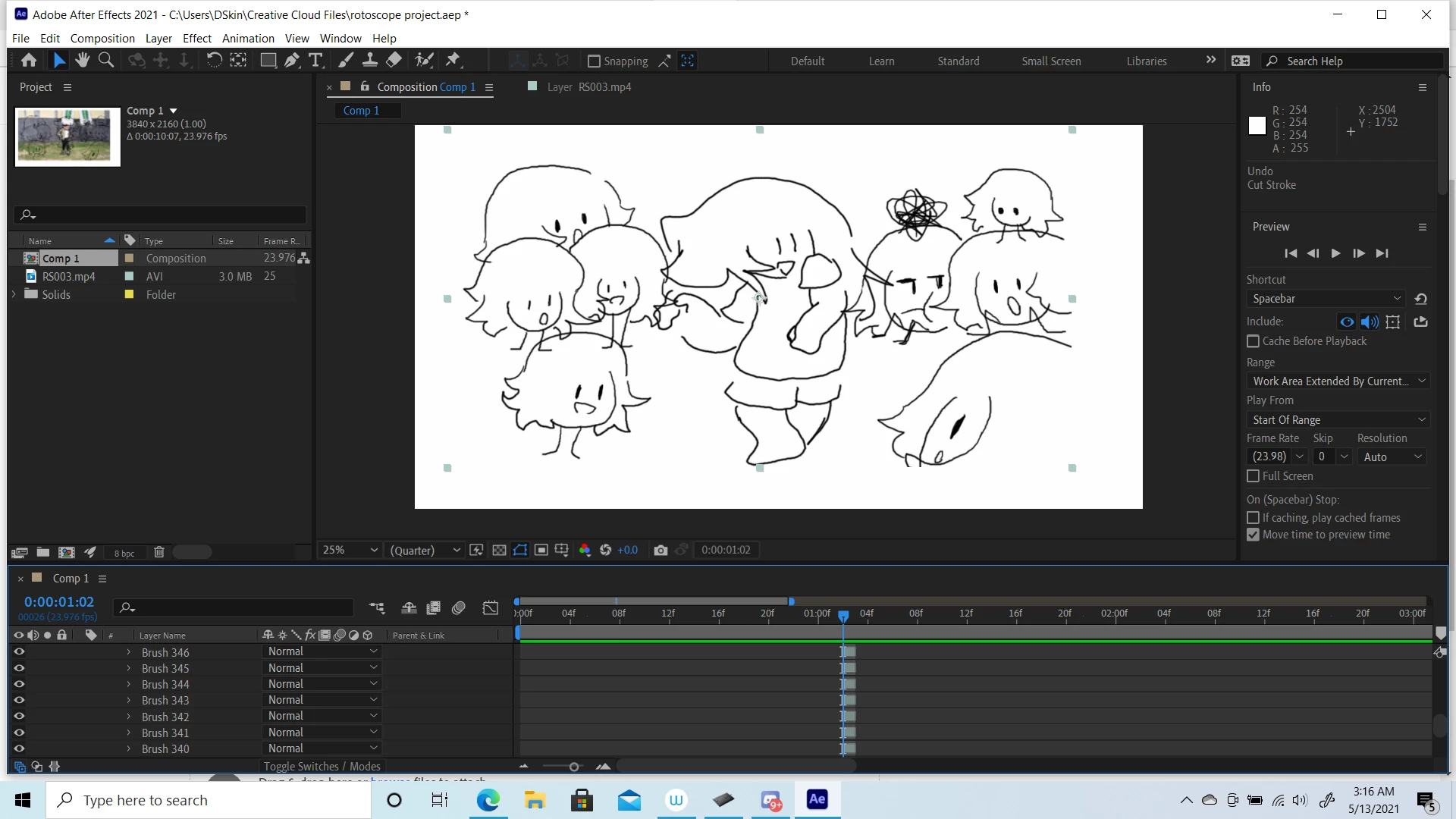
This topic has been closed for replies.

2 replies

Community Expert
May 13, 2021

Your screenshots are not showing us much. I can't see the paint options in the Paint panel, I don't know which layer is being turned on or off. I don't know if there is a source for your paint on transparent layer. I don't know which layer has the image or footage that appears in the last screenshot.


I think there is about a 50% chance this is just a user error. 


Try soloing the layer that is giving you problems, then press the 'u' key twice to reveal all modified properties of the layer, spin up all the brush strokes so we can see the rest of the things going on in the layer, and give us a more detailed description of your workflow.


Mylenium
Legend
May 13, 2021

Aside from these features being buggy in recent versions, the sheer number of strokes is likely simply exhausting resources. Combined with similar issues on the hardware acceleration front this may simply prevent layers from being displayed correctly. Splitting up your work into more mangeable slices is pretty much your only option here, but of course feel free to run the usual drill of checking settings, updating graphics drivers and so on.


Mylenium

Participant
May 13, 2021

how could i split my work up if thats not too much trouble to ask?