
Participating Frequently
January 22, 2025
Answered

Change Expression based on Composition Name

  • January 22, 2025
  • 1 reply
  • 830 views

What I'm trying to accomplish is to have a specific number in an expression change based off a number in the composition name.


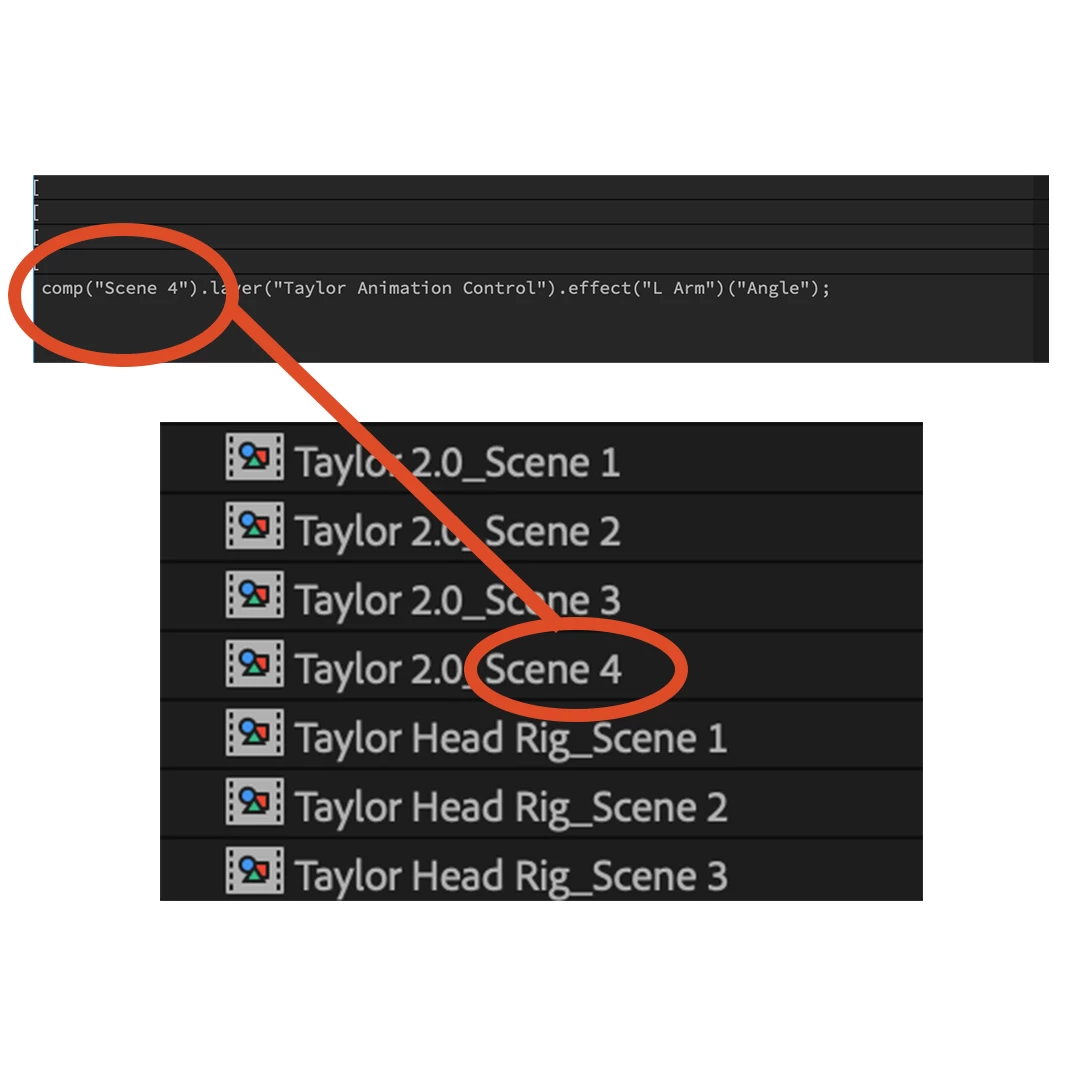
I have a character rig composition which needs to be used in several seperate compositions (Scenes). I have attached the rig controls to expression controls in a seperate Scene. However, in order to animate the character in each seperate Scene, I need to dedicate a character rig composition for each scene. For Example, Character Rig_Scene 1 is used in Scene 1, Character Rig_Scene 2 is used in Scene 2, etc.


Each time I duplicate my Character Rig_Scene #, I'd like the number to automatically change in the comp("Scene #") part of the expression. So comp("Scene 4") will pull the number from "Character Rig_Scene 4" composition.


Can this be accomplished? If so, what's a good approach?


Thanks for your help.


Please see photo for more context.
 

Correct answer Dan Ebberts

I think something like this should work:

comp("Scene " + thisComp.name.split(" ").pop()).layer("Taylor Animation Control").effect("L Arm")("Angle")

1 reply

Dan Ebberts
Community Expert
Dan EbbertsCommunity ExpertCorrect answer
Community Expert
January 22, 2025

I think something like this should work:

comp("Scene " + thisComp.name.split(" ").pop()).layer("Taylor Animation Control").effect("L Arm")("Angle")
Participating Frequently
January 22, 2025

Golly! That worked, thank you very much.


So how is this expression working now? Like how does it know to read the Scene #?

Dan Ebberts
Community Expert
Community Expert
January 22, 2025

It takes the name of the comp with the expression, splits that into an array of chunks wherever there's a space in the name, and then takes the last chunk (which is "4" in your example) and appends that to "Scene ".