Participating Frequently
March 6, 2024
Answered

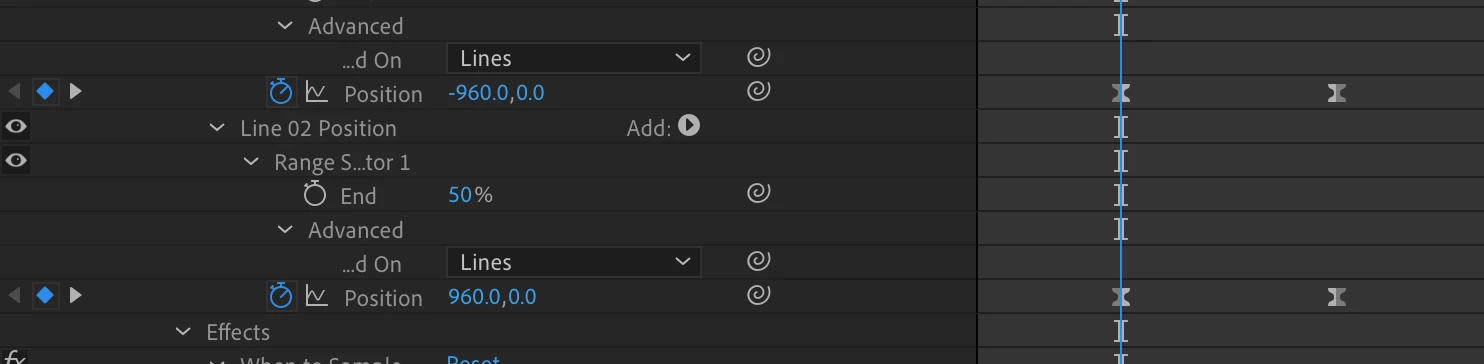
Change starting position with drop down expression

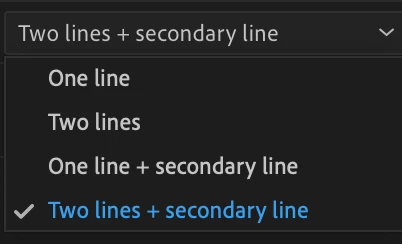
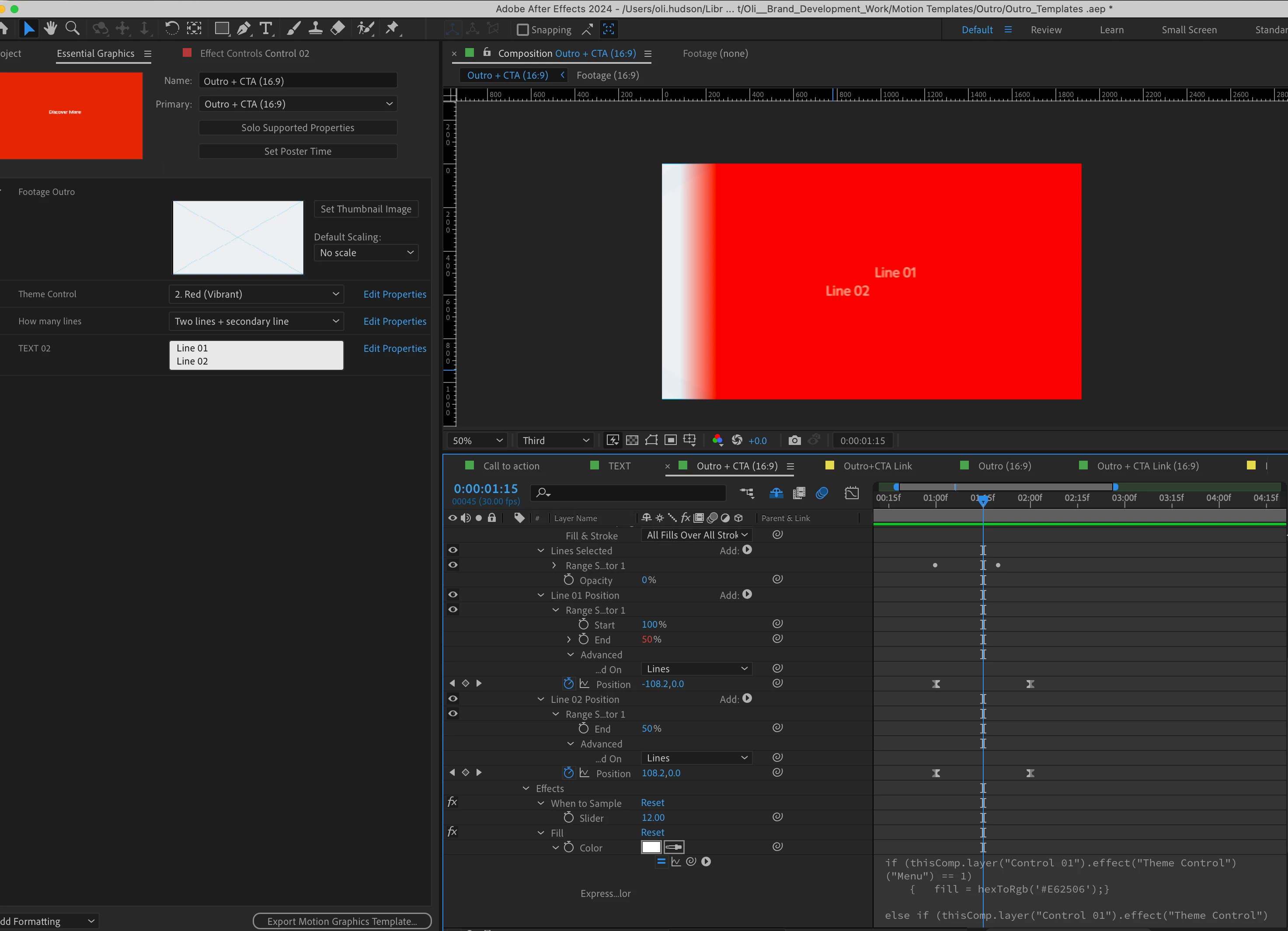
I have animated two lines of type for a template where they animate from opposite starting positions and then come together. The drop down in the template allows one line of type, two lines and a third option where both lines have the same starting position. 

I've tried using this expression all with no luck. 

dropMenu = effect("Dropdown Menu Control")("Menu");
myListe = [960, 960, -960];
myPlace = myListe[dropMenu - 1];
key1 = key(1).value[1];
key2 = key(2).value[1];
xVal = linear(value[1], key1, key2, key1, myPlace + key2);
[,xVal,value[0]];

 
Any help would be appreciated. 
This topic is closed to new replies. Start a new post to keep the conversation going.
Airweb_AECorrect answer
Legend
March 7, 2024

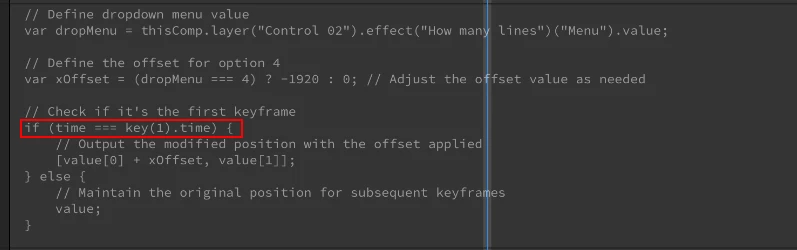
try:

if(time >= key(1).time){


5 replies

Legend
March 7, 2024


If you have 4 items in your dropdown menu, you must have 4 entries in your array.

And the first 2 entries in the array are identical, there is likely an issue, or you can remove 1 item from the dropdown menu.


dropMenu = effect("Dropdown Menu Control")("Menu");
myListe = [960, 960, -960]; // Add a value here
myPlace = myListe[dropMenu - 1];


Translate
Participating Frequently
March 7, 2024

@Airweb_AE 

Hi, I'm still stuck with this one. I found another bit of code which is changing the start point but as soon as I move one frame it jumps back to what it was previously. All I want to do is to have an expression that says on drop down 4 the X position should -960 so it enters from same direction as the line above. 

Translate
Airweb_AECorrect answer
Legend
March 7, 2024

try:

if(time >= key(1).time){


Translate
Mylenium
Legend
March 7, 2024

The properties you appear to be applying the expression have no keyframes, so what is the linear function even supposed to be doing? And your final statement has an extraneous comma, which of course would throw everything off.


Mylenium

Translate
Participating Frequently
March 7, 2024

@Mylenium It is the position property in the screenshot with those two keyframes. I removed the expression which I've written above. 

Translate