
Buddycat
Inspiring
September 8, 2018
Answered

Changing image orientation in a template in AE CS6 for Windows

  • September 8, 2018
  • 1 reply
  • 587 views

Okay, I might be using the wrong terms here, so bear with me.   I have a slide show template from Motion Array.   The individual orientation in the image templates are all landscape.   I'd like to change some of them to portrait, but I can't seem to find the controls.  How far and how deep do I need to go?     Here's the template image without a picture:
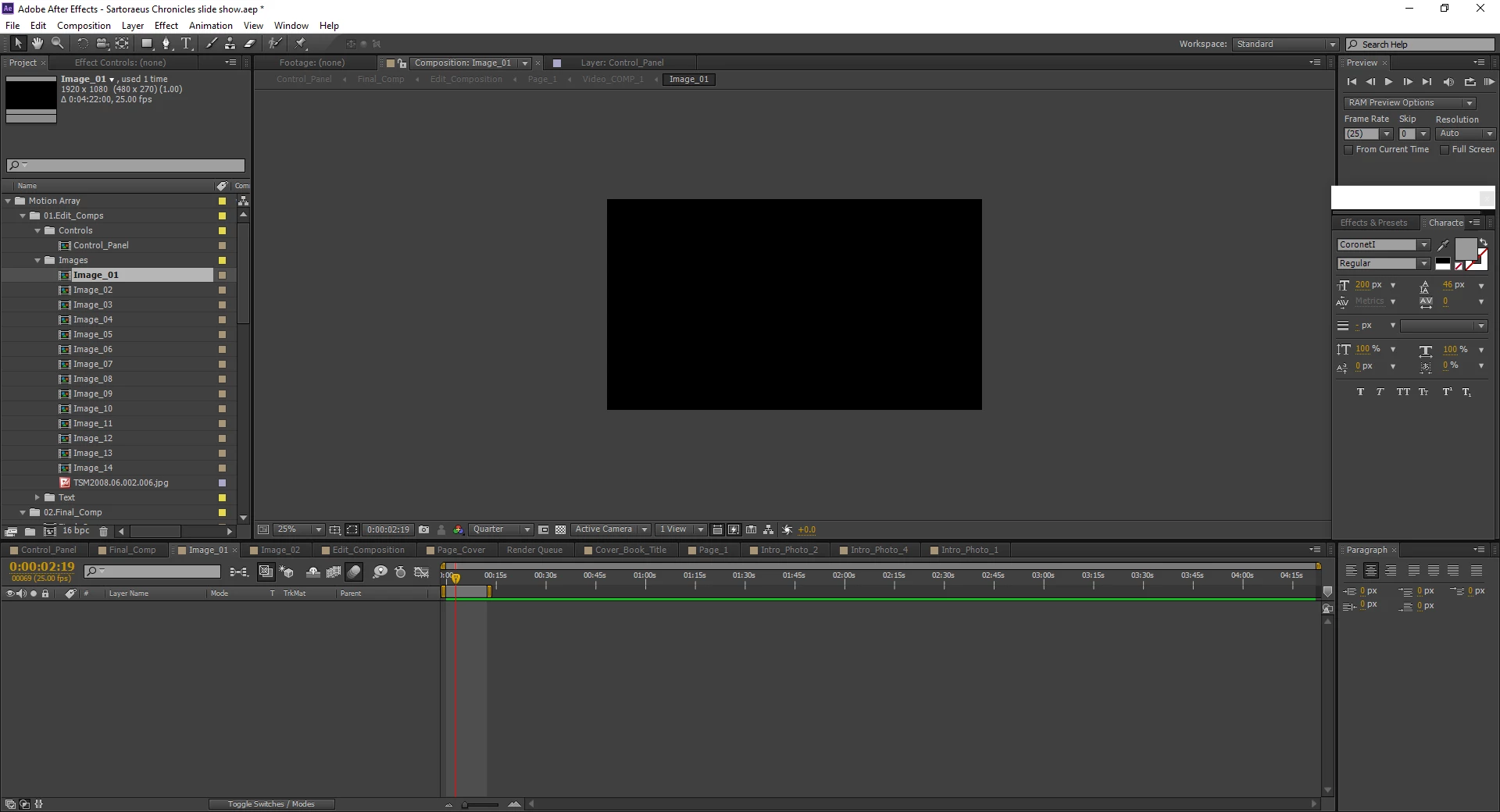
And here is the same one when I insert a photo.
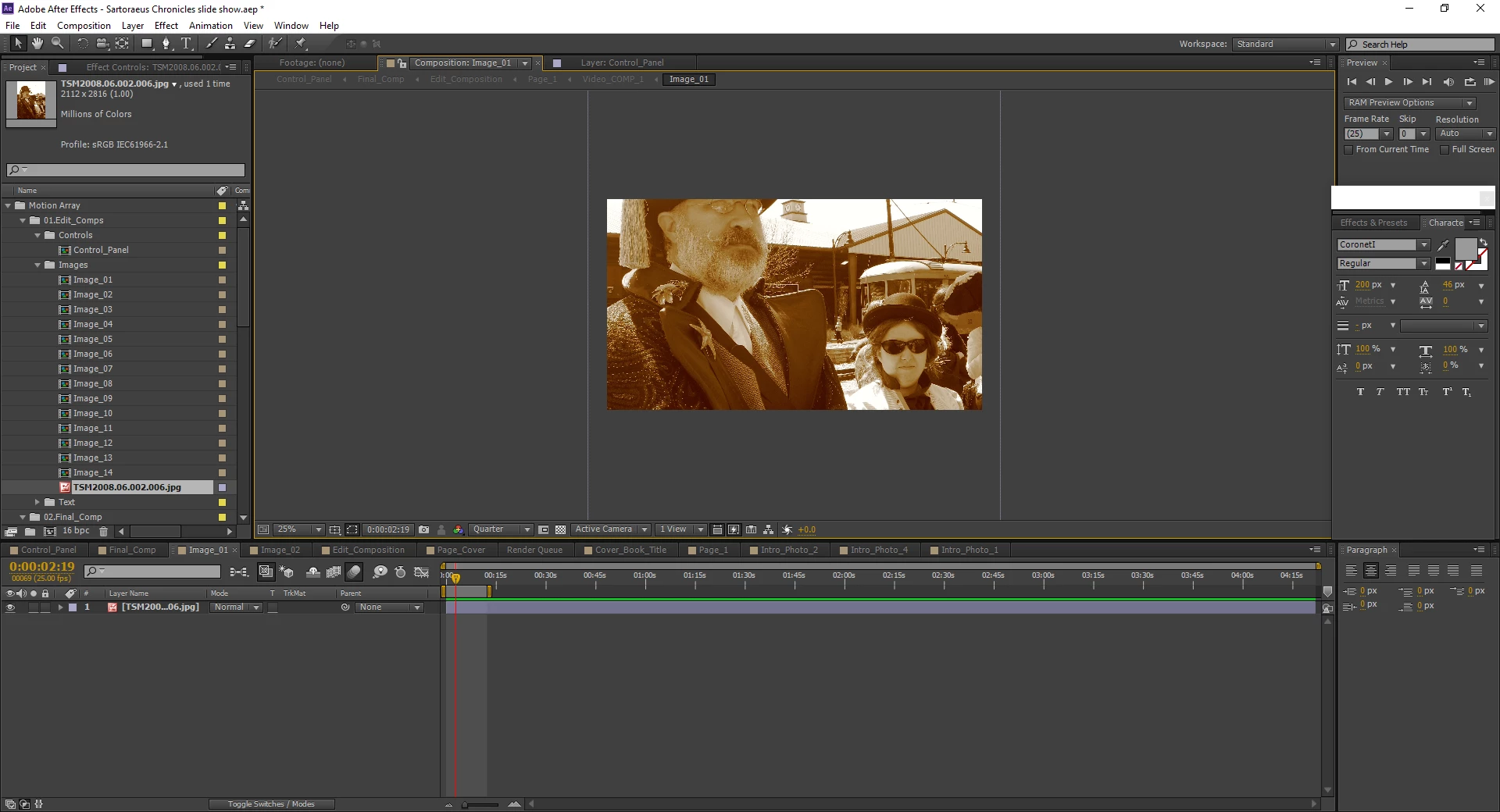
Is there a way for me to do make the change I want?
This topic has been closed for replies.
Correct answer Buddycat

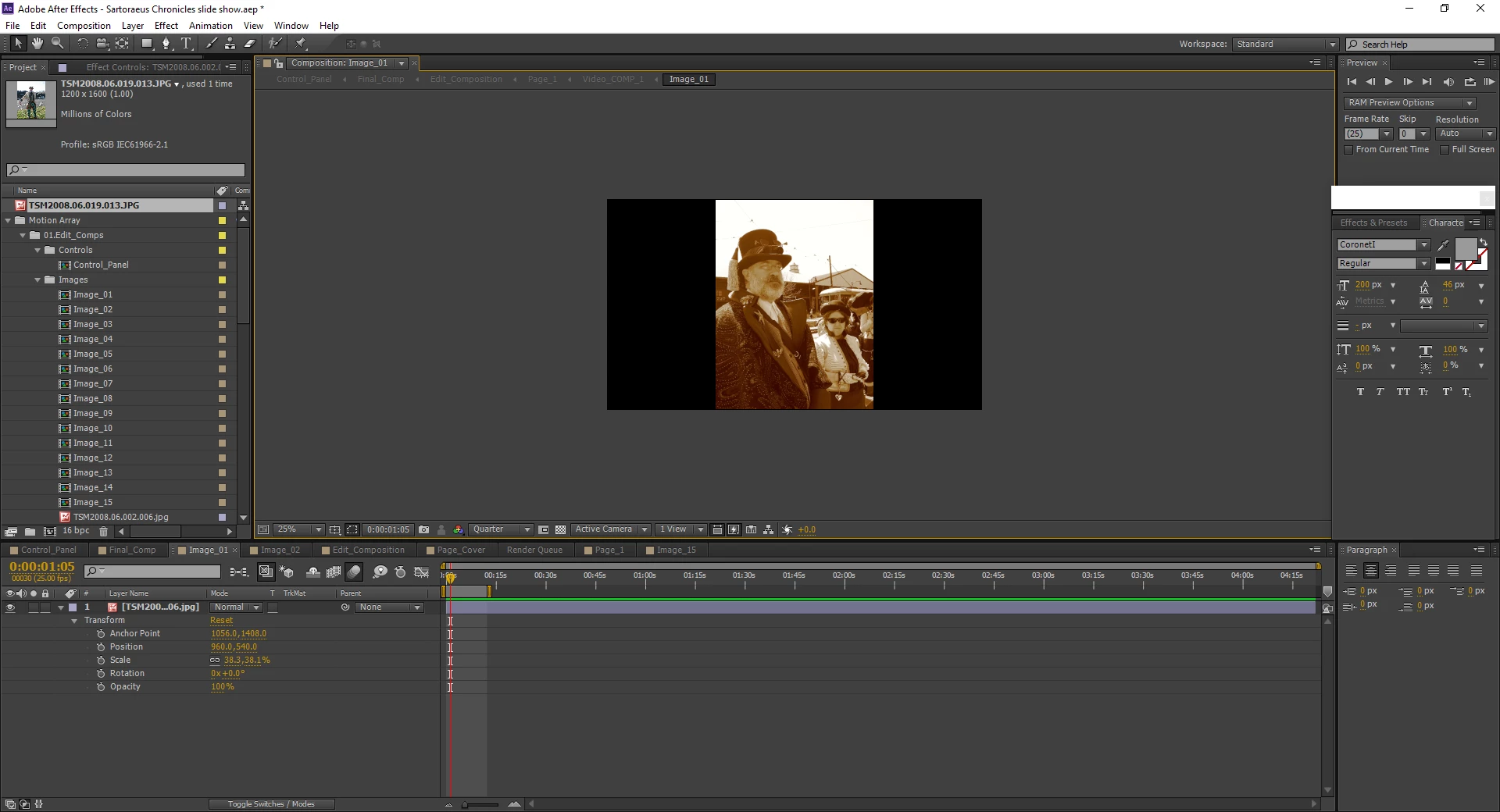
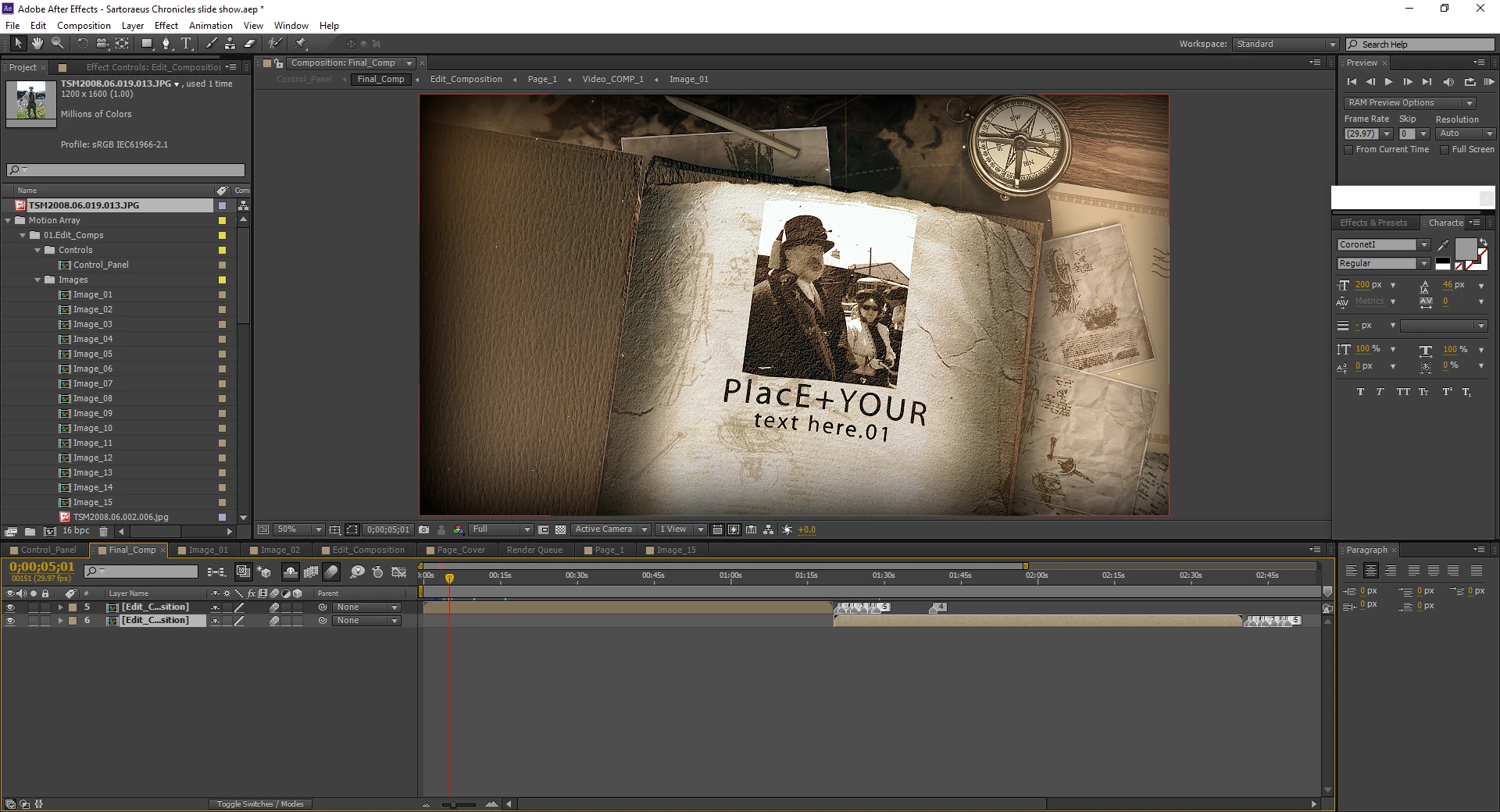
Answered my own question.   I had to go to that image composition and resize the portrait image to fit the black window!    Didn't matter that there were black bars on the side.

Yay for me for figuring it out!

1 reply

Buddycat
BuddycatAuthorCorrect answer
Inspiring
September 8, 2018

Answered my own question.   I had to go to that image composition and resize the portrait image to fit the black window!    Didn't matter that there were black bars on the side.

Yay for me for figuring it out!