Inspiring
November 28, 2017
Answered

Changing the color of flowers in a long tracking shot

  • November 28, 2017
  • 1 reply
  • 518 views

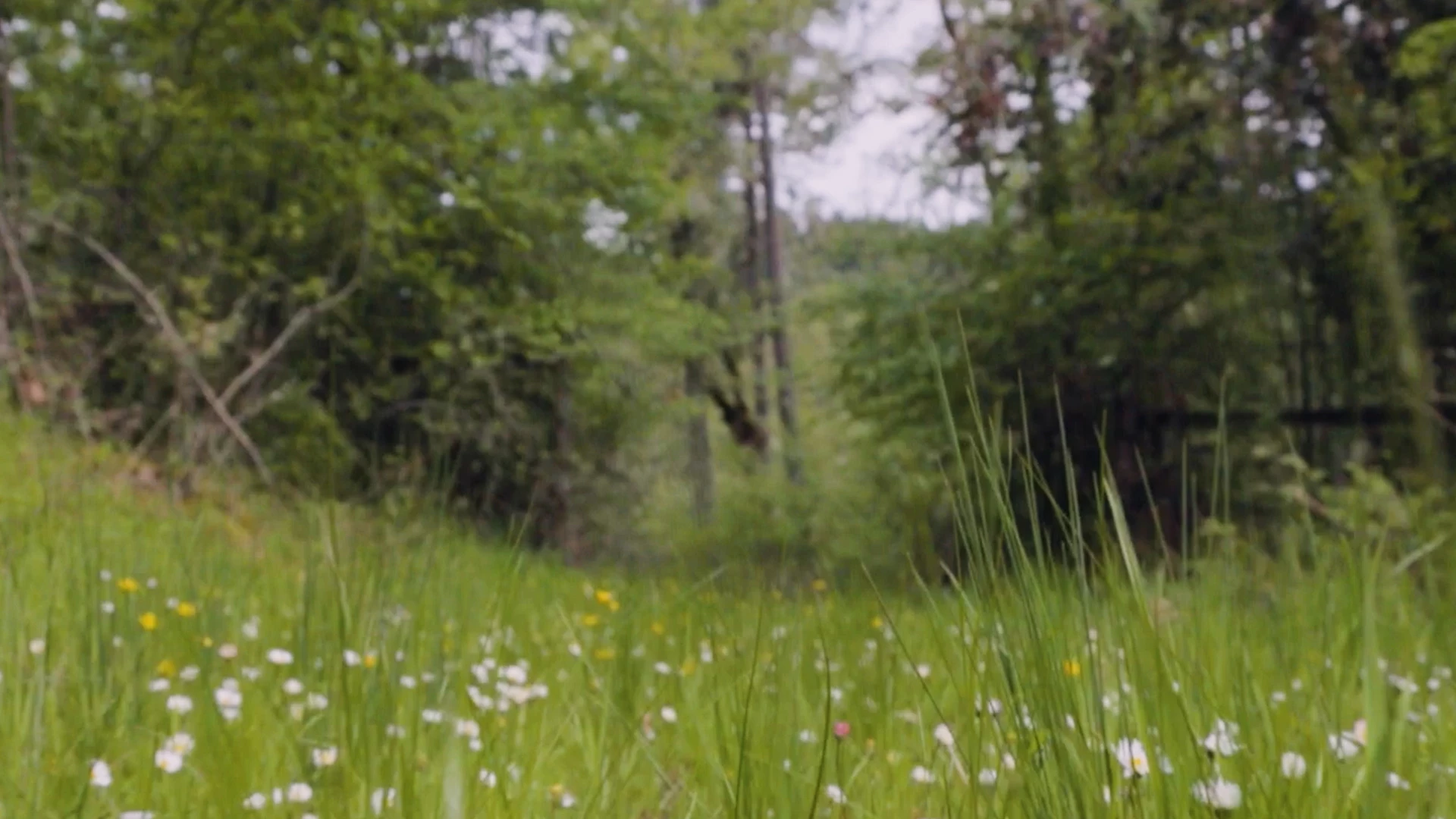
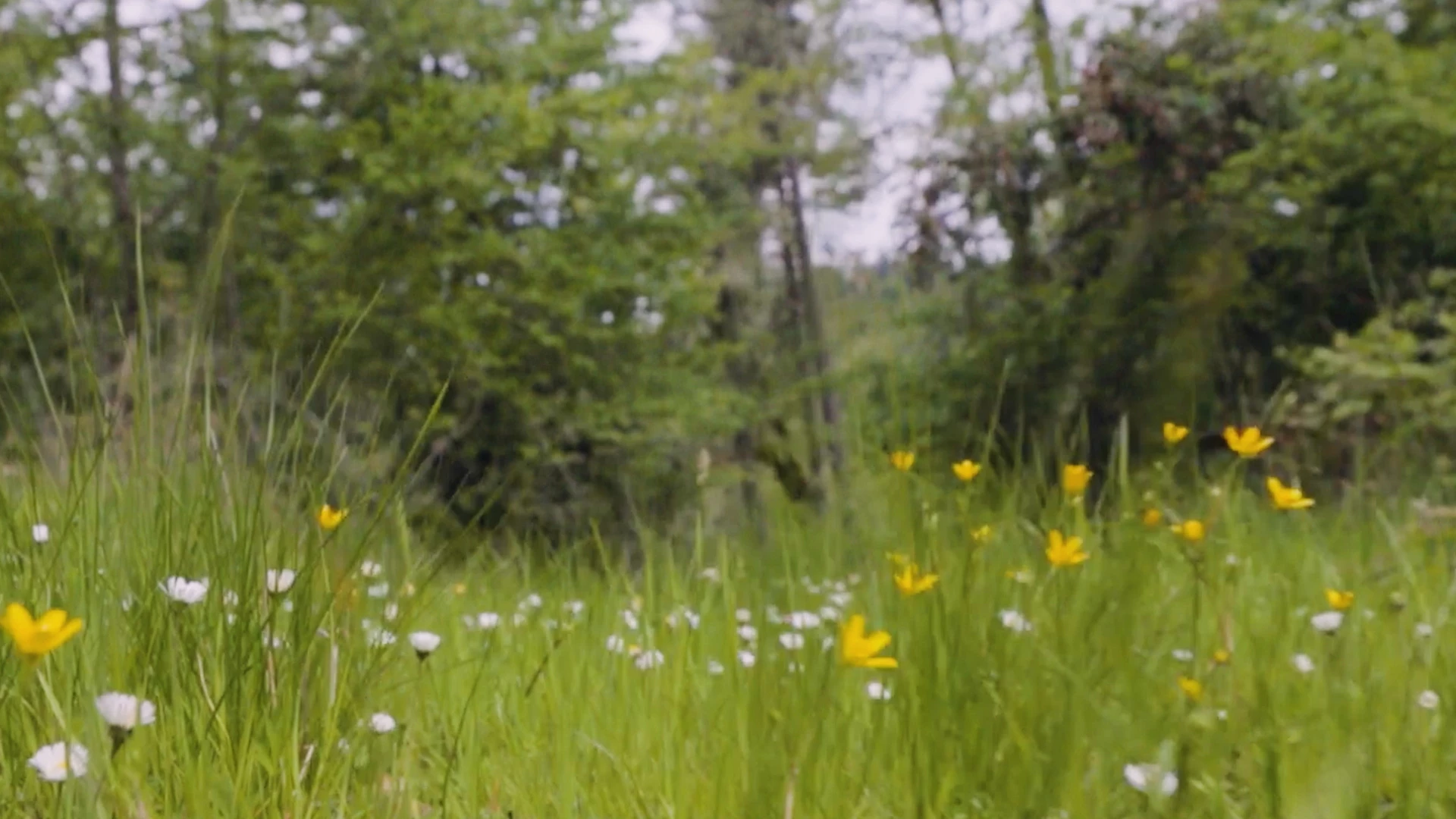
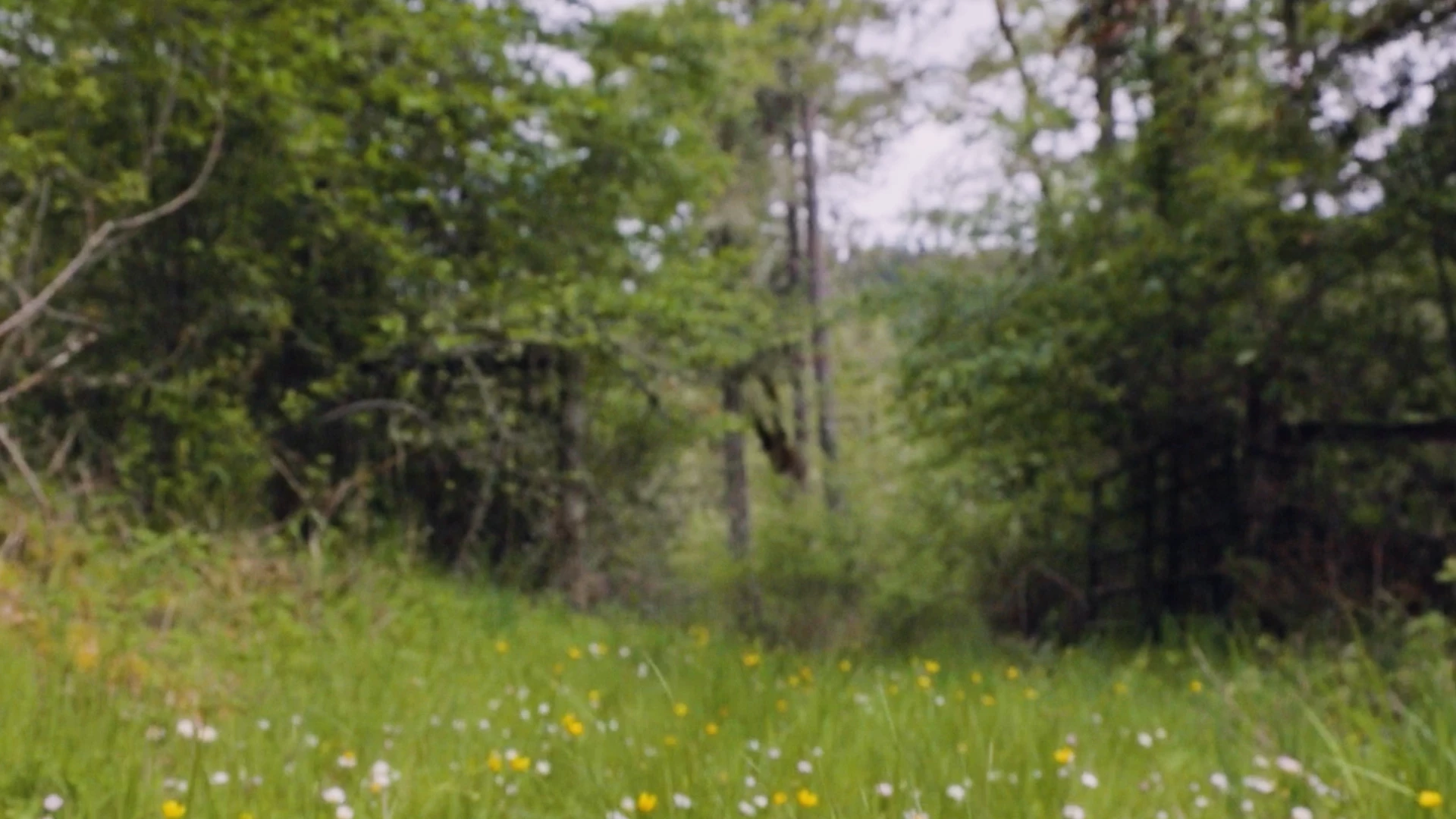
I'm working on a shot and need to change the color of a lot of small white flowers to assorted colors.  The shot is almost 15 seconds and has a lot of motion.  There doesn't need to be a rhyme or reason to the colorizing, just random assorted colors.  So far the best way I've found to do this is to track the shot with the 3D camera tracker and create nulls based on the the points that are attaching to the white flowers.  To color them I've been parenting an adjustment layer (set to Darken) to the null with a mask around the flower itself and using Hue/Saturation - colorize to adjust the color.  This is a pretty tedious process give the sheet number of flowers so I'm wondering if there is a better way to do this.  Any help would be appreciated.  A few shots from the sequence are below.
This topic has been closed for replies.
Correct answer Rick Gerard

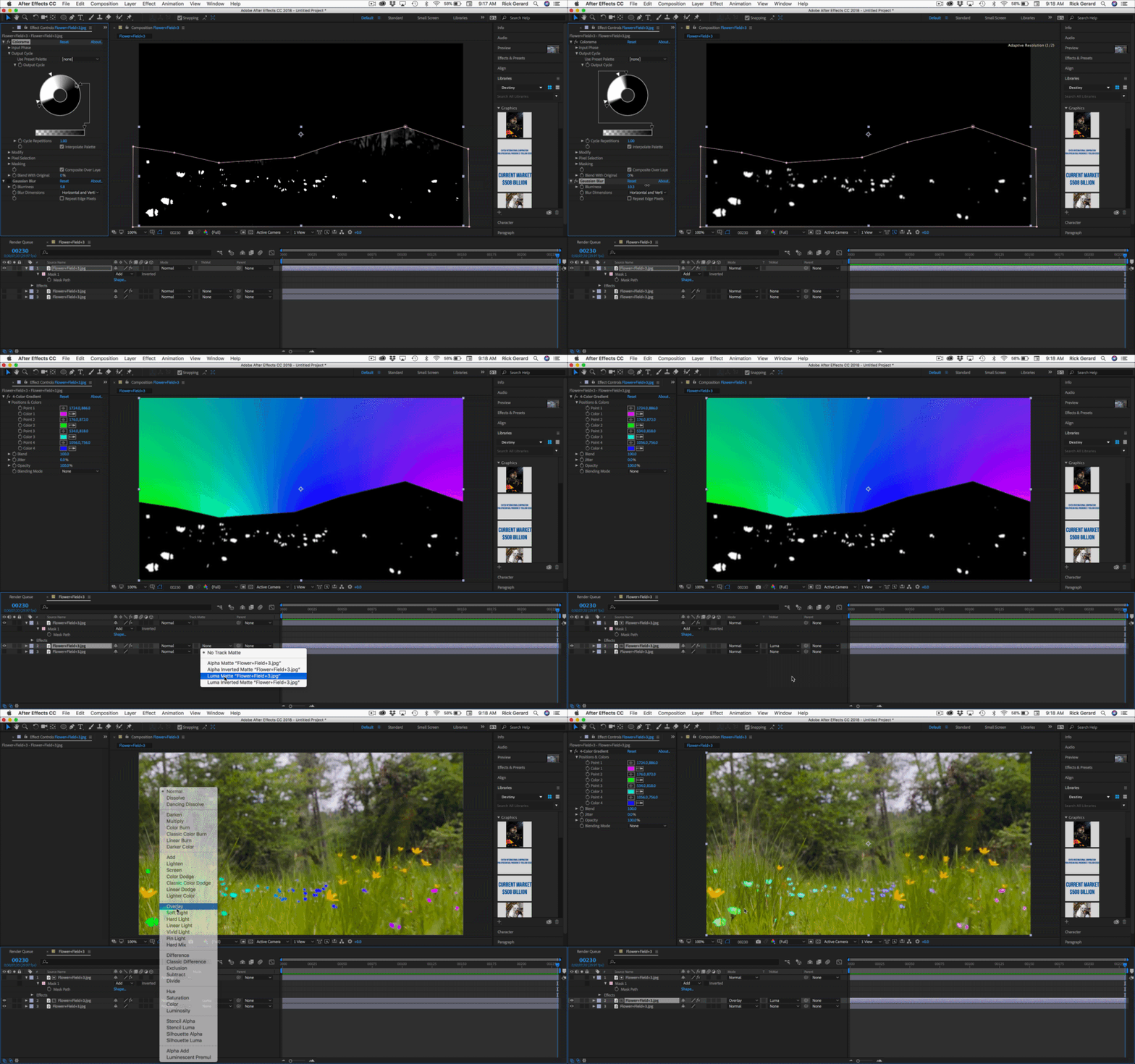
I took your bottom screenshot and duplicated it 3 times. I added a mask to hide the sky, Colorama to and a little Gaussian Blur to create a luma matte, applied 4-Color Gradient to the second layer and used the top layer as a luma track matte, then set the blend mode for the colors to overlay. If it was footage you would need to animate a mask and you may want to animate the position of the gradient. That may require a little tracking.

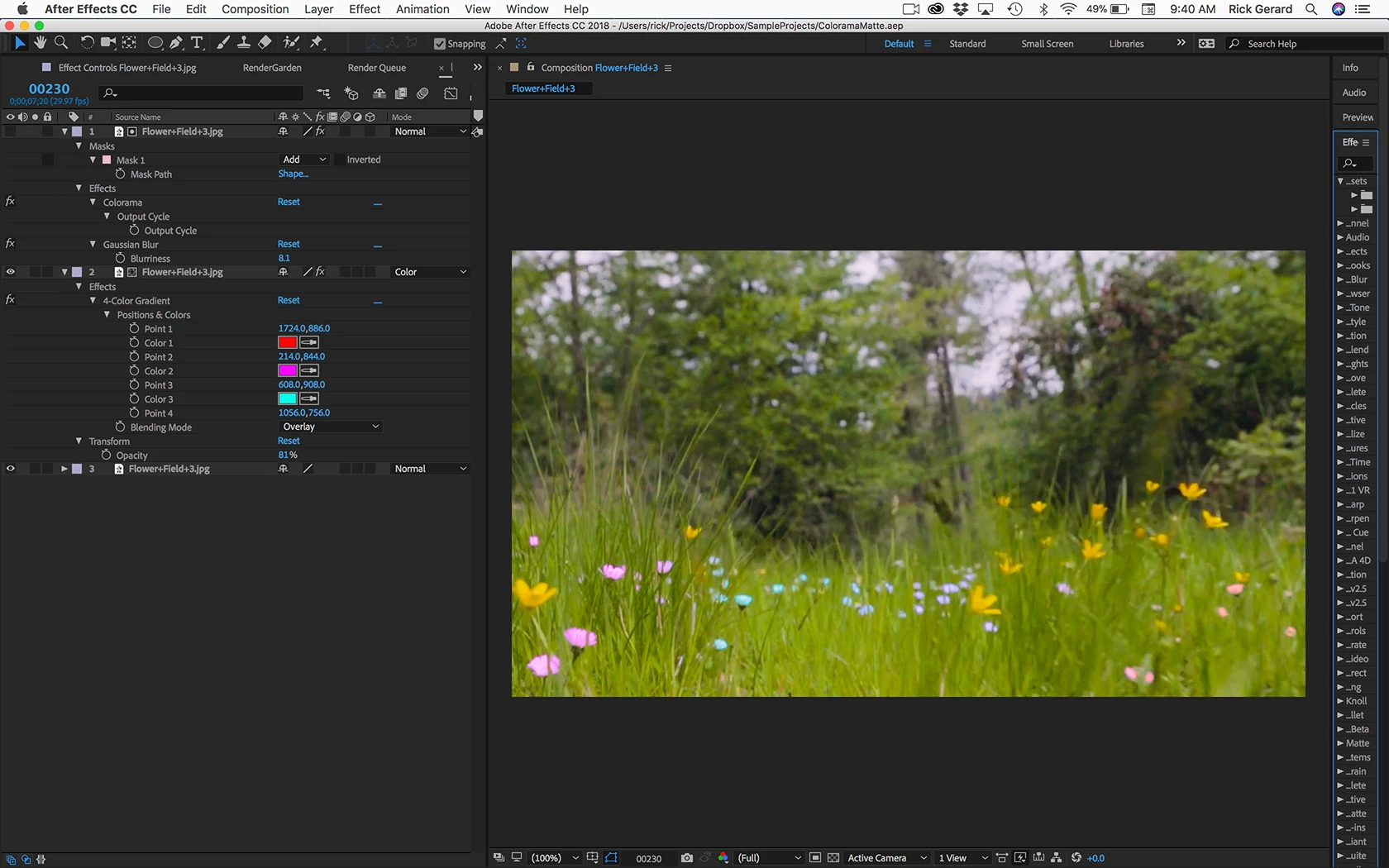
Here's the project file: Dropbox - ColoramaMatte.aep  (note: your browser may add a .txt file to the .aep when it is downloaded. Just remove it) Replace the jpg with your footage, do some tracking and animate the mask and see what you get. The project file is a little more refined than the animated gif. Here are all the modified properties:

Play with blend modes and opacity. experiment with different ways to create the color layer. I just grabbed 4-Color Gradient because it was easy.

1 reply

Community Expert
November 28, 2017

A better way to change th colors of the flowers would be to use a procedural matte and some of the color correction tools in AE.  Your process is way too labor intensive.

If I get some time this afternoon I’ll experiment with some of your screenshots.

Inspiring
November 28, 2017

Thanks Rick, I agree.  I look forward to hearing from you.

Rick GerardCommunity ExpertCorrect answer
Community Expert
November 30, 2017

I took your bottom screenshot and duplicated it 3 times. I added a mask to hide the sky, Colorama to and a little Gaussian Blur to create a luma matte, applied 4-Color Gradient to the second layer and used the top layer as a luma track matte, then set the blend mode for the colors to overlay. If it was footage you would need to animate a mask and you may want to animate the position of the gradient. That may require a little tracking.

Here's the project file: Dropbox - ColoramaMatte.aep  (note: your browser may add a .txt file to the .aep when it is downloaded. Just remove it) Replace the jpg with your footage, do some tracking and animate the mask and see what you get. The project file is a little more refined than the animated gif. Here are all the modified properties:

Play with blend modes and opacity. experiment with different ways to create the color layer. I just grabbed 4-Color Gradient because it was easy.