

Changing the values in the Raw Camera settings when importing a Raw Photo Sequence for each photo.
Hello!
I have a time-lapse of 500 raw sunset photos. When importing a photo sequence into After Effects, RAW camera are made settings only for the first photo and saved in XMP file. The result is bad for the last images or in the middle because these photos require different settings in the RAW camera.
How can this problem be solved? Is it possible to make keyframes in the RAW camera settings?
For example, I need to put a keyframe for the first frame and the last frame in Shadows, so that for the frames in the middle there is a linear interpolation for the Shadows settings. I understand that it is necessary to create an xmp file for each photo in the sequence. How can I do that?
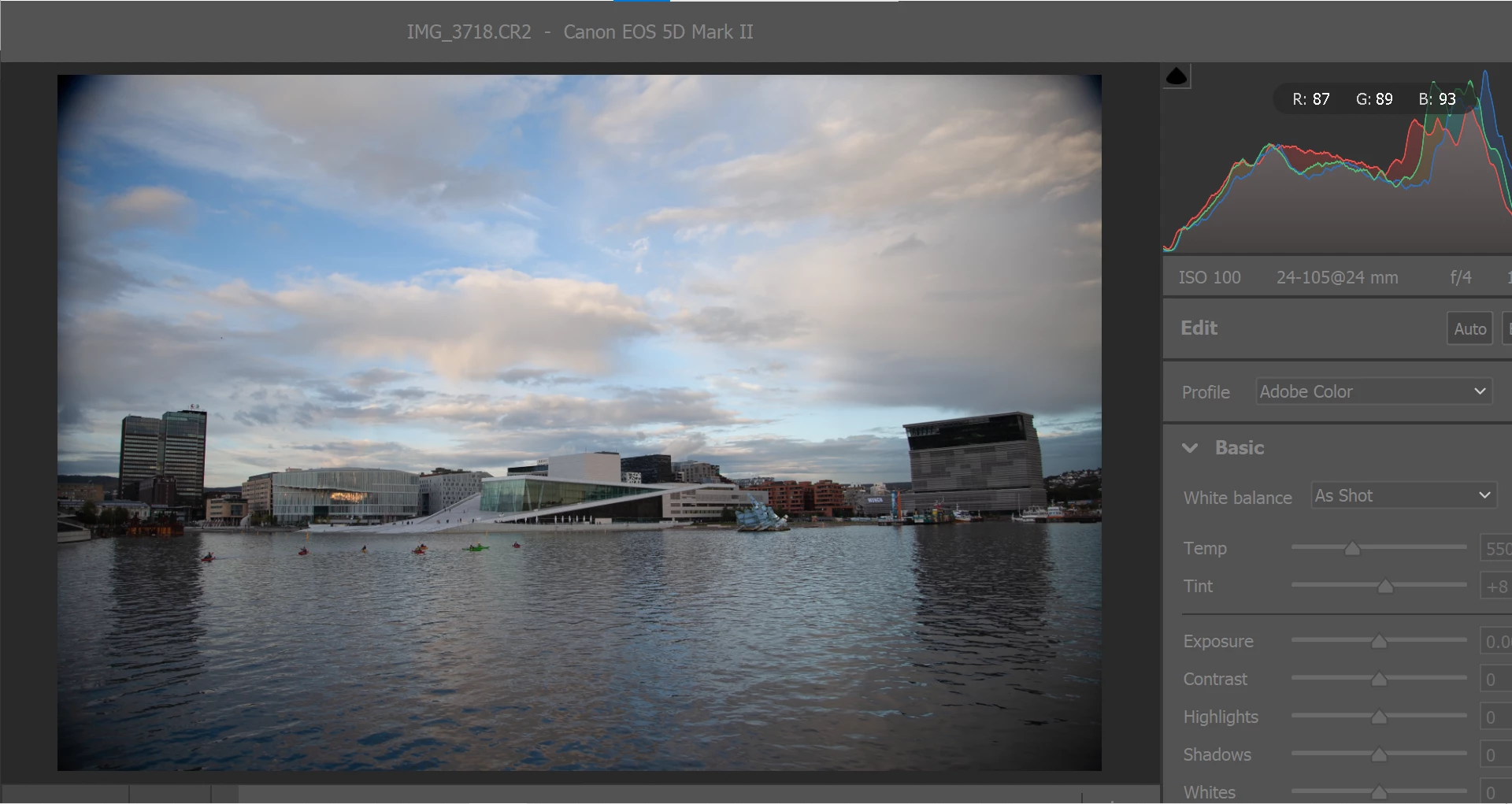
And the second question. I have a bug in the RAW camera settings window. The window does not fit into the screen and it cannot be made smaller. What is in the picture is all that fits into the screen. I can't even lift it up to see the "OK" and "Cancel" buttons. Who knows what's the problem here?
 AdChoices