
Answered
Checking out simple layer not working correctly ?
Hi everyone,
Maybe someone could help me:
I am struggling checking out a simple layer in a c++ plugin. At first it works well, but when I move the layer the effect is applied in, and I re-render the frame (by purging the memory for example), it will re-draw the checkouted layer from the top left of the composition and not the top left of the layer itself (see screenshots). The checkouted layer gets squeezed somehow.
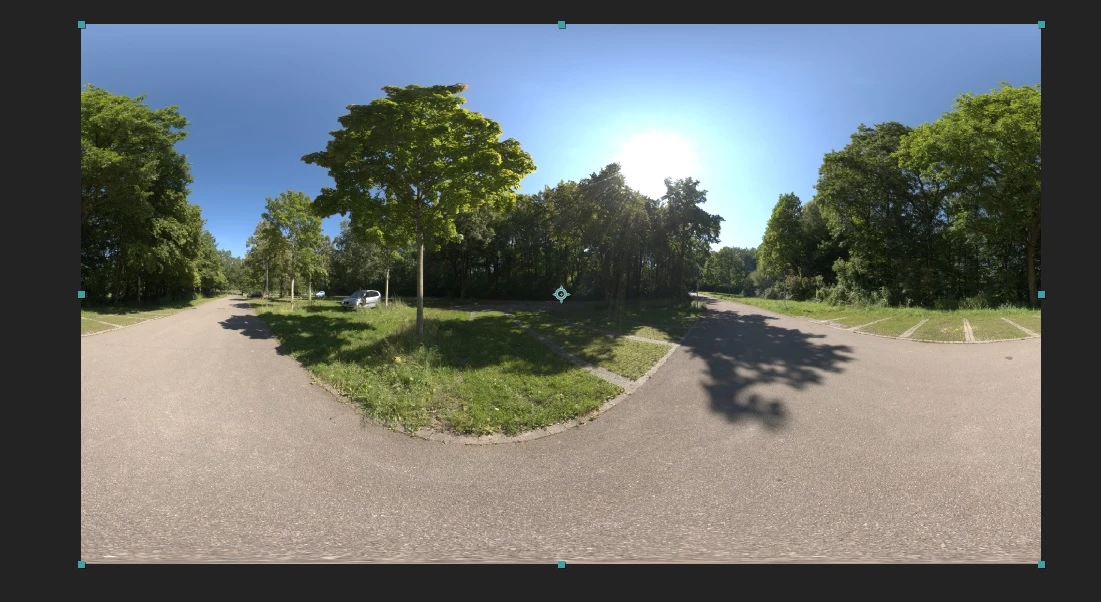
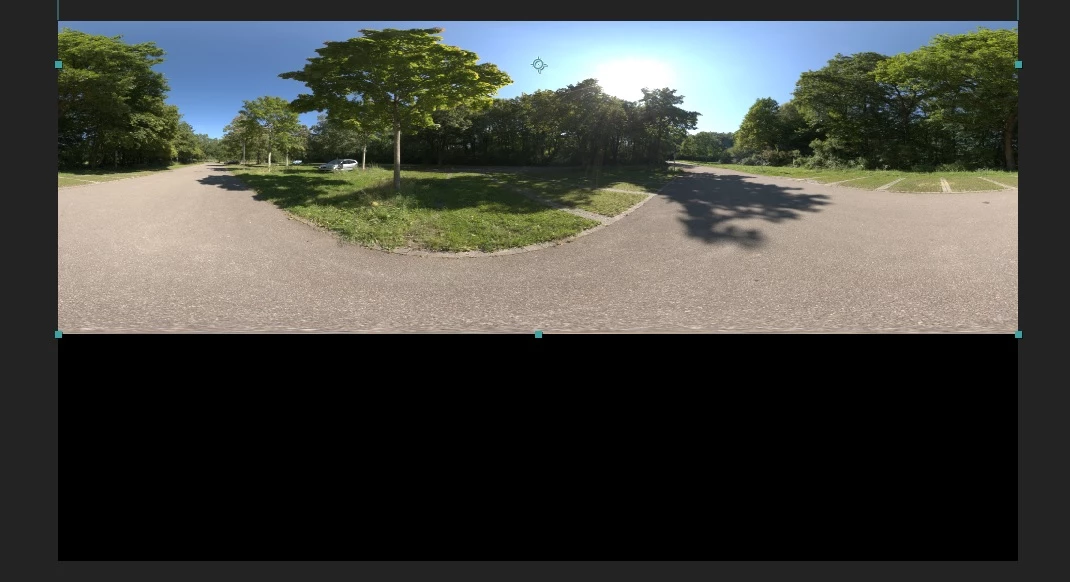
Here is my (simple) code :
PF_ParamDef checkoutLayerParam;

PF_Err	err = PF_Err_NONE,
        err2 = PF_Err_NONE;

PF_EffectWorld* input_worldP = NULL,
        * output_worldP = NULL;

// checkout input & output buffers.
ERR((extra->cb->checkout_layer_pixels(in_data->effect_ref, CC_INPUT, &input_worldP)));
ERR(extra->cb->checkout_output(in_data->effect_ref, &output_worldP));

// checkout params
AEFX_CLR_STRUCT(checkoutLayerParam);
ERR(PF_CHECKOUT_PARAM(in_data, CC_CHECKOUT_LAYER, in_data->current_time, in_data->time_step, in_data->time_scale, &checkoutLayerParam));

auto worldTransformSuite = AEFX_SuiteScoper<PF_WorldTransformSuite1>(in_data, kPFWorldTransformSuite, kPFWorldTransformSuiteVersion1);

if (!err) {
   if (checkoutLayerParam.u.ld.data) {
            ERR(worldTransformSuite->copy(in_data->effect_ref, &checkoutLayerParam.u.ld, output_worldP, NULL, NULL));
   }
}

ERR2(PF_CHECKIN_PARAM(in_data, &checkoutLayerParam));

return err;
Could someone help me understand what's happening, and how to fix this issue ?
Thanks a lot
 AdChoices