Just to keep it simple, forget all of that. I still need help. My situation is this:
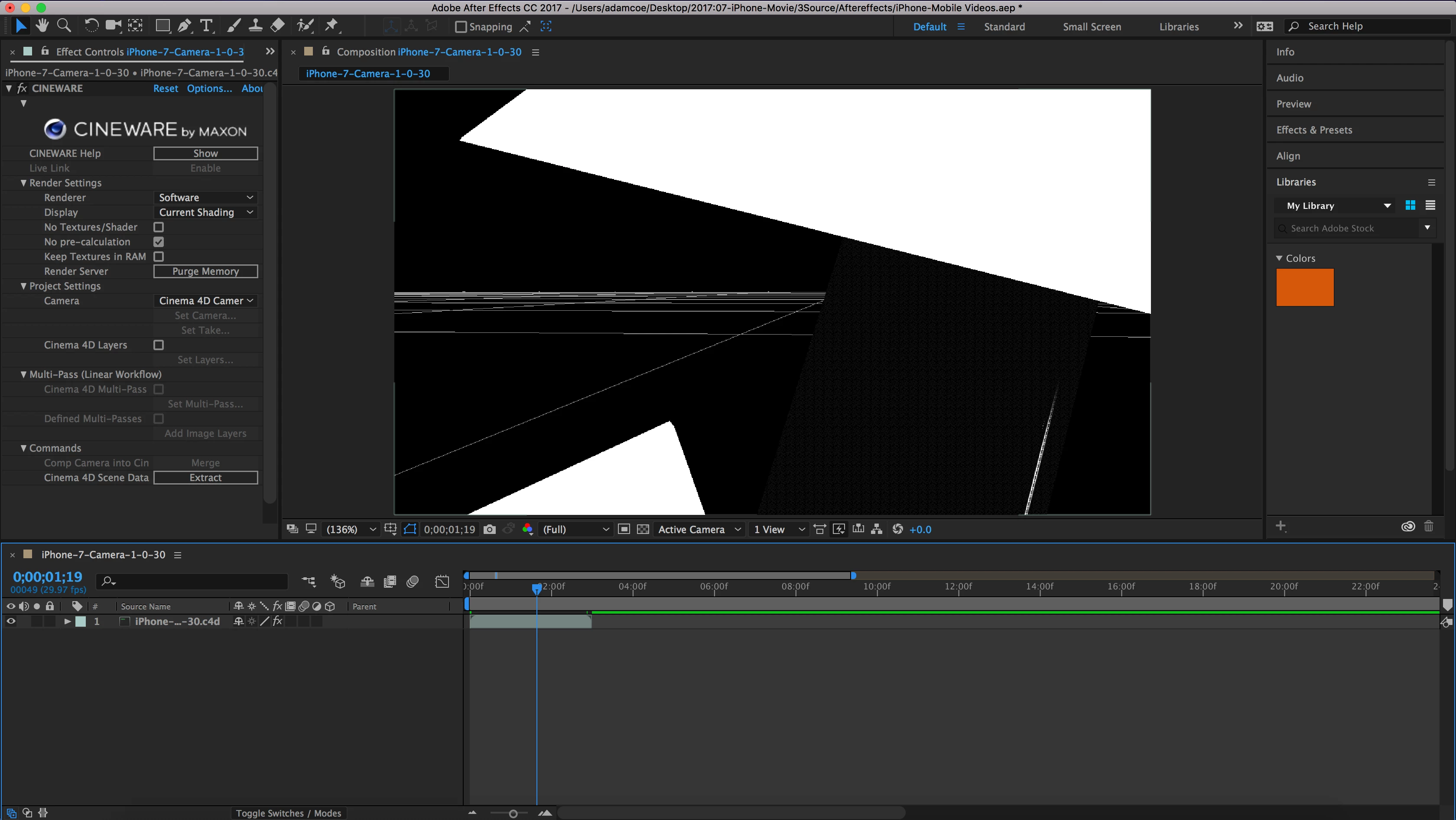
I have Cinema 4D Lite. I have a model of a iPhone in C4D that has an animation of 168 frames. When placed into a sequence in After Effects (sequence is set to be longer than 168 frames) the C4D sequence is only 3 seconds long (or 90 frames). I have changed the render and project settings in Cinema 4D to be 168f as well as well beyond that (below is 168f) but still have this issue. I have tried multiple machines and clean installed the programs yet the problem persist. I really appreciate any help. I this is my first project so I might be missing something small.
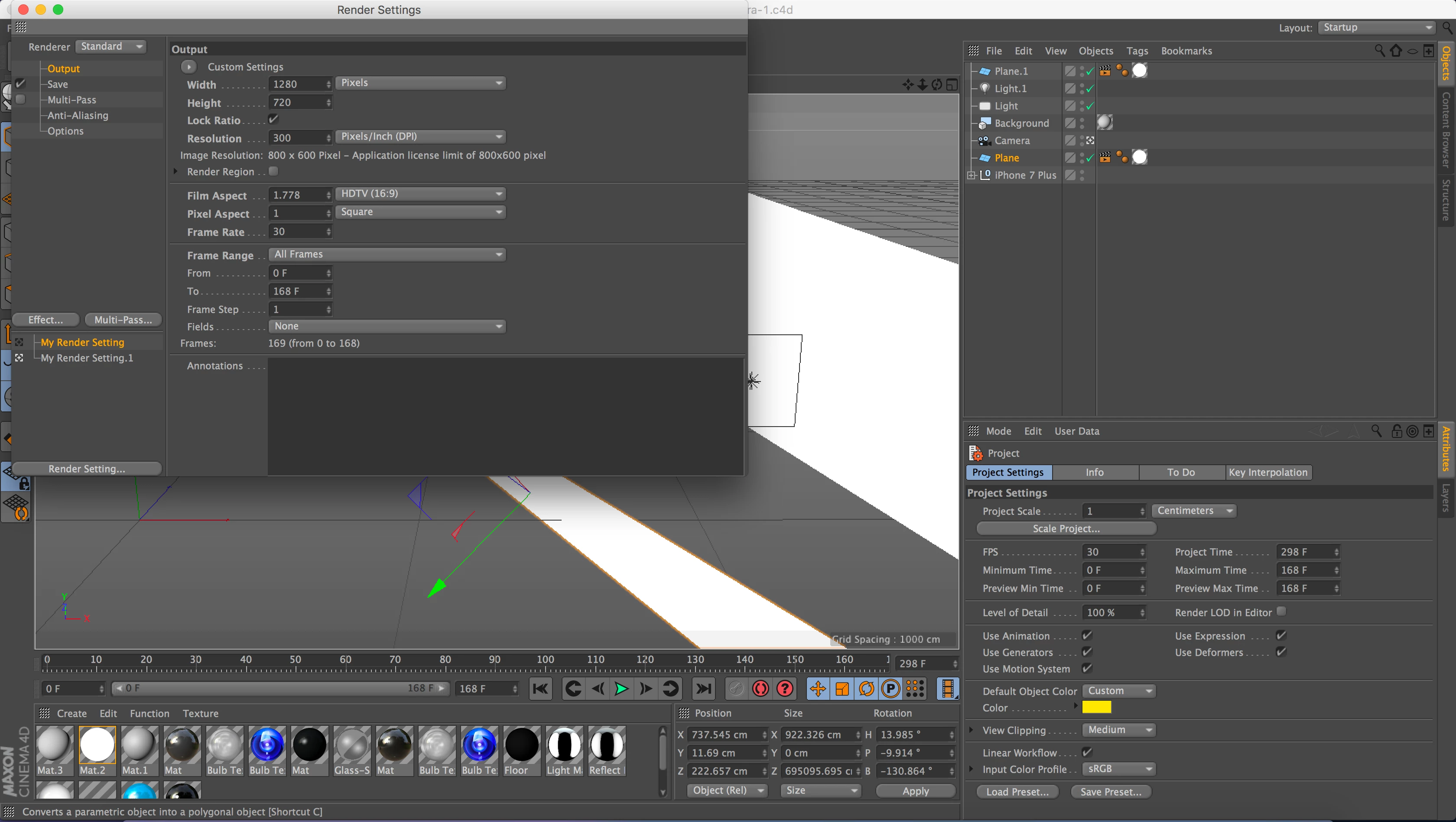
The problem is that you are not using the My Render Settings, you are using the My Render Settings.1. This white icon on the left of your renders setting is what you need to change. Change it, save it and reload the file in After Effects.



 AdChoices