
Cinema 4D R22/AE18 and External Compositing Scale Issue
I recently upgraded to AE18 and the Cinema 4D R22 that comes with.
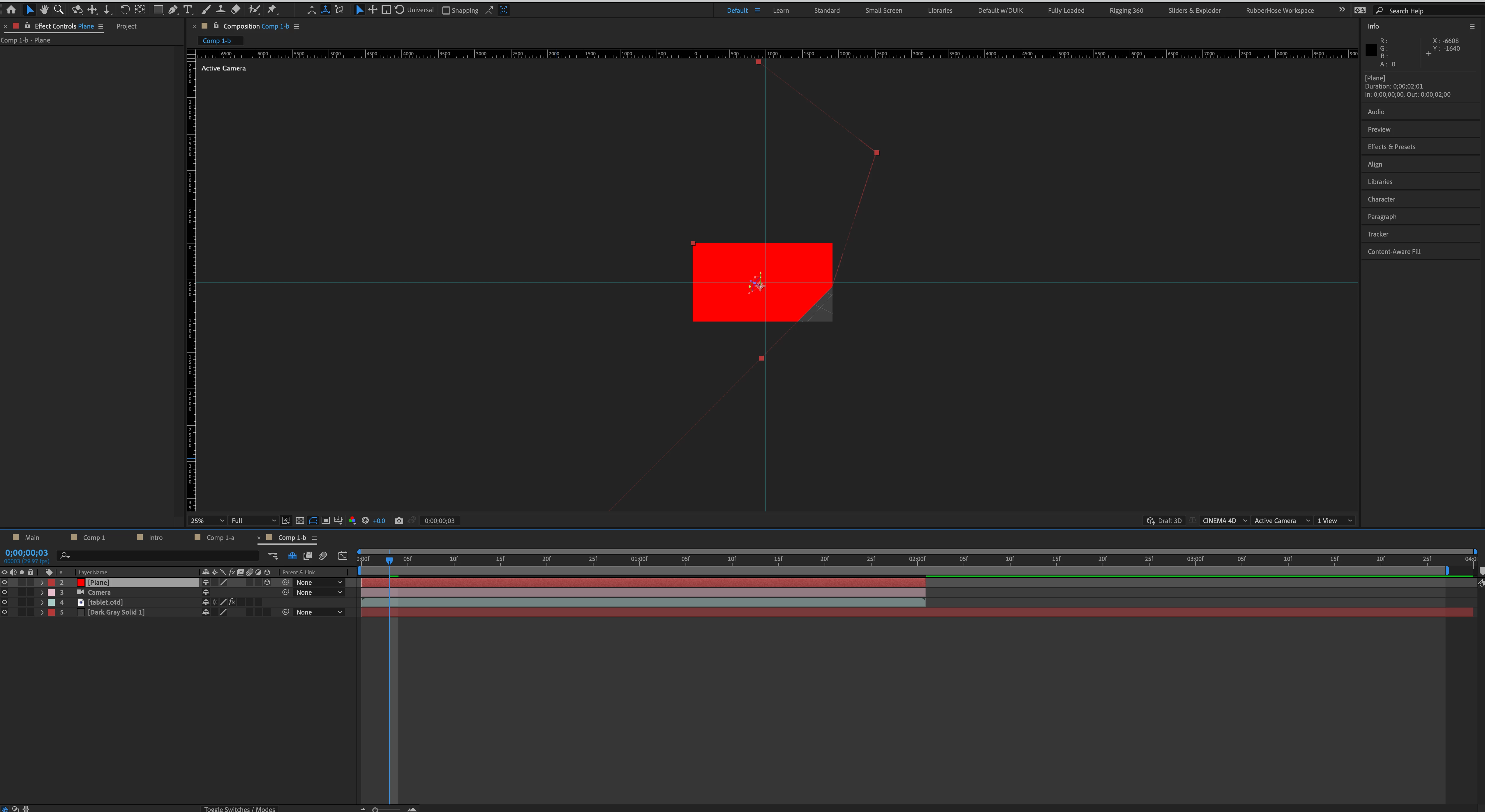
Trying to import to AE a polygon object (plane) from C4D using External Compositing tag. When I bring into AE using Cineware (Extract) the plane is completely out of whack. It's scaled way out of the frame and the center point is way off.
I checked the axis in C4D and it seems correct--and matches up with world. Center points are in place. Keeps happening with redrawn planes and new/resaved files.
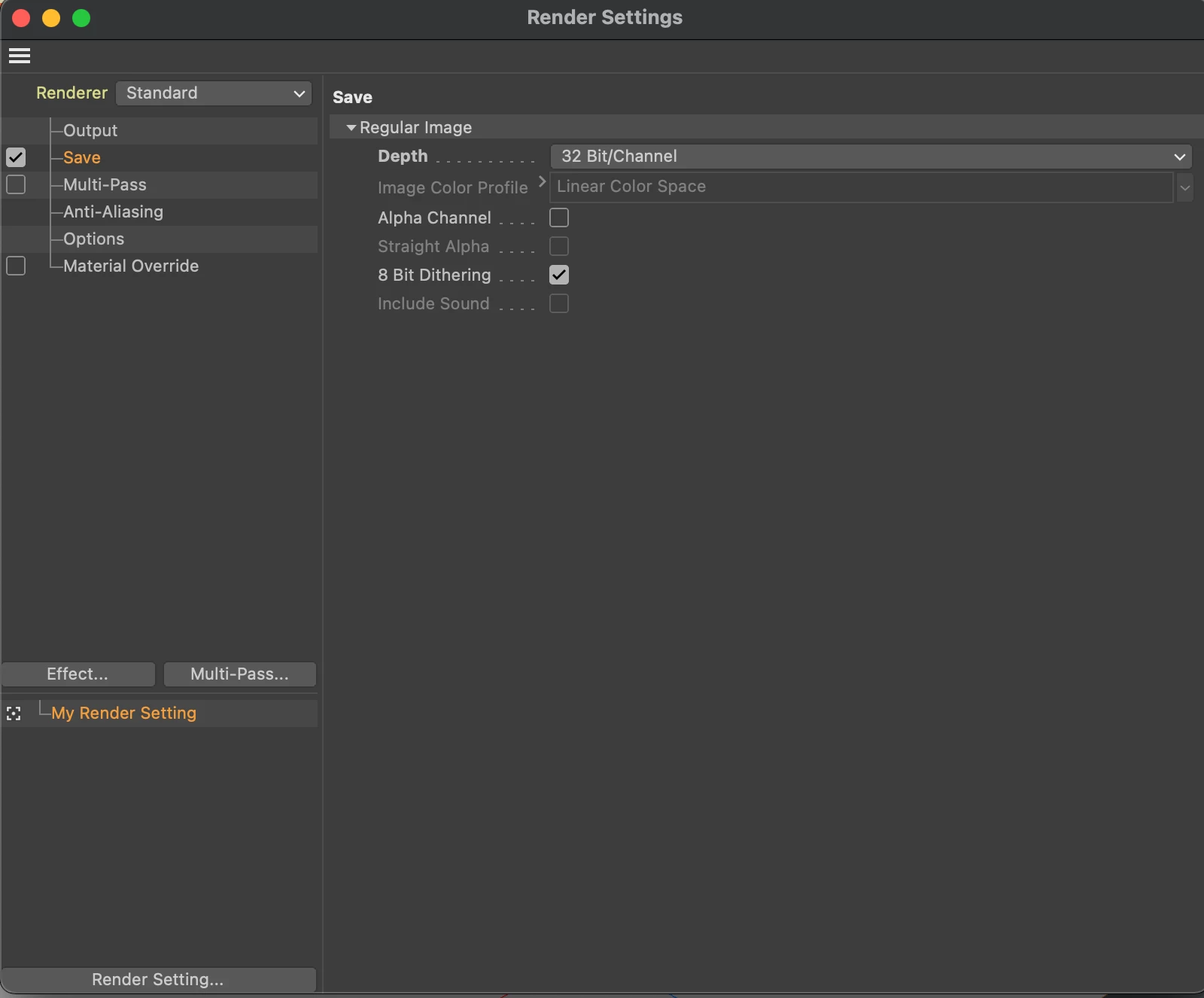
Also, I thought I'd try to save a .aec, but there is no option to render the composite in the Save menu in Render Settings.
Am I missing something? I've spent hours looking over online videos, and working up different settings to no avail. Any help would be greatly appreciated--Thanks!
OS 11.2.3 | iMac Retina5K | 4GHz Quad-Core | 32 GB | Radeon R9 4G

 AdChoices