Inspiring
April 25, 2023
Answered

Cineware Render washed out colors

  • April 25, 2023
  • 1 reply
  • 818 views

Hi,

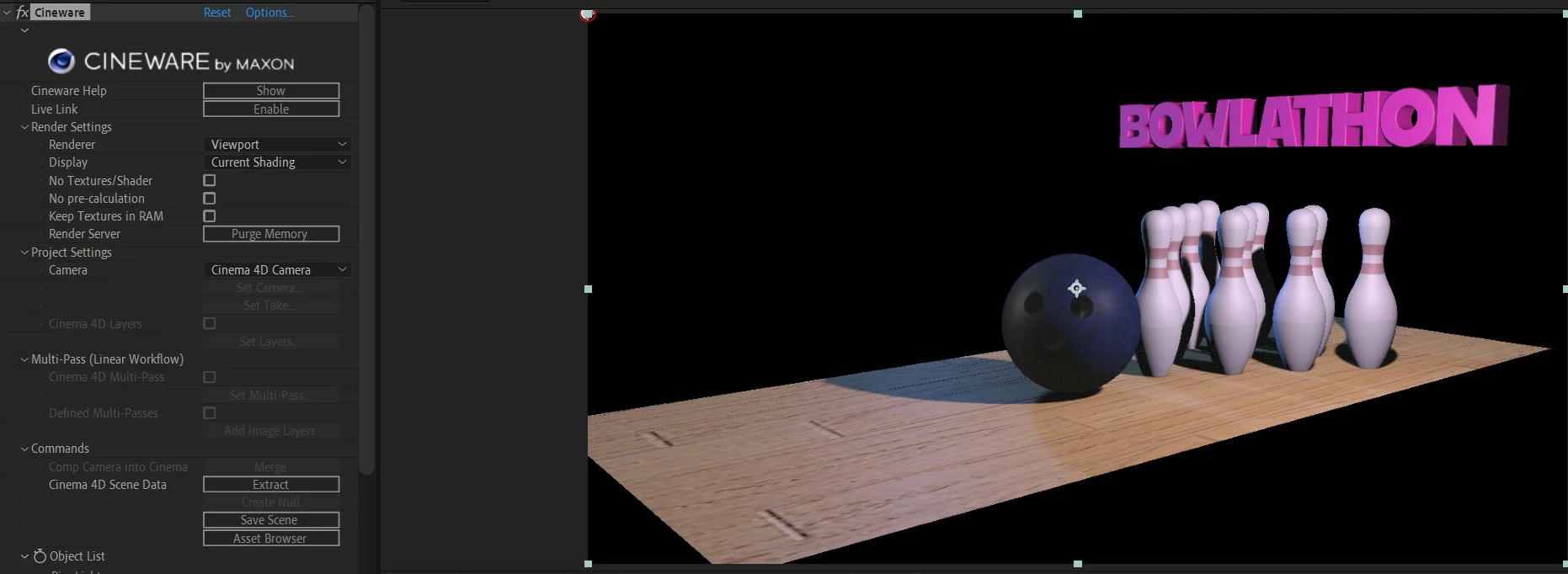
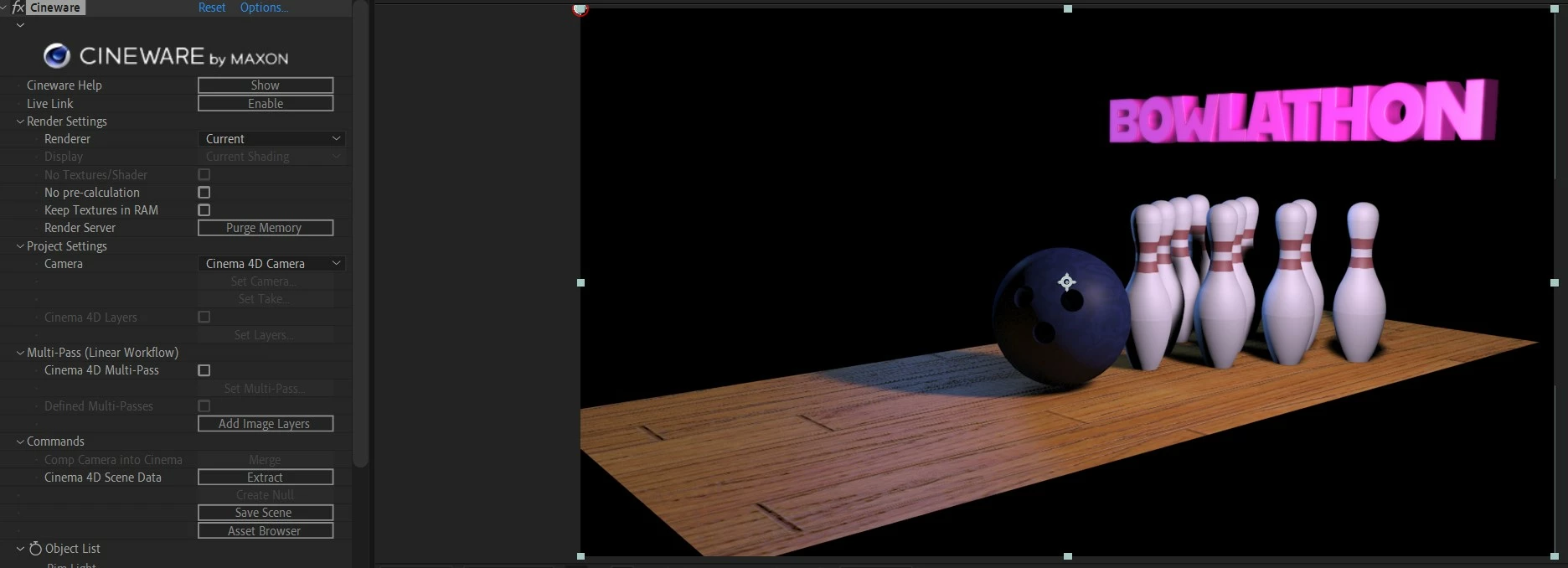
I'm using After Effects 2023 with Cinema Lite 4D.  The problem is in rendering my Cinema 4D lite scene in After Effects using Cineware.  If I use the Cineware Render setting "Current," the render looks the same as it does in the Cinema4D lite.  But if I use the setting "Viewport," the render comes through in After Effects looking washed out. (see images below).  Does anybody have a reason why this might be happening?  Thanks.

Zaffer
This topic has been closed for replies.
Correct answer ToolfarmJP

What graphic card do you use? Have you updated the graphgic card driver to the latest?


1 reply

ToolfarmJP
Community Expert
ToolfarmJPCommunity ExpertCorrect answer
Community Expert
April 27, 2023

What graphic card do you use? Have you updated the graphgic card driver to the latest?


ZafferAuthor
Inspiring
April 27, 2023

Thanks Toolfarm,

I use an Nvidia GeForce GTX 1080 and I just downloaded and installed the current driver.  Now I can see the Viewport render as well as the current render.  Thanks so much!

Zaffer