
Cineware Turns my Video Texture Yellow
Hello! I've searched many a forum for this answer, but cannot find what I need. I hope someone here can help!
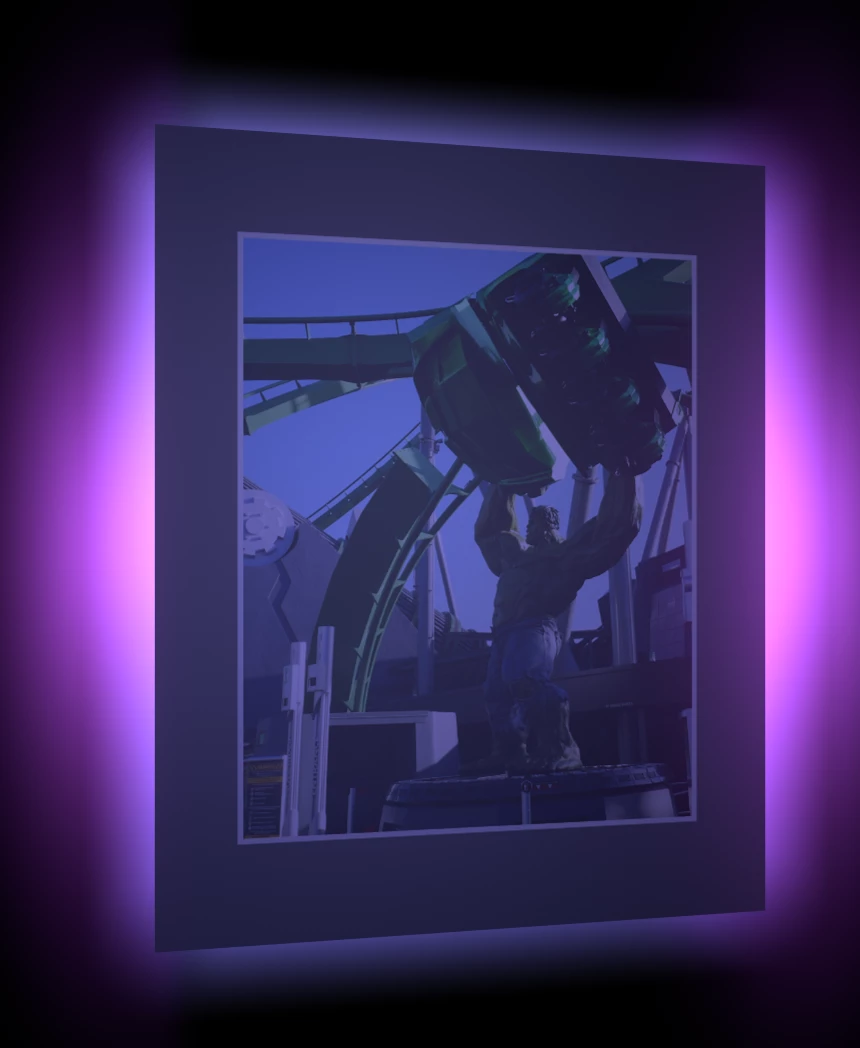
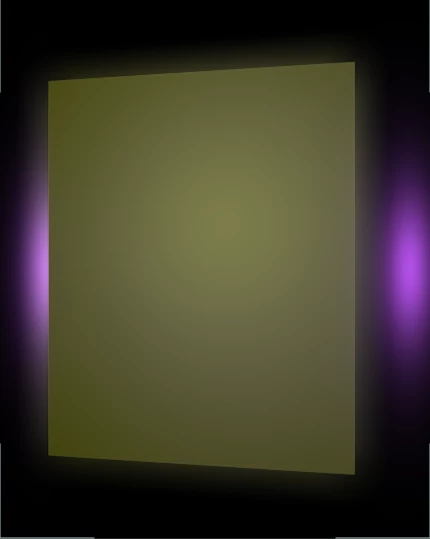
I've made a fairly simple animation in C4D Lite of a cube spinning with some lights, etc. It renders out of After Effects just fine until I add a video texture to it (under colors in the material editor). In C4DL the file looks fine and renders correctly, and in After Effects it looks fine in preview - and then I hit render. About 15 frames into the render, the texture turns completely yellow and almost crashes the program (the render never finishes either). Then the texture looks yellow in preview until I restart After Effects.
I've tried rendering out of Media Encoder and the Render Queue. I've followed some of the other recommendations online and "saved project with assets," relinking everything - no dice. I've created new files entirely, all in the same folder on the same drive. Nope!
It's frustrating because it looks fine in C4DL, even doing a multi-frame render in picture viewer looks fine. The problem occurs when After Effects becomes involved. Does anyone have any ideas? Or can anyone suggest how to render directly out of C4DL?
Before -
After -
Thank you!
 AdChoices