benjamint91291284
Known Participant
November 27, 2016
Question

Color keying out only a specific area

  • November 27, 2016
  • 2 replies
  • 345 views

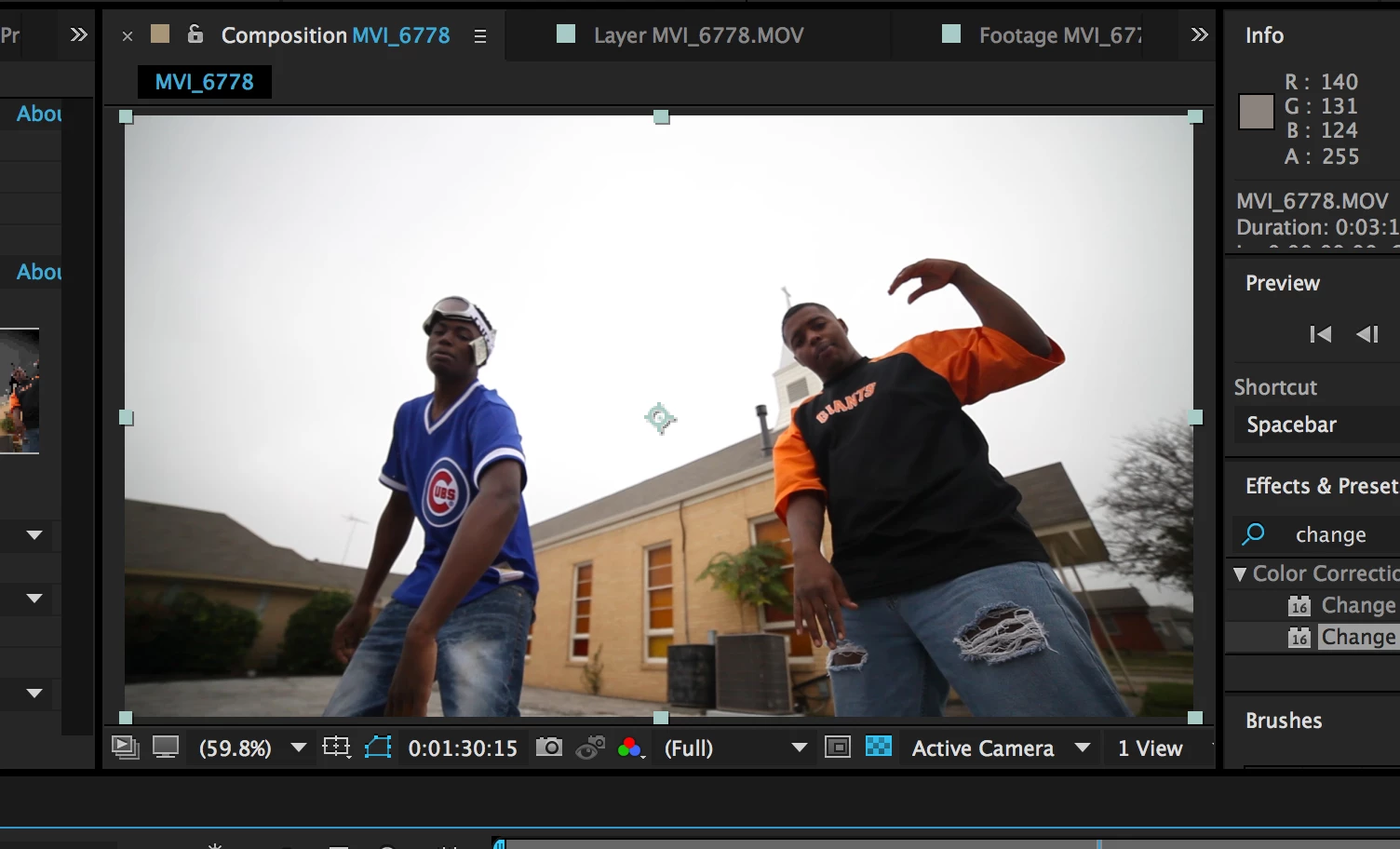
Hi there! I'm still fairly new to certain aspects of After Effects and was wondering how I could go about keying out only the sky of the video I'm working on. Ive attached a screen shot below. The sky is basically white and when i attempt to key it out, it keys out other parts of the image that I would like to stay white. I'm not even sure if this is possible but any help would be appreciated

    This topic has been closed for replies.

    2 replies

    Roei Tzoref
    Legend
    November 27, 2016

    for sky replacement and extracting the sky the Extract effect is an obvious choice. use the blue channel for extraction. learn how to use it and for the edges you can use the refine soft matte effect

    Mylenium
    Legend
    November 27, 2016

    That's what garbage mattes are fore or inside/ outside masks, as they are called in Keylight. Other than that you may just need to put in more work and use multiple tools and techniques. Not everything can be keyed easily and many times you'll end up cleaning up bits with masks and other procedures.

    Mylenium