Participant
May 19, 2018
Answered

Color management/RedOne for a theater projector

  • May 19, 2018
  • 1 reply
  • 600 views

Hello,

I have a question about color management in After Effects cc 2017. This is what I work with:

footages - RedOne 4k with these original RedOne Source Settings:
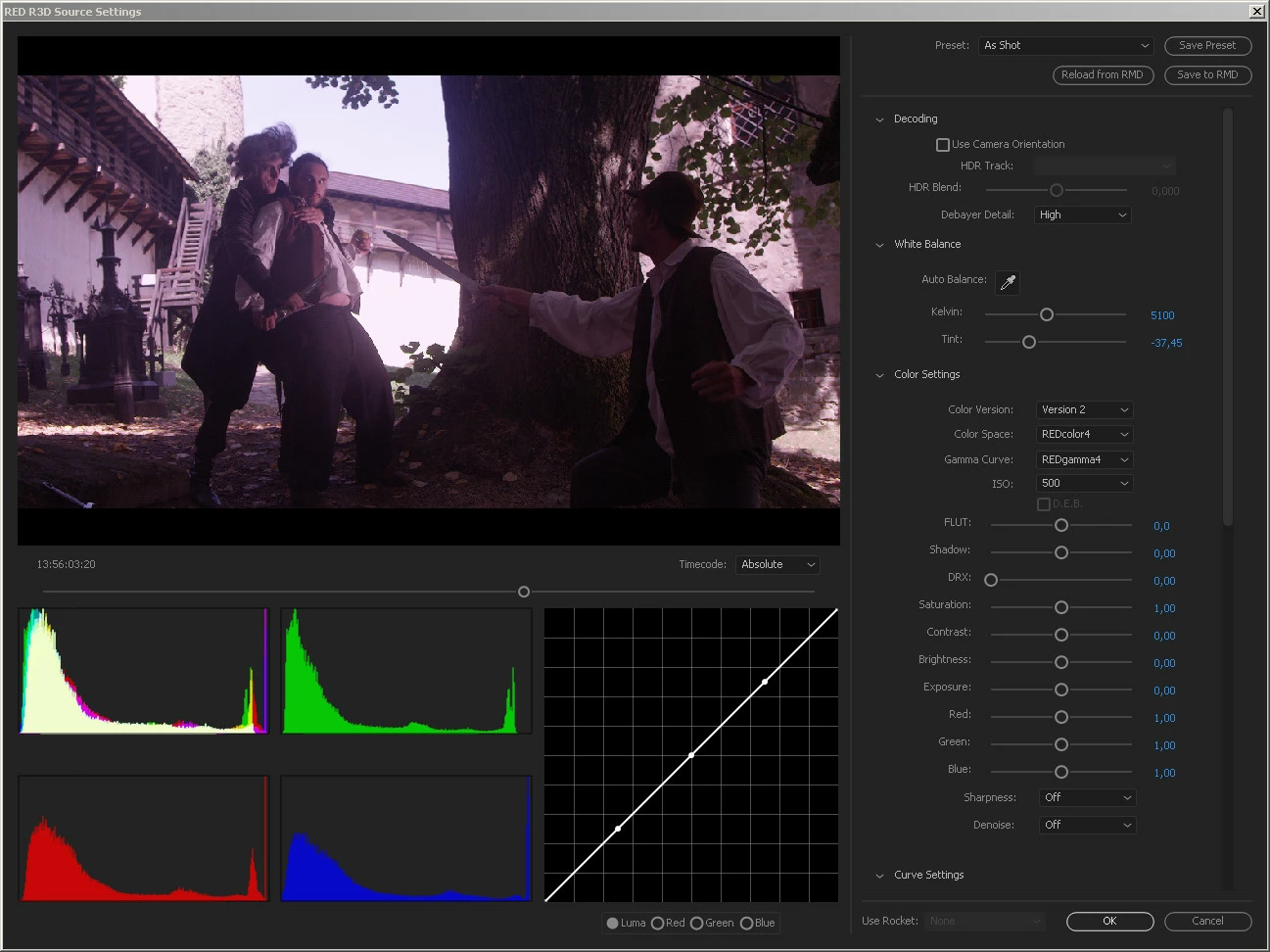
These are my settings so far:
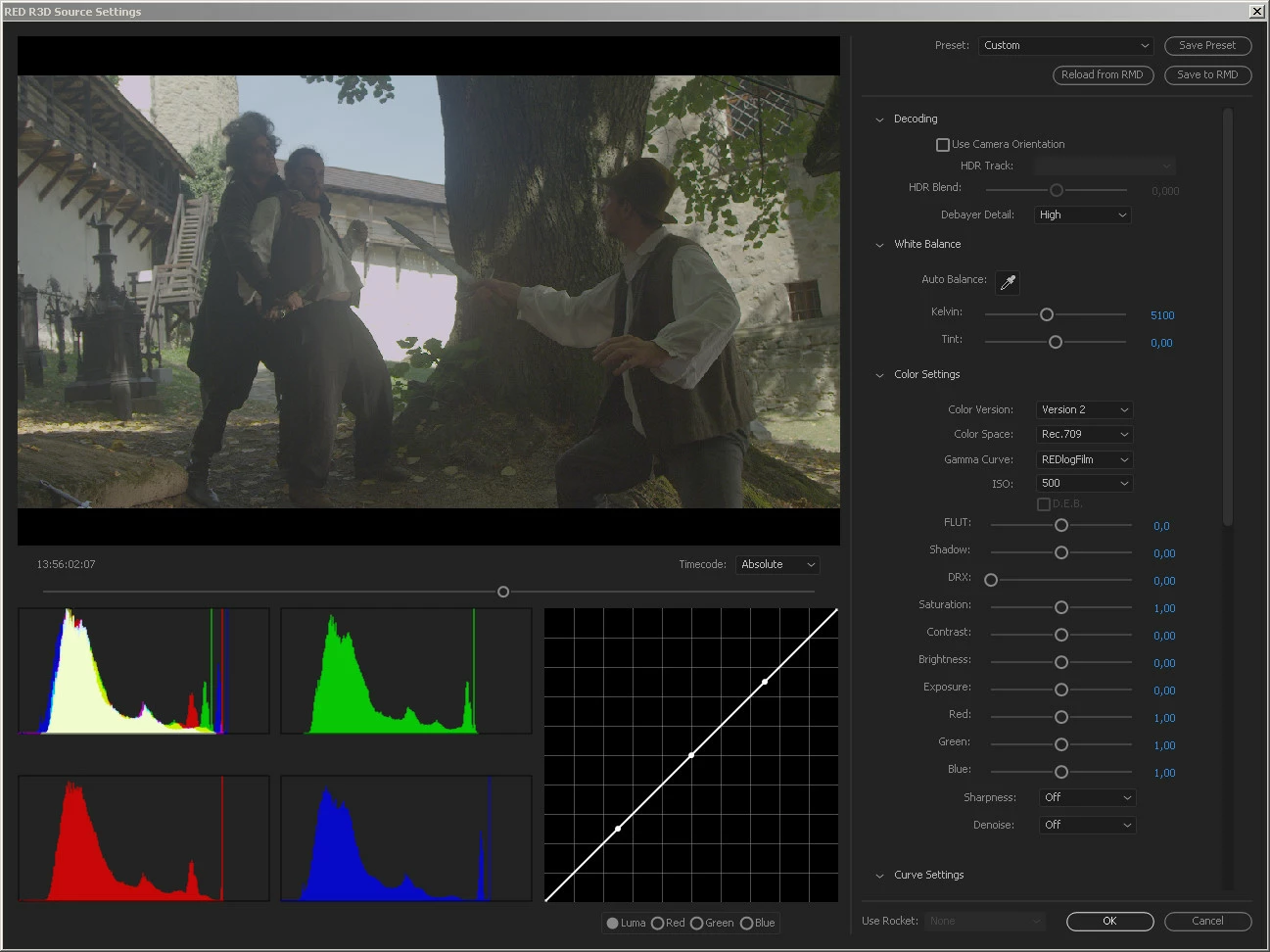
The embedded profile is  HDTV (Rec. 709):
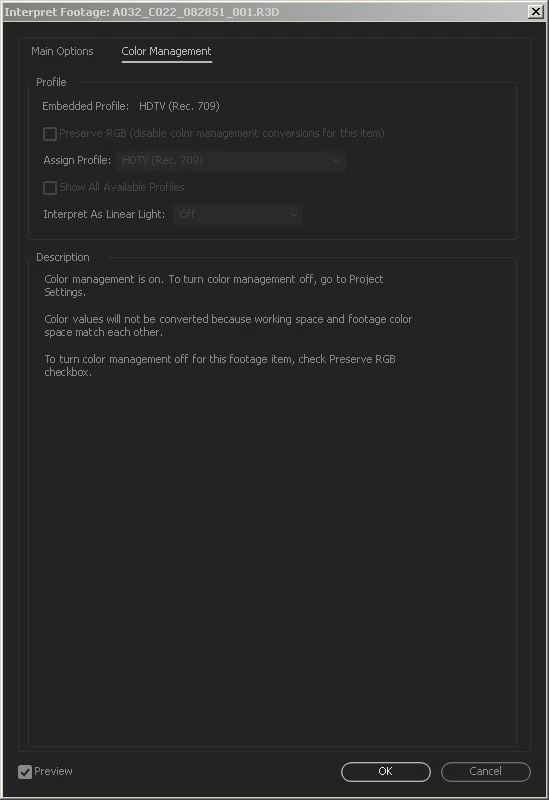
This is my Color management so far:
The final export should be made in Adobe Premiere CC 2017 to DCP for projection in theaters. I would like to ask, which RedOne Source settings to choose and which Color Management in After Effects so that the colors are projected correctly by standard digital projectors in movie theaters, please. This is my first movie with compositing in AE, I am looking for a professional advice, please, I have no experience with color management. Thank you for any tips and information.

    This topic has been closed for replies.
    Correct answer Mylenium

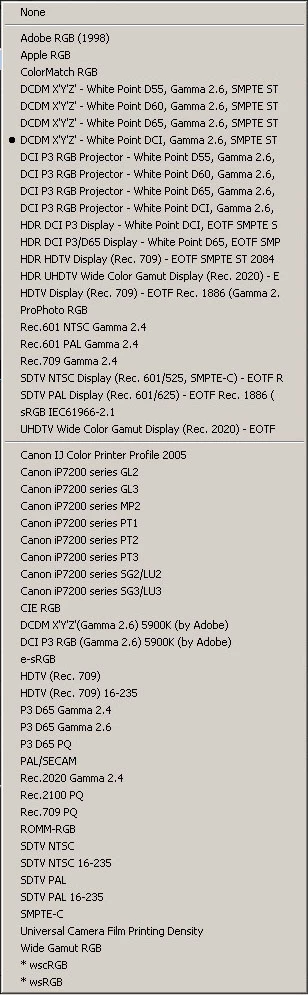
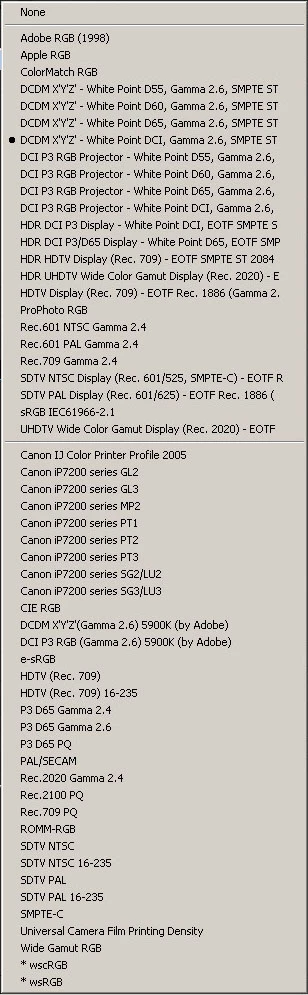
    I am sorry for the confusing questions, I have no experience with color corrections, I am learning. Which profile do I choose in Project Settings as working space, please? Is it "none" or one of these:


    The generic profile you are already using will be just fine.

    Mylenium

    1 reply

    Mylenium
    Legend
    May 19, 2018

    Doesn't really matter. The whole point of CM and in particular DCI packages is to generate metadata that the playback device recognises and acts accordingly uppon. As long as everything is tagged, you should be pretty safe and I wouldn't take this further unless you know the exact specs of the projectors at a given cineplex. Your input processing is irrelevant to the projection, anyway. I would much more worry about whether my system is actually capable of displaying all colors correctly and properly calibrated. People tend to forget that CM is meaningless without working on a measured device...

    Mylenium

    gio122Author
    Participant
    May 19, 2018

    I actually have a professionally calibrated monitor Eizo CX240 and I would like to see on my monitor the colors, which I would see in the movie theater for the purposes of basic color corrections. I believe that color management does matter, since the colors change according to the profile. Any suggestions please?

    Mylenium
    Legend
    May 19, 2018

    I'm not clear what you are asking. You are manipulating the files yourself, not handing them off to other people (presumably). Hence there is no requirement to adhere to a specific procedure and add obscure extra color profile info. Since you work on a calibrated device, what you see is what you get. Your colors are already transformed based on the input profile, why would you want to make a mess? all you need is to use a DCI compliant profile for the comp preview.

    Mylenium