
rubyn74790756
Participant
April 25, 2019
Question

color not matching up when importing from AI to AE

  • April 25, 2019
  • 4 replies
  • 3620 views

Hello,

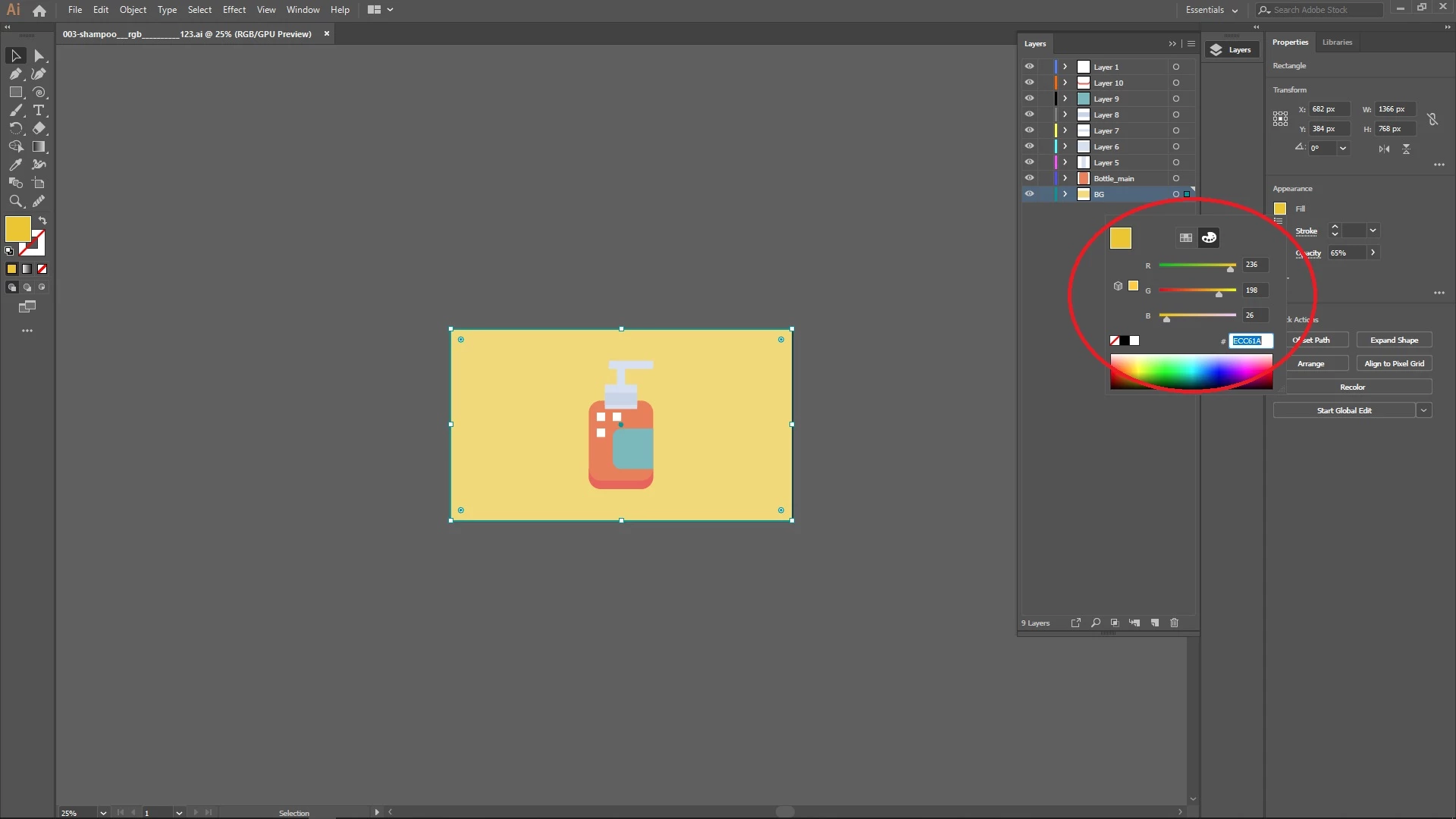
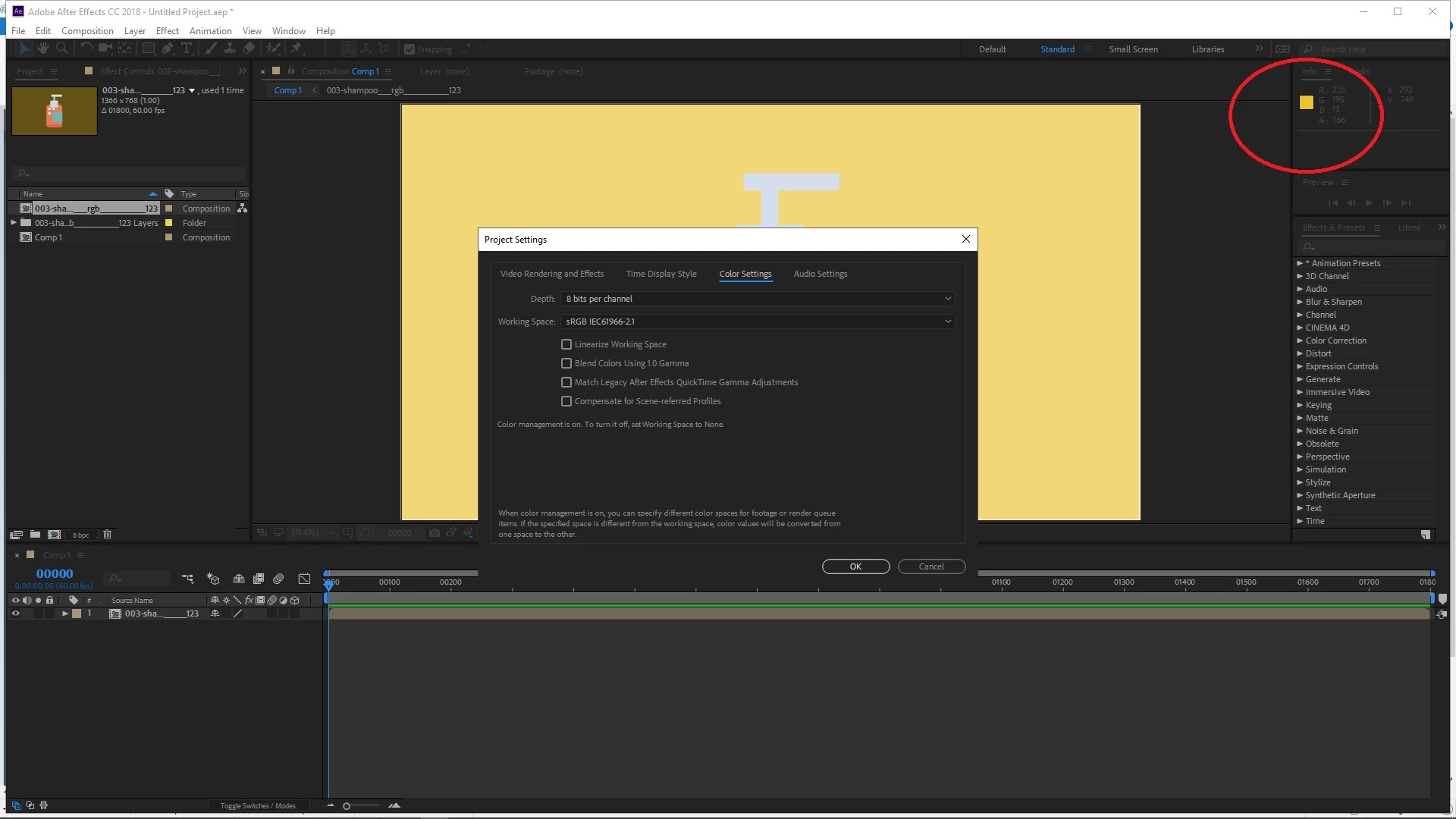
I've been struggling with this issue. Both AE and AI are using the same color profile : sRGB IEC61966-2.1 But displayed two different color despite being the same file?

The color code in AI
Same file but the color code changed in AE.
How can I fix this?

Thank you so much

This topic has been closed for replies.

4 replies

Participant
December 6, 2024

I had the same problem. Someone fixed it for me by going to Project Settings --> Color. Then setting the "Bit Depth" to 8 bits per channel, and turning "Linearize working color space" OFF

Participant
May 16, 2023

After effects and illustrator versions should be same to match the exact colors.


Community Expert
April 25, 2019

Show us the color profile in Illustrator please.

Byron.
rubyn74790756
Participant
April 26, 2019

I've followed every solutions in the forum

Inspiring
April 26, 2019

I noticed your alpha in after effect is 166(where the info is). Are all the layers in the pre-comp solid?

Inspiring
April 25, 2019

Is illustrator still in CMYK mode, even if the individual colours are rgb? Also, you might have to re-import. just reloading doesn't always work. Also check there is not alpha or any transparency causing confusion.