
Colour visually does not match hex codes
There’s this frustrating persistent bug that keeps ambushing me project from project, sometimes the colour visually matches the correct hex code but some times they are visibly less saturated.
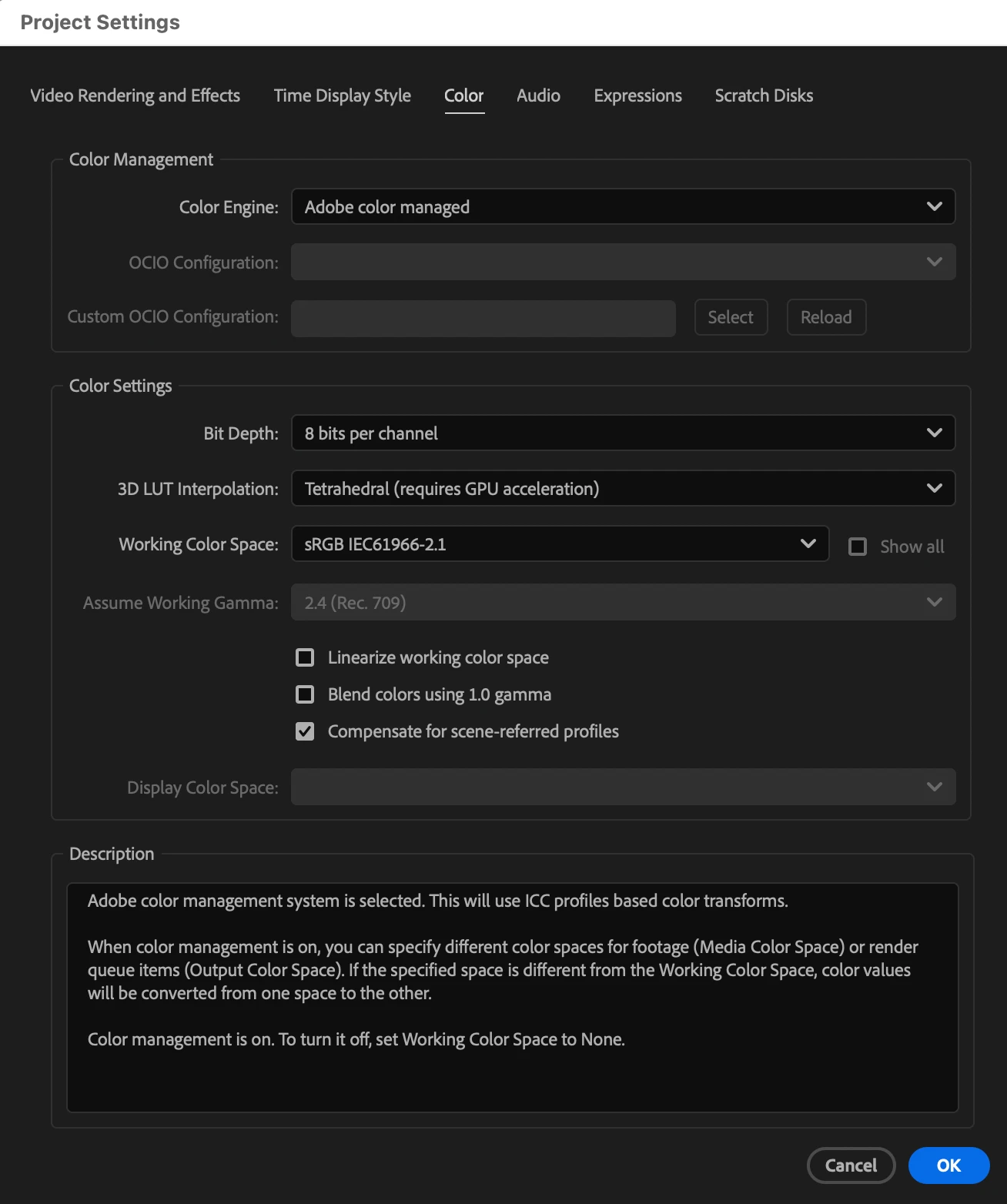
All my projects have the same colour profile in the colour management tab (Project Settings) as screenshot.
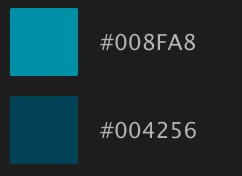
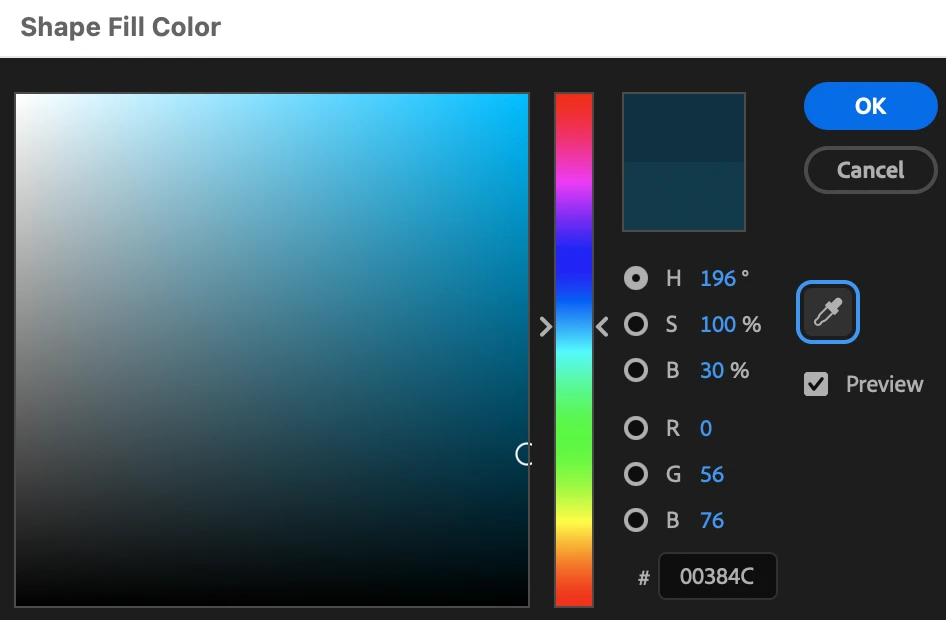
But when I import client’s asset into the comp, it is visually different from the hex code when creating a shape layer.
I could colour pick it, but it’ll not be the same hex code and this is not ideal. I do not wish to reopen the file a couple of updates later to find the colours in the shape layers all shifted because I was forced to eye drop the visually matching tone.

Please let me know if there’s a solution to this problem, I've tried exporting the video in different codex and they all look washed out.
 AdChoices