Grayson Humphries
Participant
December 27, 2022
Answered

Combining Two Wiggle Expressions

  • December 27, 2022
  • 1 reply
  • 1160 views

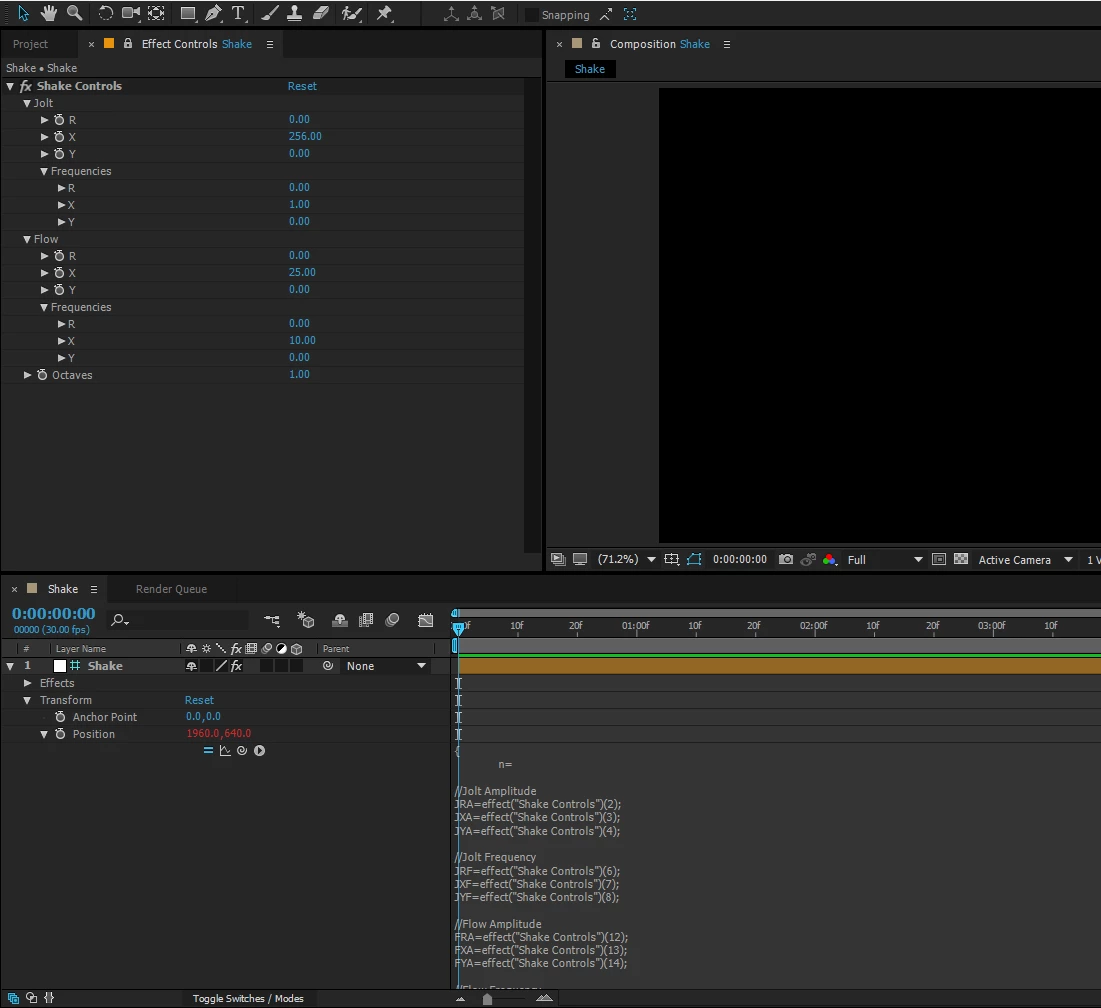
First time on here, love the community. I'm working on a camera shake system of expressions and had a quick question about an issue that has been bugging me. I have two overall variables, flowy' shake and jolty' shake. I have them separated so I can have jolts at certain parts, and flow at other parts. I'm setting up wiggles for jolt and flow, but am struggling to combine the two. When simply adding the two wiggles with a plus sign, it is adding on top of the base layer value. I want the layer at the center of the comp and to add the wiggles on top. First time diving into expressions like this other than basic parenting and math.
 

This topic has been closed for replies.
Correct answer Grayson Humphries

Update! Using 'value=[X[0], Y[1]]-[thisComp.width/2, thisComp.height/2];' takes the default centered position of the layer by dividing the comp's length and width by 2 and subtracts it from the added wiggle expressions.


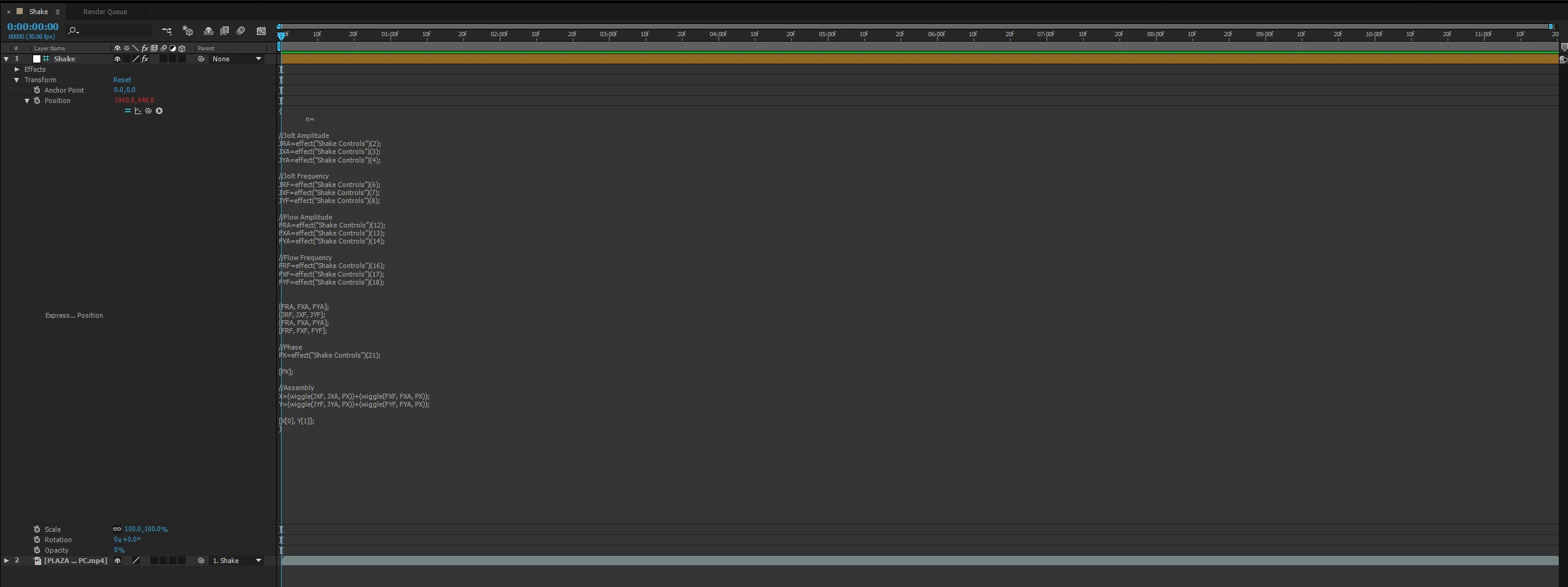
Entire string for anyone interested:

{
n=

//Jolt Amplitude
JRA=effect("Shake Controls")(2);
JXA=effect("Shake Controls")(3);
JYA=effect("Shake Controls")(4);

//Jolt Frequency
JRF=effect("Shake Controls")(6);
JXF=effect("Shake Controls")(7);
JYF=effect("Shake Controls")(8);

//Flow Amplitude
FRA=effect("Shake Controls")(12);
FXA=effect("Shake Controls")(13);
FYA=effect("Shake Controls")(14);

//Flow Frequency
FRF=effect("Shake Controls")(16);
FXF=effect("Shake Controls")(17);
FYF=effect("Shake Controls")(18);


[FRA, FXA, FYA];
[JRF, JXF, JYF];
[FRA, FXA, FYA];
[FRF, FXF, FYF];

//Phase
PX=effect("Shake Controls")(21);

[PX];

//Assembly
X=(wiggle(JXF, JXA, PX))+(wiggle(FXF, FXA, PX));
Y=(wiggle(JYF, JYA, PX))+(wiggle(FYF, FYA, PX));

value=[X[0], Y[1]]-[thisComp.width/2, thisComp.height/2];

}


1 reply

Grayson Humphries
Grayson HumphriesAuthorCorrect answer
Participant
December 27, 2022

Update! Using 'value=[X[0], Y[1]]-[thisComp.width/2, thisComp.height/2];' takes the default centered position of the layer by dividing the comp's length and width by 2 and subtracts it from the added wiggle expressions.


Entire string for anyone interested:

{
n=

//Jolt Amplitude
JRA=effect("Shake Controls")(2);
JXA=effect("Shake Controls")(3);
JYA=effect("Shake Controls")(4);

//Jolt Frequency
JRF=effect("Shake Controls")(6);
JXF=effect("Shake Controls")(7);
JYF=effect("Shake Controls")(8);

//Flow Amplitude
FRA=effect("Shake Controls")(12);
FXA=effect("Shake Controls")(13);
FYA=effect("Shake Controls")(14);

//Flow Frequency
FRF=effect("Shake Controls")(16);
FXF=effect("Shake Controls")(17);
FYF=effect("Shake Controls")(18);


[FRA, FXA, FYA];
[JRF, JXF, JYF];
[FRA, FXA, FYA];
[FRF, FXF, FYF];

//Phase
PX=effect("Shake Controls")(21);

[PX];

//Assembly
X=(wiggle(JXF, JXA, PX))+(wiggle(FXF, FXA, PX));
Y=(wiggle(JYF, JYA, PX))+(wiggle(FYF, FYA, PX));

value=[X[0], Y[1]]-[thisComp.width/2, thisComp.height/2];

}


Dan Ebberts
Community Expert
Community Expert
December 27, 2022

You just need to isolate the wiggle part of one of the wiggles by subtracting the current value. So the last part would be like this:

X=(wiggle(JXF, JXA, PX))+(wiggle(FXF, FXA, PX)-value);
Y=(wiggle(JYF, JYA, PX))+(wiggle(FYF, FYA, PX)-value);
[X[0], Y[1]]