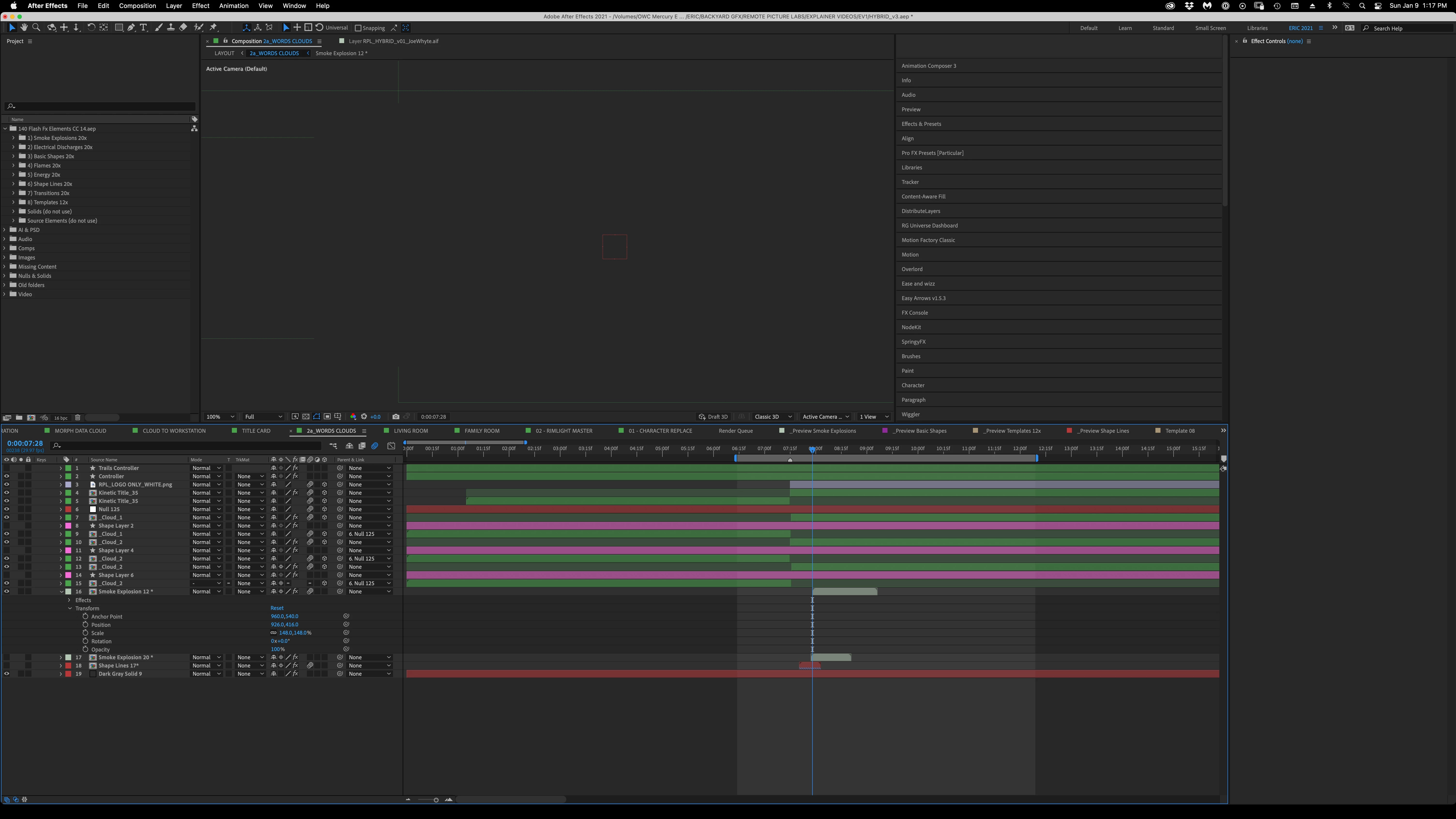
Comp Window DOES NOT UPDATE PICTURE
Been having this issue for some time now; over multiple After Effects versions. This occurs most often with vector files.
AE 2022, v22.1.1
Specs
Mac Pro (2019)
OS 11.6.1 (BigSur)
Processor: 3.2 Ghz, 16-Core Intel Xeon W
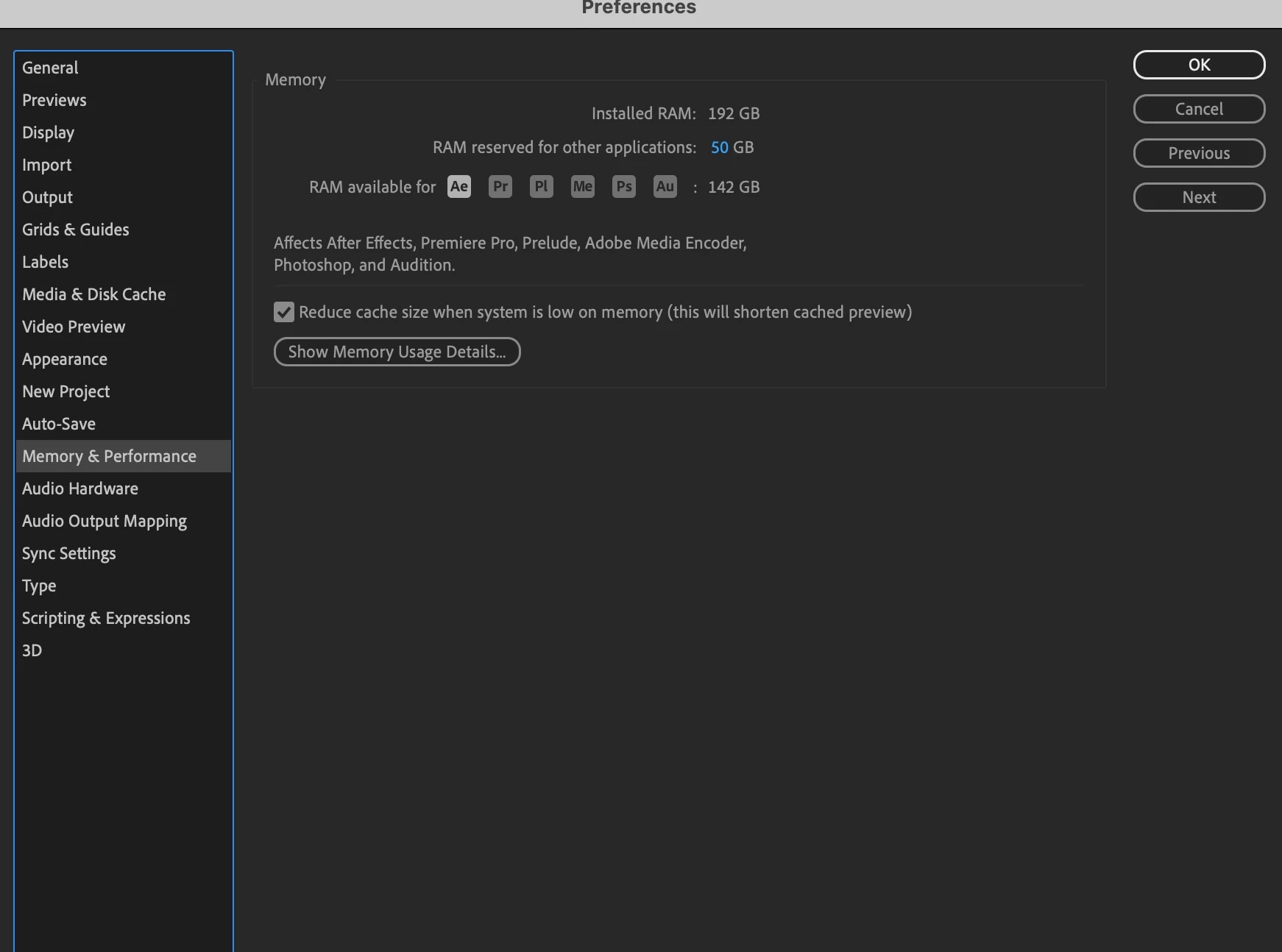
Memory: 192 GB 2933 MHz DDR4
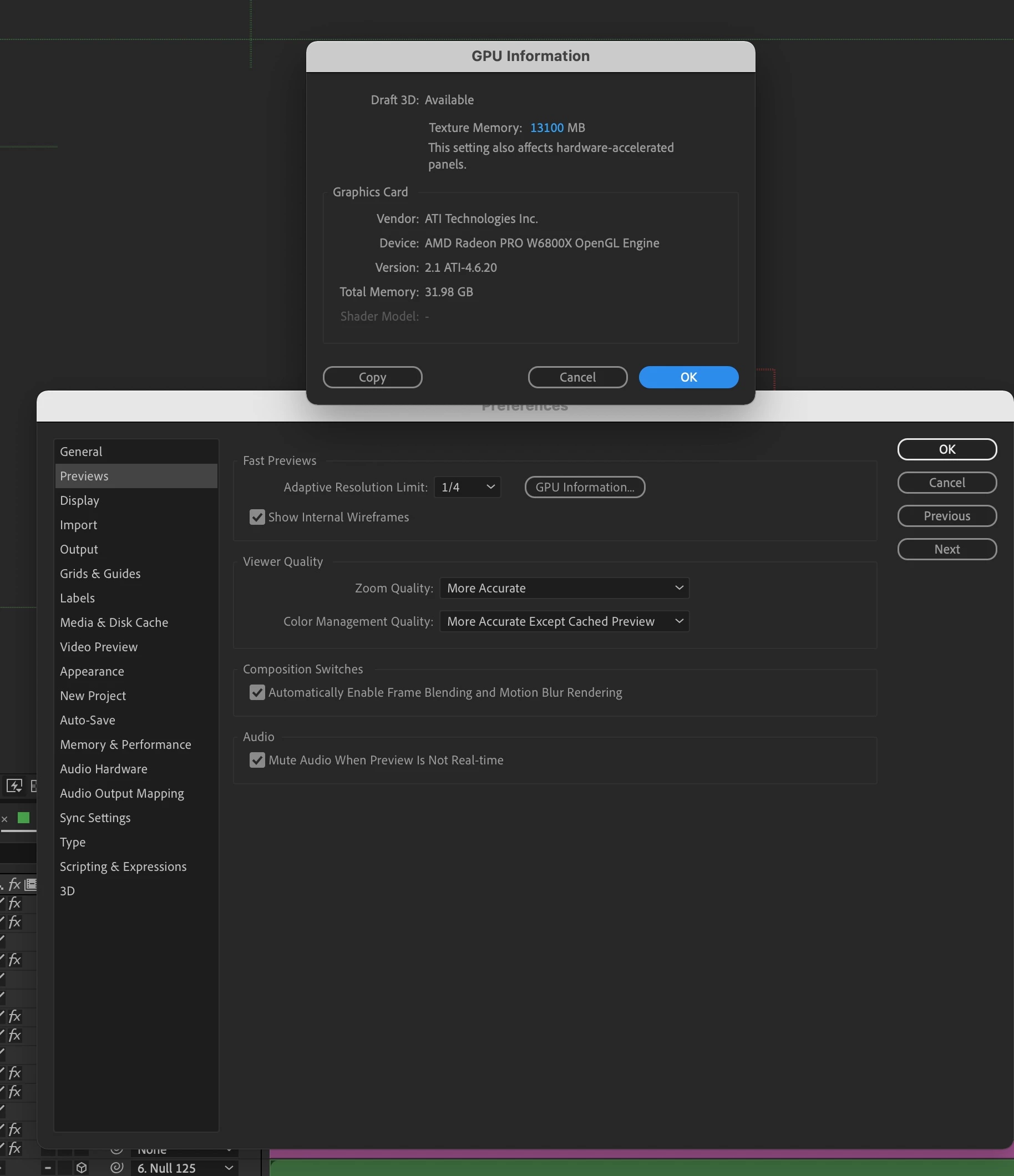
Graphics Card: AMD Radeon Pro W6800X 32GB
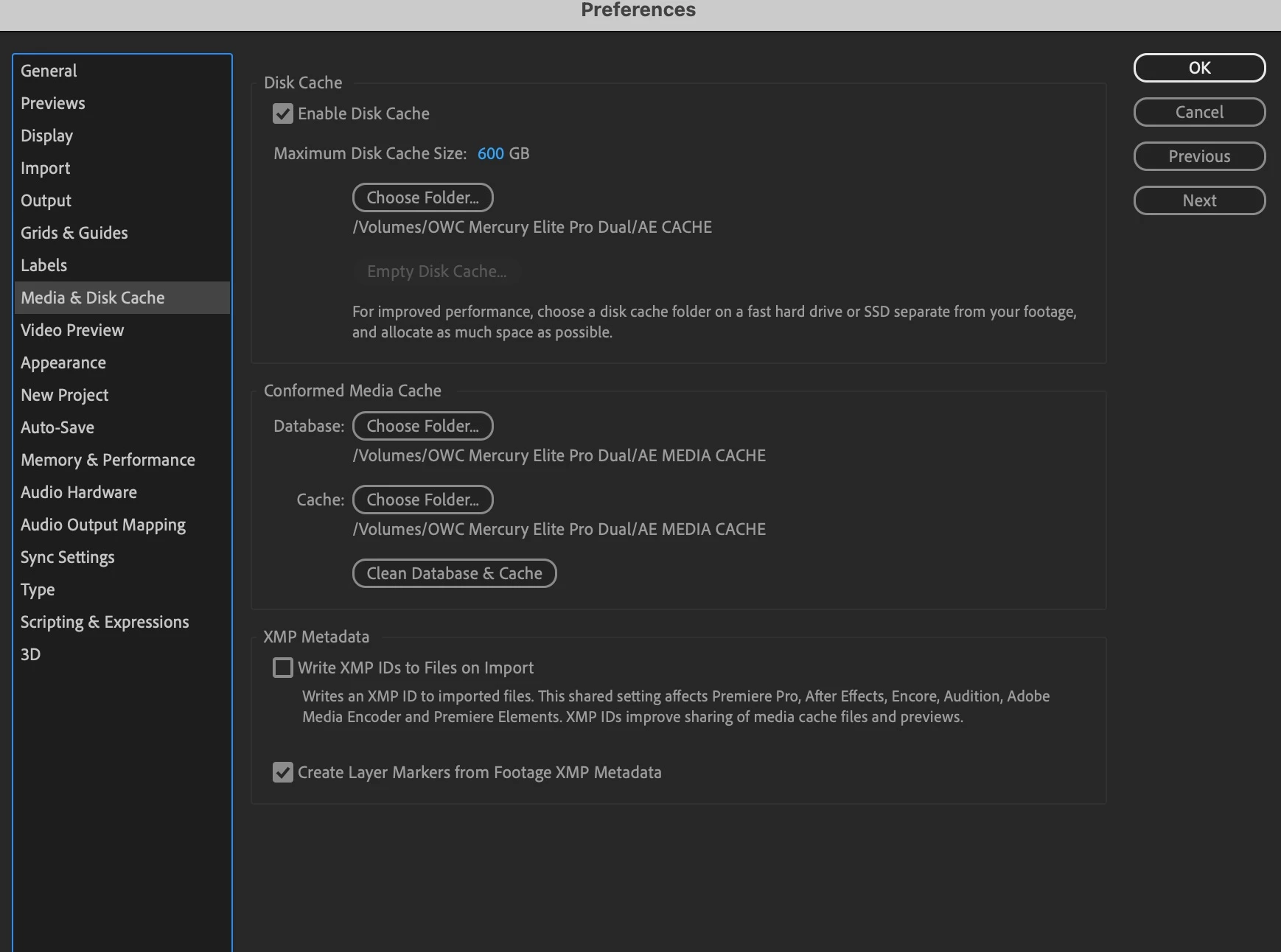
Drives: 2TB Internal Flash Drive where App and mdia cache lives; OWC Mercury Elite Pro Hardware RAID 0 USB 3.2 gen 1 4TB
When I open a composition, particularly one with vector files, the comp window is blank. This can last for 15 minutes or, sometimes, it lasts for 5-8min then finally the image appears. It can also happen with raster or video files too. I have tried emptying the caches, reducing the resolution, uninstalling and reinstalling After Effects, updating my graphics card driver. I move the timeline indicator around, I import that same project into a new project, to no avail.
The only other option I see is to put all my project files on an SSD. Any help would be greatly appreciated.
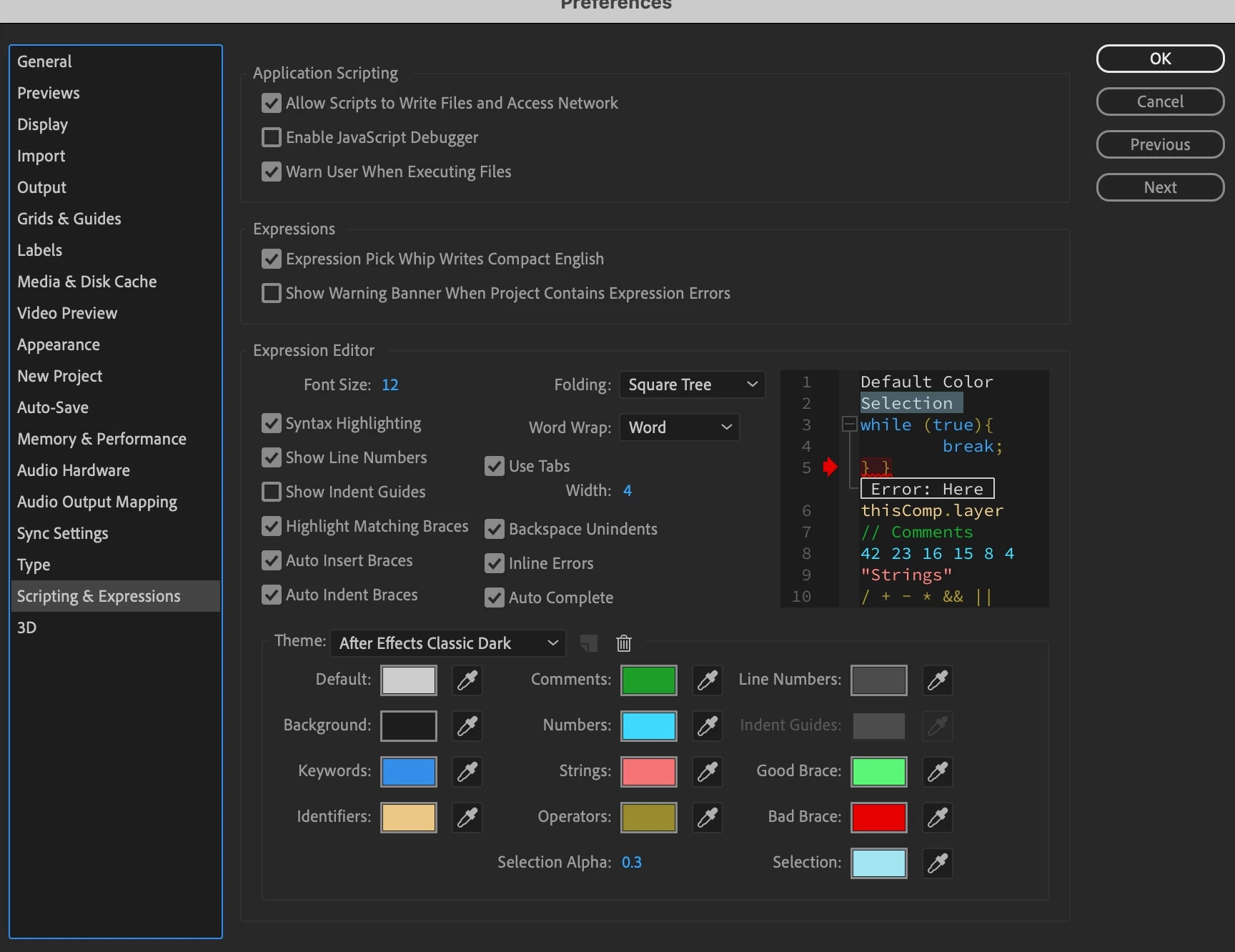
I uplaoded a few images.
Thanks!
Eric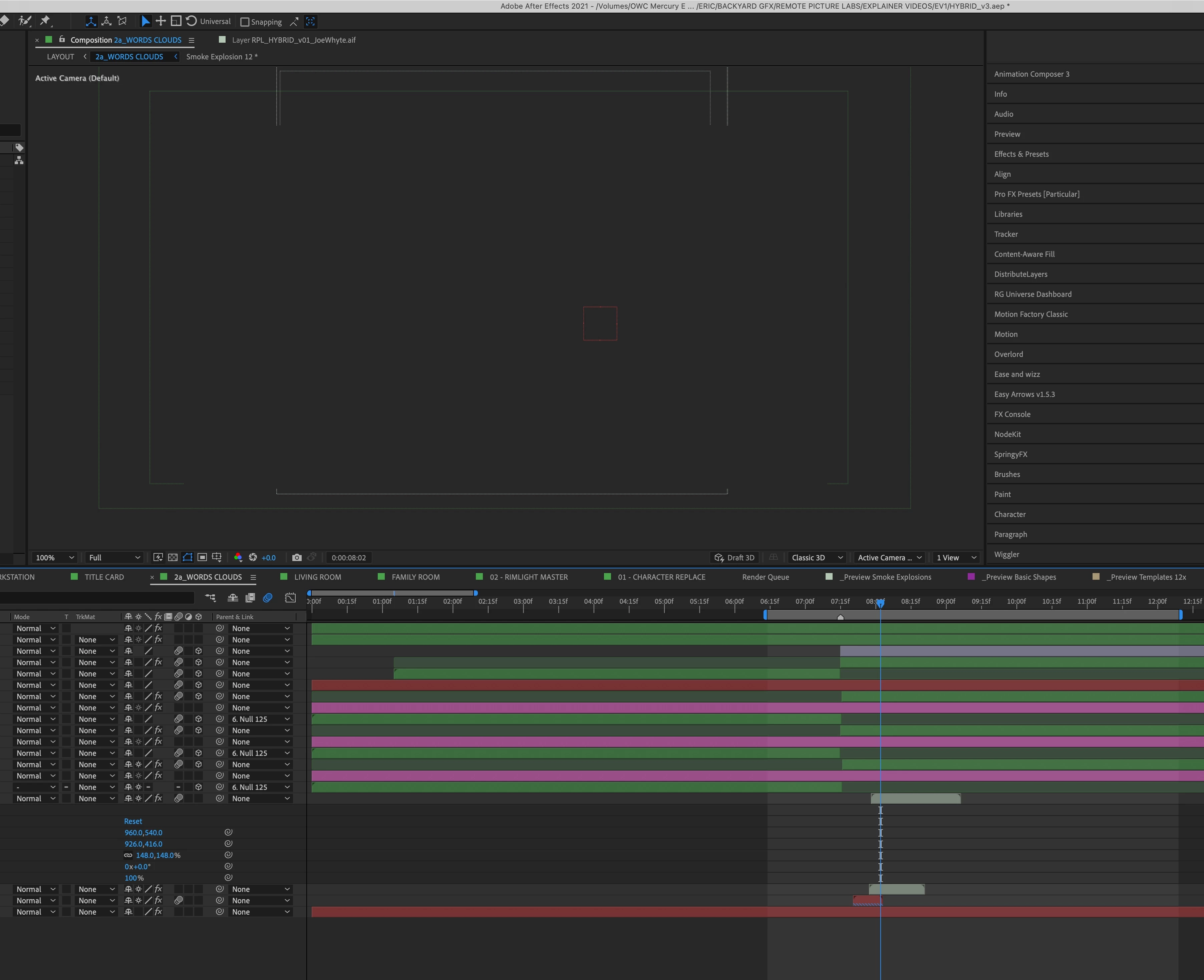
 AdChoices