Comp window image stays frozen like I have CAPS LOCK on as I drag Time Indicator or move layers around
Hi,
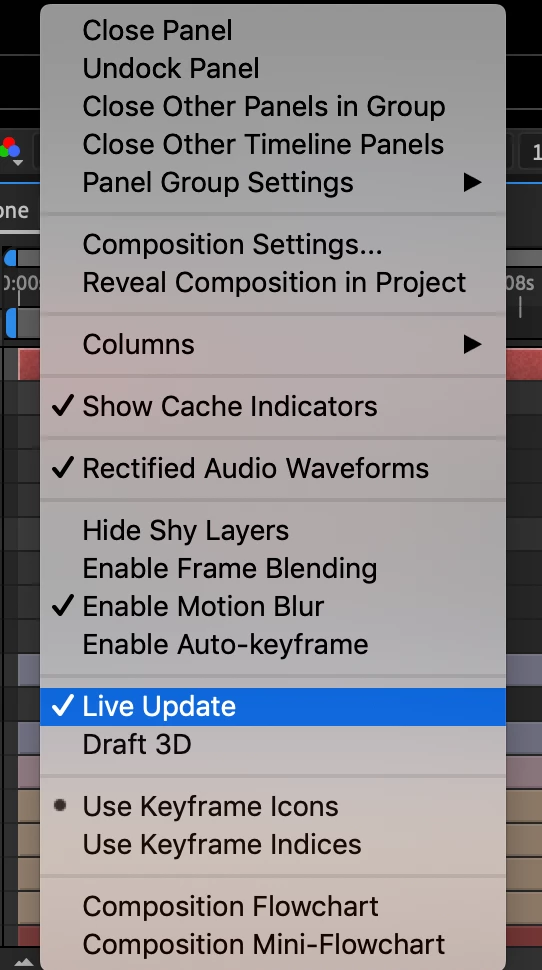
I'm having trouble seeing a live updated image in my comp window as I make changes, i.e. drag a layer from position to another, drag the current time indicator forward or backward. Basically if I'm dragging a square from left to right, the image in the comp window shows the square frozen on the left side until I've released the mouse, revealing on the right side somewhere unexpected because I wasn't able to see precisely where I had moved it to. It's similar to how the image remains frozen when CAPS LOCK is on while changes are made.
I'm hoping it's some very simple setting or button that I've never known about in my years using AE, but any insight is appreciated.
I'm in AE 2019 (16.0.1), on Windows 10. The issue does not occur in my previous versions of AE which are currently installed on the same computer.
Thank you,
Chris
 AdChoices