EndmySuffering
Participant
May 22, 2018
Question

Composite/Or Layer Can't Preview "Inner Glow" Effect and Background. (noob)

  • May 22, 2018
  • 1 reply
  • 274 views

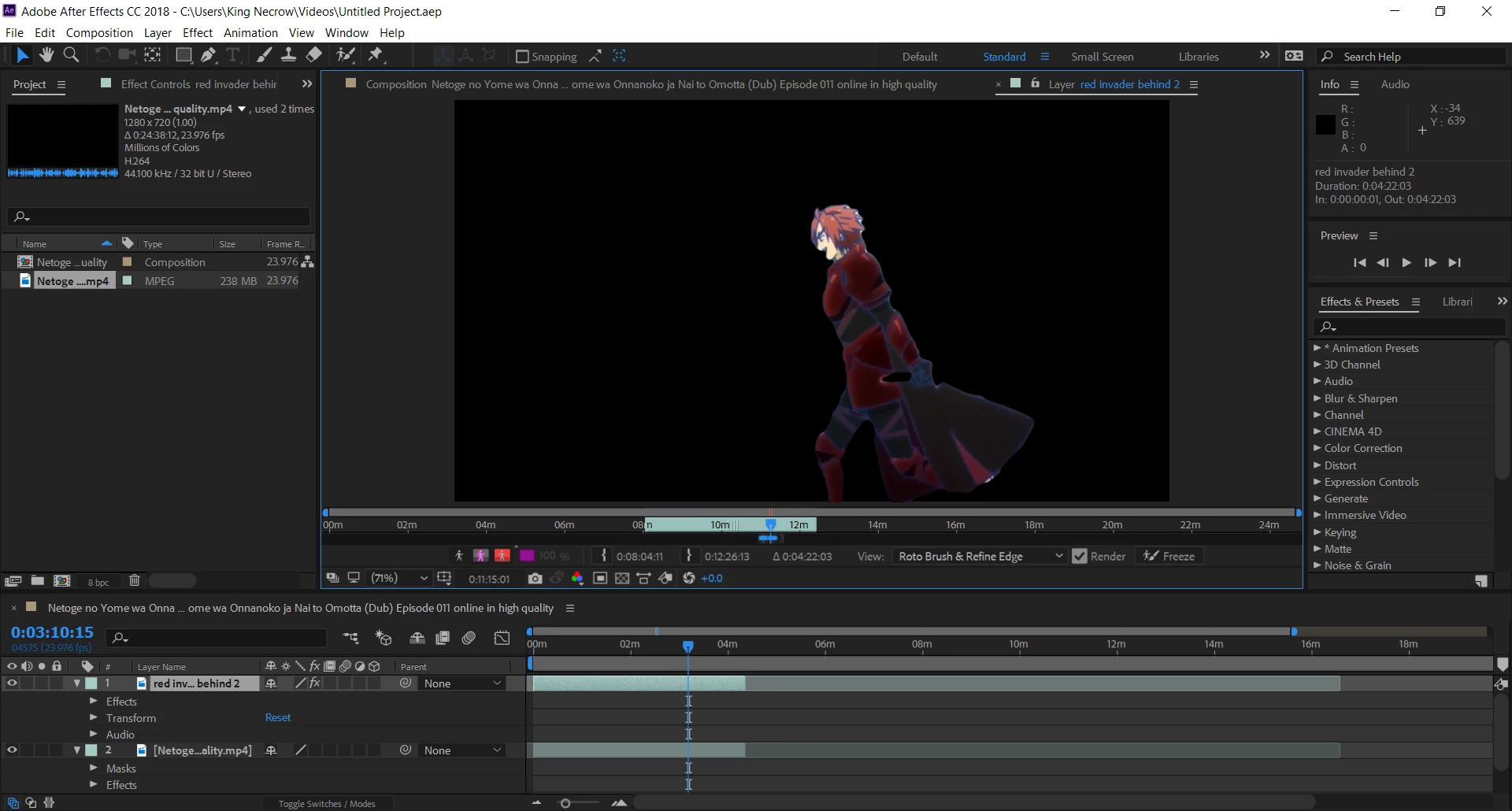
So I just spent 11 hours autobrushing a moving character to make their area be red. When I click view I can see that it works in the area I've done, but I can't see how to view (or render) the glow effect area and the background. I tried to follow these steps How to make objects GLOW in Adobe After Effects CC! (Tutorial) - YouTube

Here are some screen shots, hopefully I didn't just waste 13 hours on this project so far for nothing. Glow view on layer :rotobrush view on layer :
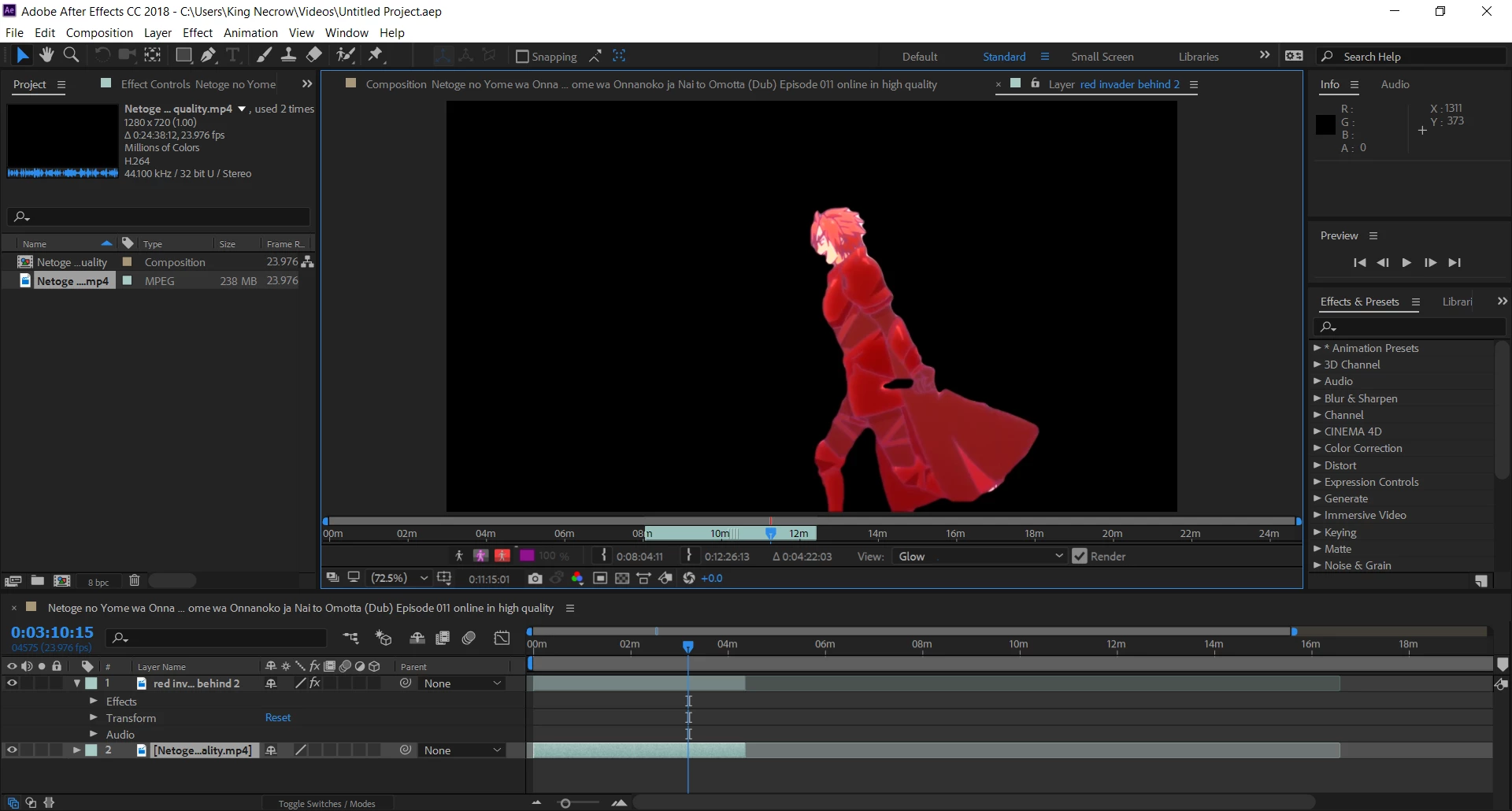
none one layer
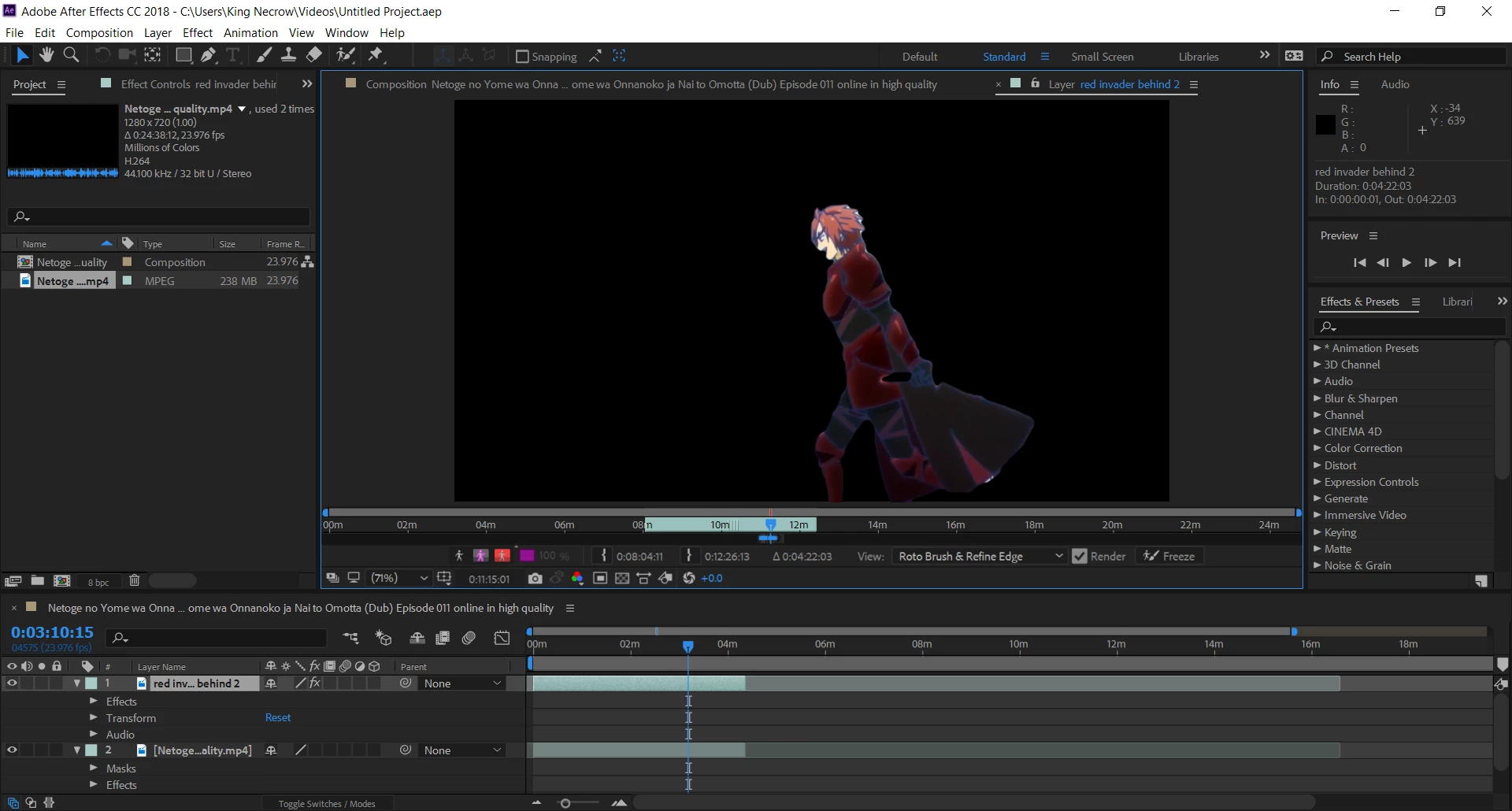
composite layer
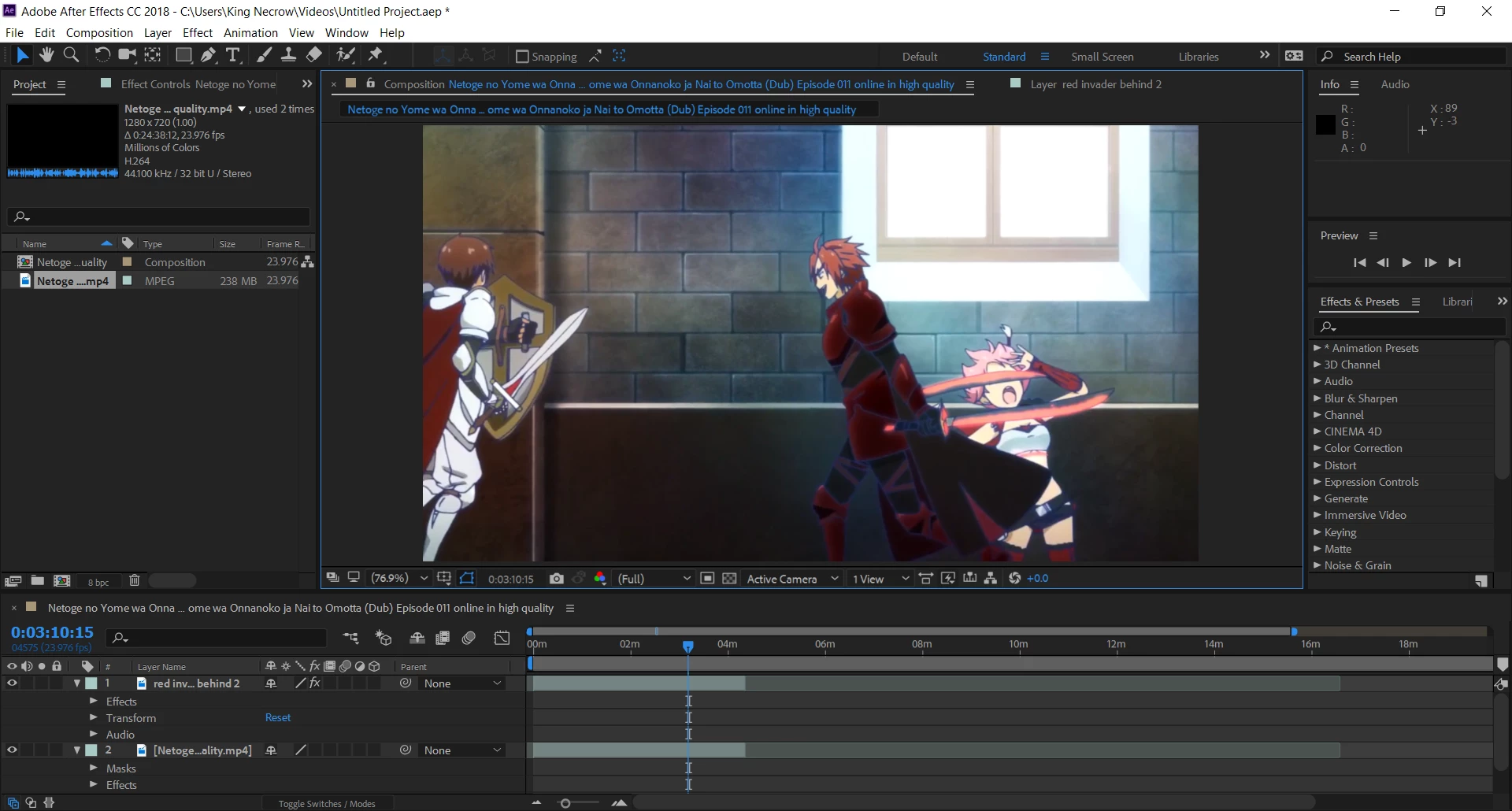
I've tried shit for 2 hours and couldn't figure out anything online or in software, please help a idiot like me/

This topic has been closed for replies.

1 reply

EndmySuffering
Participant
May 23, 2018

At this pint after wasting a full day reading nothing helpful online I'd settle with just having the transparent layer

but no matter what I do this layer will not show up in composition and for god knows why you can't just export a layer outside of composition. I'd even take a screenshot frame option and do that frame by frame to get all I've done, but that's not a option either. This will probs be the last time I use after effects and any help on this porject is a huge help.

Mylenium
Legend
May 23, 2018

In order to see a glow you actualyl have to apply an effect or layer style. The red tint from the rotobrush is merely an auxiliary overlay. And since there is no way to say this nicely I'll just say it: Learn the basics! You are just mucking around and flying blind. No, you are not an idiot, you are just to lazy to even watch a tutorial or read the help and now get a dose of your own medicine. Everything you need can be found and has been explained a million times everywhere from applying effects to rendering stuff out.

Mylenium