
November 29, 2021
Question

Composition Is Frozen/Not Playing

  • November 29, 2021
  • 2 replies
  • 120 views


Recently upgraded my Mac to macOS Monterey

Recently upgraded After Effects to v 22.01


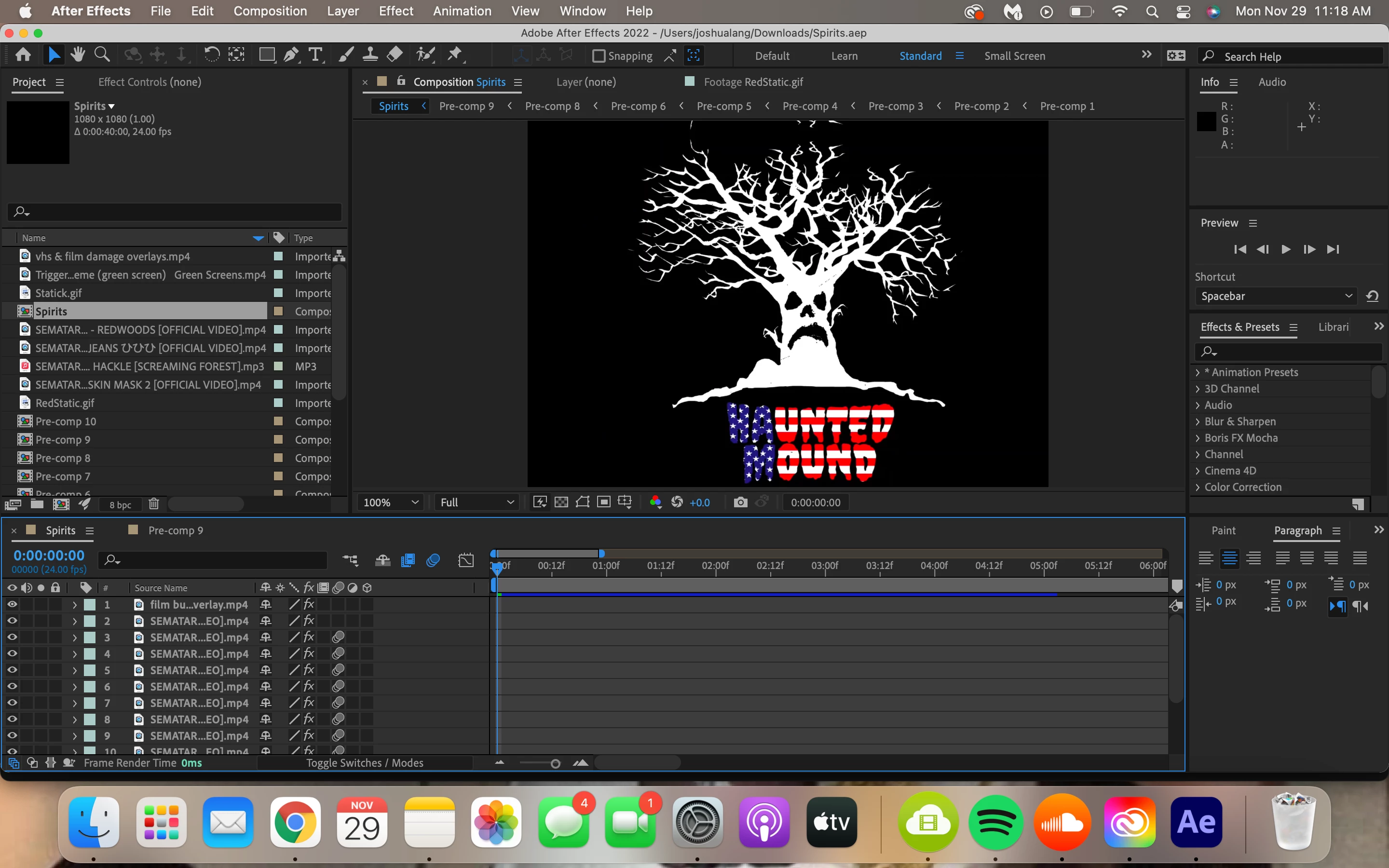
I've been working on a personal project for a few days and suddenly the composition stopped previewing properly. Every time I open the project file and try to play the video, nothing will happen, it just remains frozen on this first frame shown below. I've restarted my computer, force quit after effects numerous times, and remained patient for three days now but the problem doesn't seem to resolve itself.  A couple times, the composition played however froze once again about 20 frames forward. Any help would be appreciated, thank you!
 

This topic has been closed for replies.

2 replies

nishu_kush
Legend
December 10, 2021

Hi AlmightyFlaco,


Sorry for your issue.

Is it happening with this particular project or all of them? Please try clearing the media cache: https://community.adobe.com/t5/after-effects-discussions/faq-how-to-clean-delete-or-trash-media-cache-files-in-after-effects/td-p/10634312 

If it doesn't help, go to After Effects Preferneces > Display > uncheck "Hardware Accelerated Composition, Layer, and Footage Panels".

Let us know how it goes.


Thanks,

Nishu

November 29, 2021

I can drag the cursor down the timeline, however the frame still remains frozen.