


Question
Composition window is black upon reopening app
I did some official AE tutorials last week before diving in to create my first project using a layered compisiton I made in Illustrator. It went really well and I was happy with my composition.
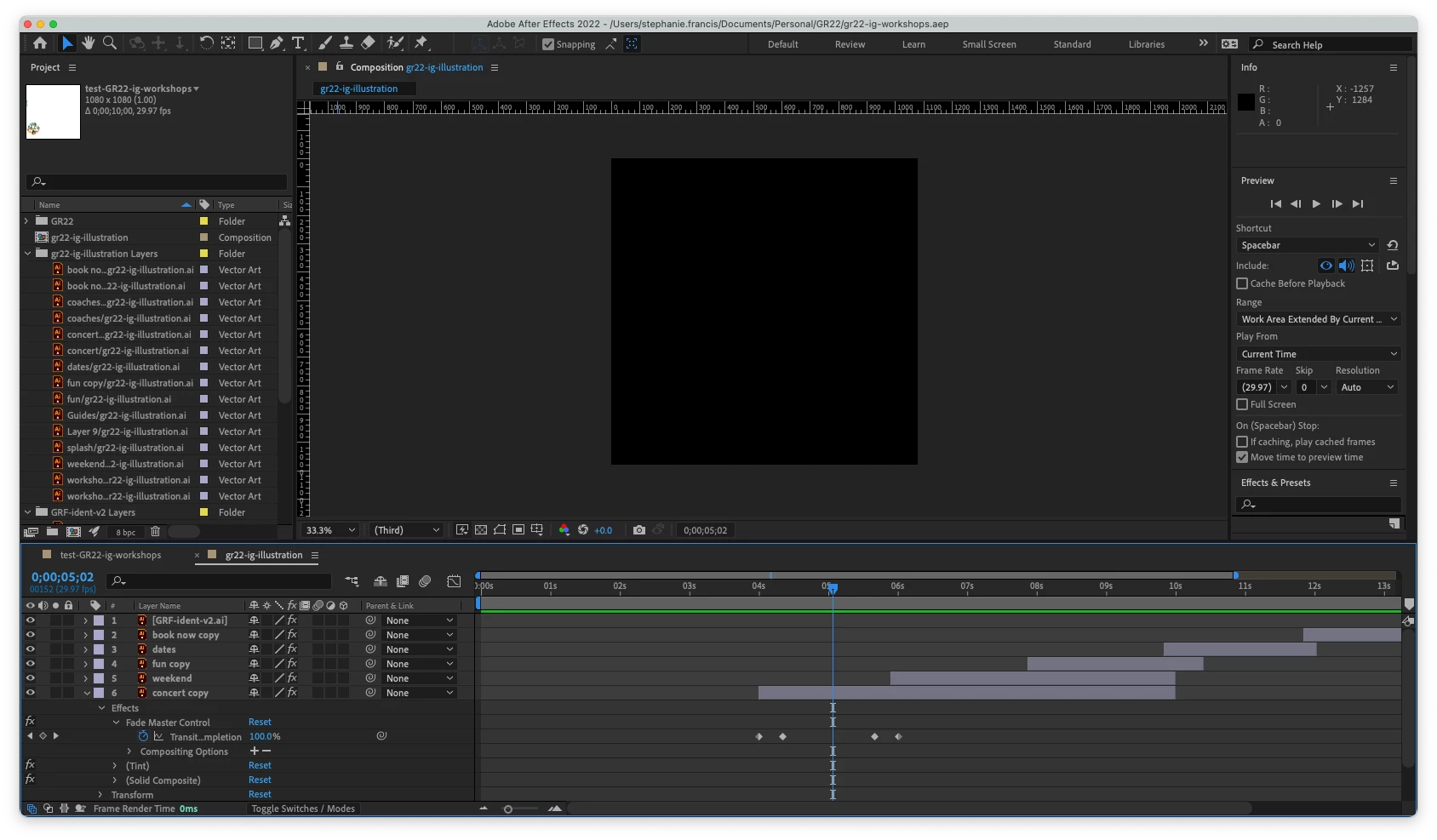
Today I reopened it to finalise and export it but no matter what I do, the composition screen appears black except for the final few seconds when I reference a separate Illustrator file for the project logo.
I have searched the forum and already tried purging the memory & disk cache, toggling the preview quality between wireframe and best, multiple restarts of AE and the Mac. I haven't moved or changed the main layered Illustrator file or the project file. Screenshot of issue below.
 AdChoices