
Inspiring
May 29, 2024
Answered

Contain foam effect

  • May 29, 2024
  • 1 reply
  • 421 views

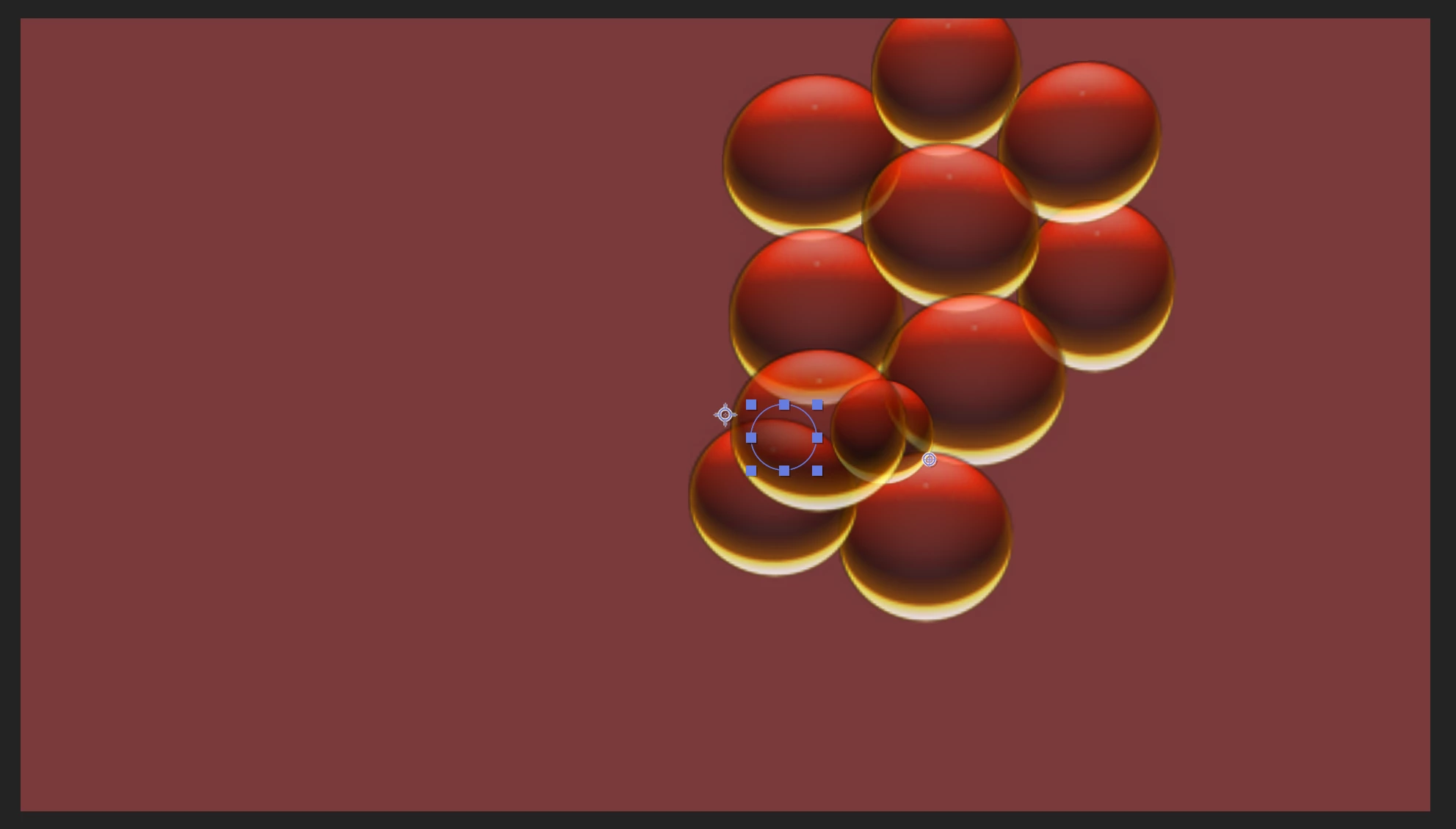
I want to contain this foam effect so that it stays within the frame. I will be using this comp in another one in several places so that the foam looks a single molecule. So when it drifts out of frame, it cuts it off in the other comp. Is there a way to make it stay in frame?


This topic has been closed for replies.
Correct answer DavidacrossAmerica

Looks like I can do this sufficiently by using the zoom variable to zoom out far enough that it does not drift off frame. I suppose if the comp was long enough, it might eventually. But in this instance, that works. 

1 reply

ShiveringCactus
Community Expert
Community Expert
May 29, 2024

Difficult to say without getting to play with your project, but I think if you take a look at the Zoom option and / or the flow map properties you might be able to either make it so they never get to the edge or restrict them from the edge.

The help docs for Foam are pretty comprehensive:

https://helpx.adobe.com/uk/after-effects/using/simulation-effects.html (Foam starts at about a 1/4 of the way down the page)

DavidacrossAmericaAuthorCorrect answer
Inspiring
May 29, 2024

Looks like I can do this sufficiently by using the zoom variable to zoom out far enough that it does not drift off frame. I suppose if the comp was long enough, it might eventually. But in this instance, that works.