
Inspiring
September 12, 2021
Question

Continuously Rasterize hiding layers

  • September 12, 2021
  • 2 replies
  • 281 views

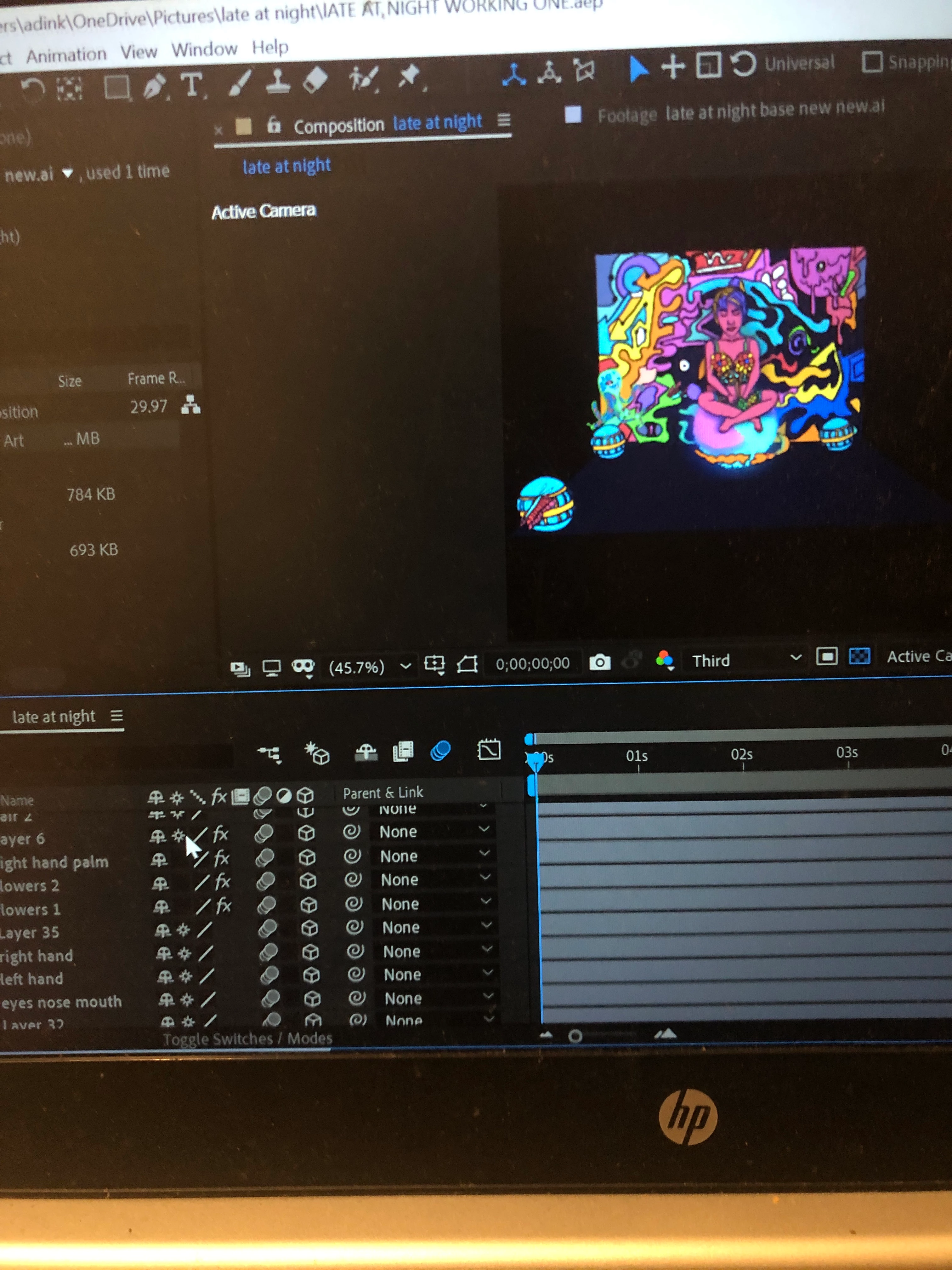
Hi, I just finished an animation of a vector illustration I made. When I turn on continuously rasterize for 4 of the layers in the comp. It automatically turns the layers off. I would appreciate any help. The wrist/ palm turns off as you can see in the image below 
This topic has been closed for replies.

2 replies

OussK
Community Expert
Community Expert
September 13, 2021

A rick said we need more information about your issue and your layer property and the effects you use 

Community Expert
September 13, 2021

We would have a lot better idea about what is going on in your composition if you took a real screenshot (incredibly easy on Windows and Mac) and the screenshot showed the modified properties of the layers that are giving you problems. Your selected layer has effects applied, it may be move, scaled, or even be pre-composed. Start by selecting the problem layer, press the "u" key twice, then start turning things off or resetting them. If you have a camera in the scene and the problem layer is a nested comp (pre-comp) and there are 3D layers in the nested comp, collapsing transformations will take the position information from the layer in the pre-comp and not from the nested comp's position property, even if that layer is 3D.


Give us some idea of what is going on in the comp and what your workflow is and we can probably help you figure out where the layers are going. All you have to do is copy and paste or drag your screenshot to the reply field and let us see what is going on with the problem layers.


Fk5C42Author
Inspiring
September 13, 2021

Thank you for the reply, I really appreciate it. I'll jump on the laptop and send the screenshot like you suggested. One thing I noticed is that, when I turned the effects off( puppet position, starch & advanced) it does rasterize. So am really confused. But I'll send the screenshot so you can help.