S_ A
Inspiring
June 30, 2022
Answered

copying comp markers

  • June 30, 2022
  • 1 reply
  • 4198 views

Hi,

I have questions.


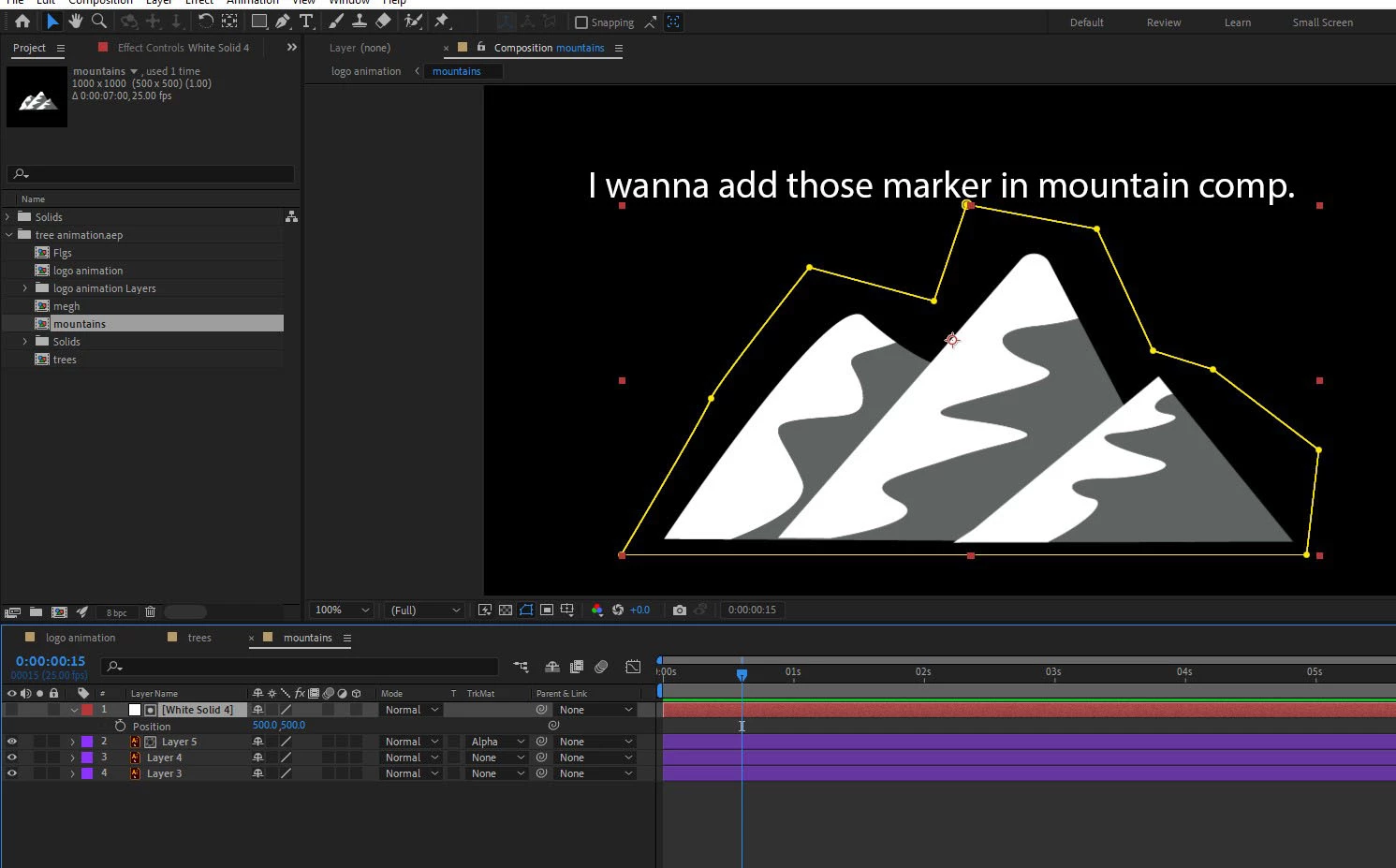
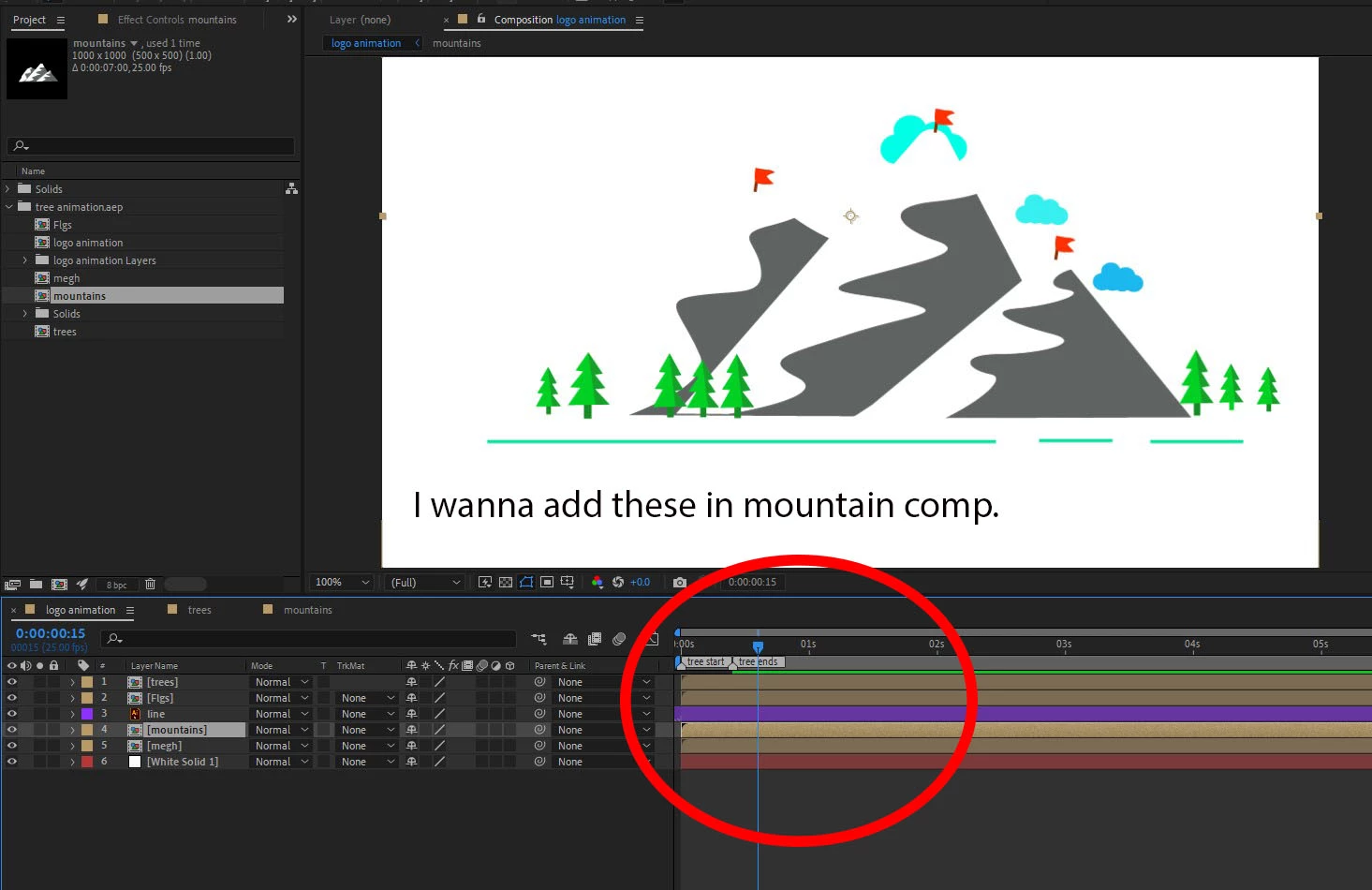
1- I was making an animation where In one perticular layer I used two comp markers. I want to copy paste them in another layer which is in another comp. any way I can do that? (I need the exact position so that I can initiate another animation in those points)


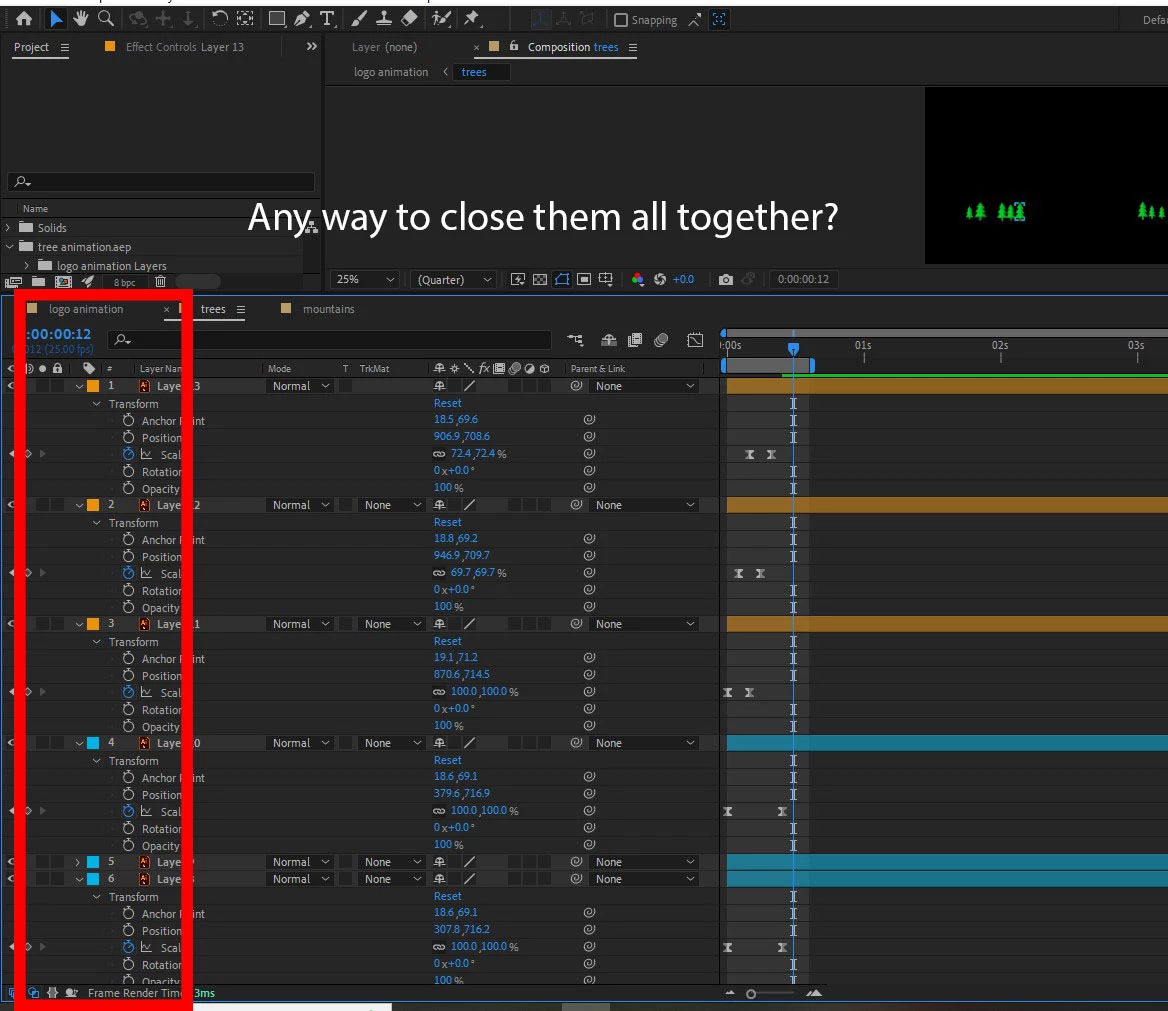
2- Sometime I need to open many layers. anyway I can close them all using any hotkey?


Thank you.
 

This topic has been closed for replies.
Correct answer Vishu_Aggarwal

Answer to point one - 

1. You can copy-paste the layers from the logo animation into the mountain composition - it will paste the layers in the same position just make sure the mountain composition is of the same size as the logo animation layer.  

Answer to point two 

2. you can use the shortcut U twice to close all the layers. (make sure no layers are selected in the timeline.)


1 reply

Vishu_Aggarwal
Vishu_AggarwalCorrect answer
Participating Frequently
June 30, 2022

Answer to point one - 

1. You can copy-paste the layers from the logo animation into the mountain composition - it will paste the layers in the same position just make sure the mountain composition is of the same size as the logo animation layer.  

Answer to point two 

2. you can use the shortcut U twice to close all the layers. (make sure no layers are selected in the timeline.)


Vishu AggarwalAdobe Certified Instructor, Professional and Expert
S_ A
S_ AAuthor
Inspiring
June 30, 2022

Thank you,