


Pedro Koney
Participant
November 14, 2022
Question

Creat a Mockup at After Effects

  • November 14, 2022
  • 2 replies
  • 469 views

Hello! I'm here serching for some tips to how to crate a mockup all inside After Effects. I've already have a img to put my design in, but I just dont know how😅


So, I pre-composed my design to try some distort ways and it was too bad, tried some 3D too but I failed, can someone help me to fit this pre-comp at the side of my box?🫠


It is in the Adobe After Effects 2023
 

This topic has been closed for replies.

2 replies

Community Expert
November 14, 2022

If the box does not have any movement, the easiest solution is to apply Effects/Distort/Corner Pin to your graphic layer.


If the box is moving, but the front stays visible, you can use Mocha AE to Corner Pin Track the front of the box and then apply the tracking data to your graphic.


If the camera is moving, you may need to use Camera Tracking, but there is very little detail for a camera to track in that screenshot, so I am not sure how well that workflow would perform.


A more detailed description of the project and the footage would help. Let us know if you need more detailed steps on any of my suggested solutions.

Pedro Koney
Participant
November 14, 2022

Holy cow! I really like it.


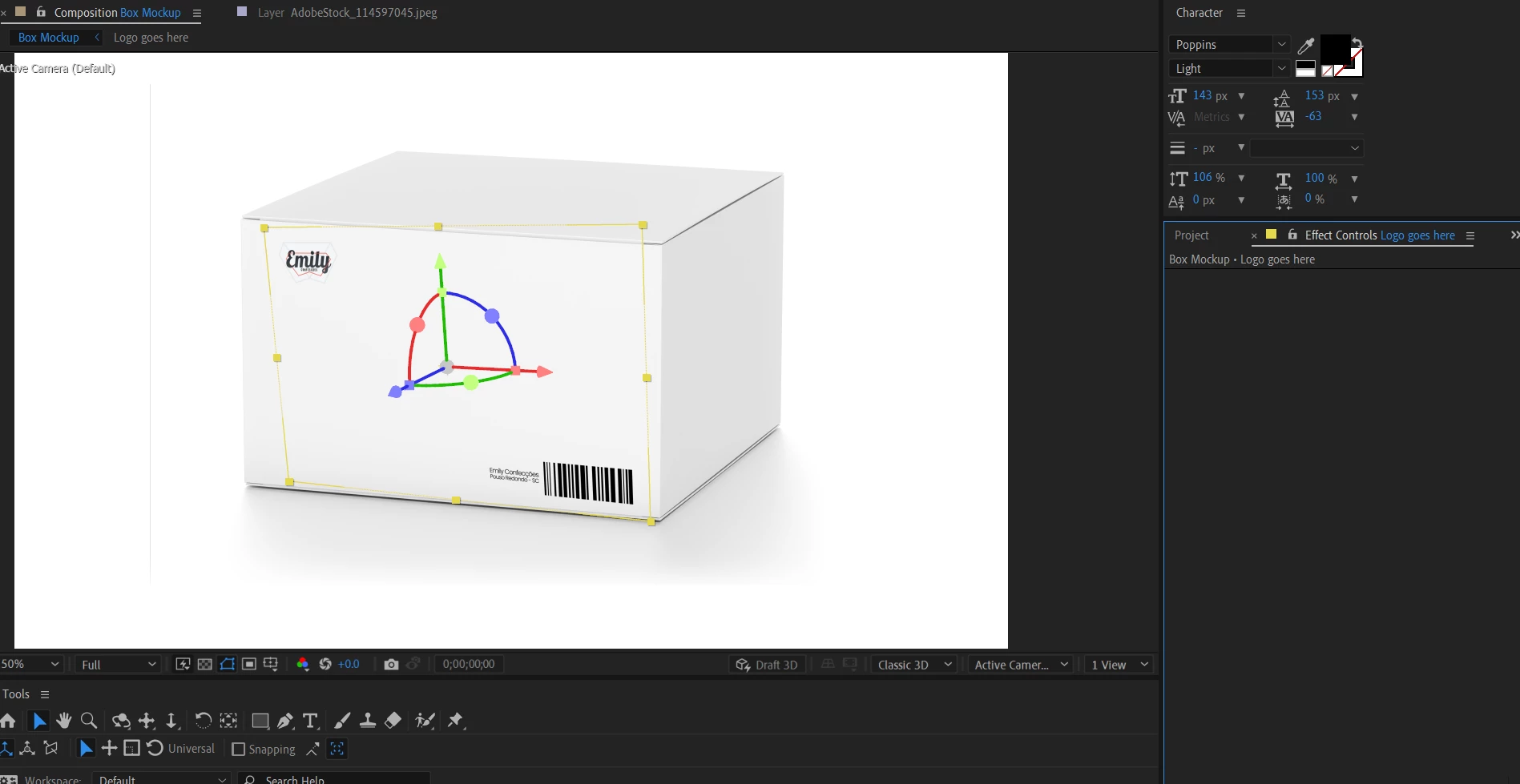
It is a simple post design project, not animated. Here is a print of the project after your reply, it looks much better, I'm open to suggestions if u have.

Thanks!


Luc
Pedro Koney
Participant
November 14, 2022

Searching*

Luc