
Answered
Create mask from grayscale image
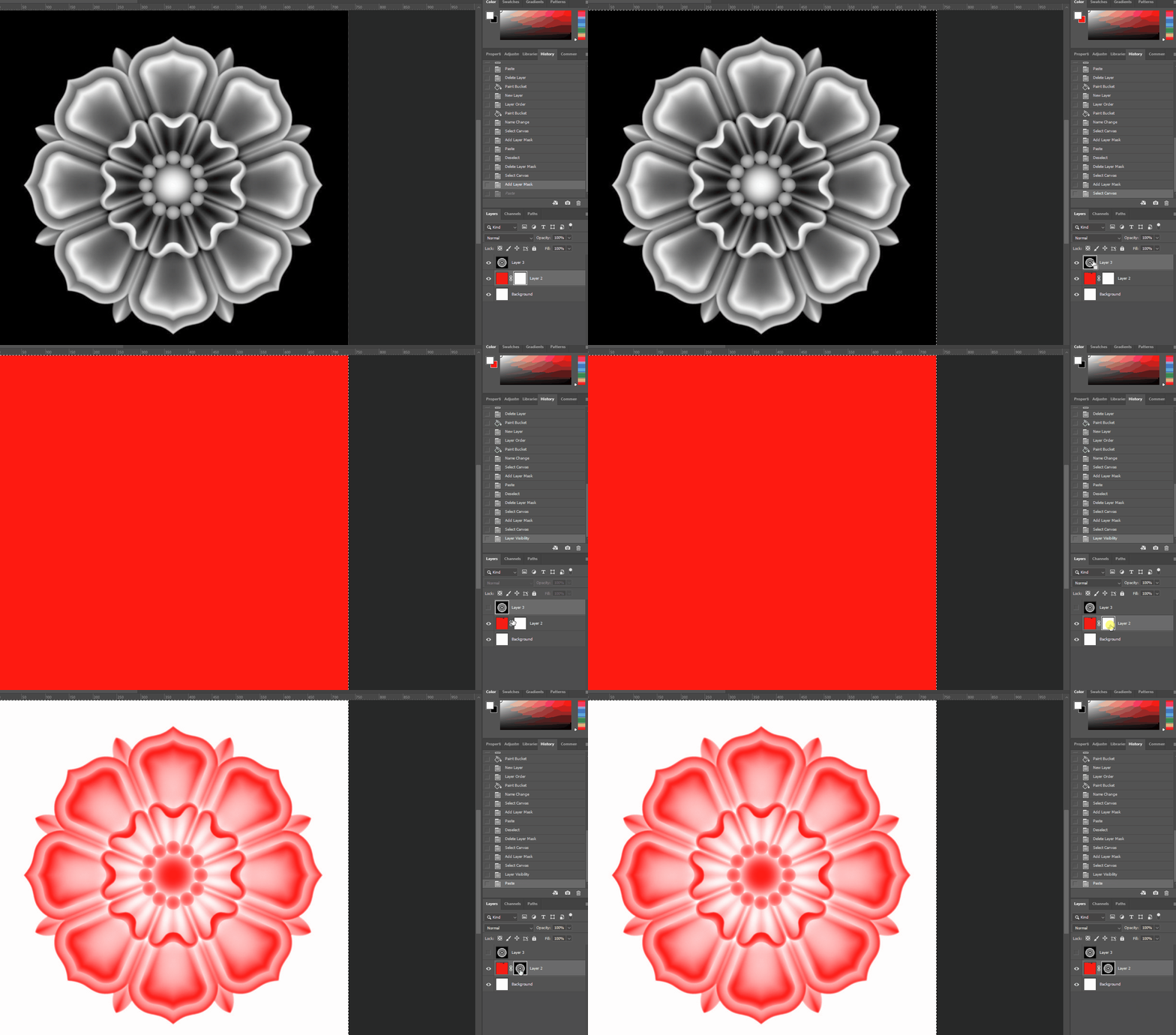
In Photoshop I can copy a flat grayscale image with no transparency and paste it into the layer mask to create a mask from that image. Is this somehting that can be done in After Effects with masks? Basically like this gif, only the ref would be the video


 AdChoices