
Participant
August 3, 2017
Answered

Create shape from vector layer "Bug"

  • August 3, 2017
  • 1 reply
  • 2847 views

Hello,

I have a problem with few vector images (eps file or Ai). When I import them in AE, and try to use the "create shape from vector layer" functionality I have a problem of display. I need to use this functionality because I have to animate each part of this image (most of the times its characters).
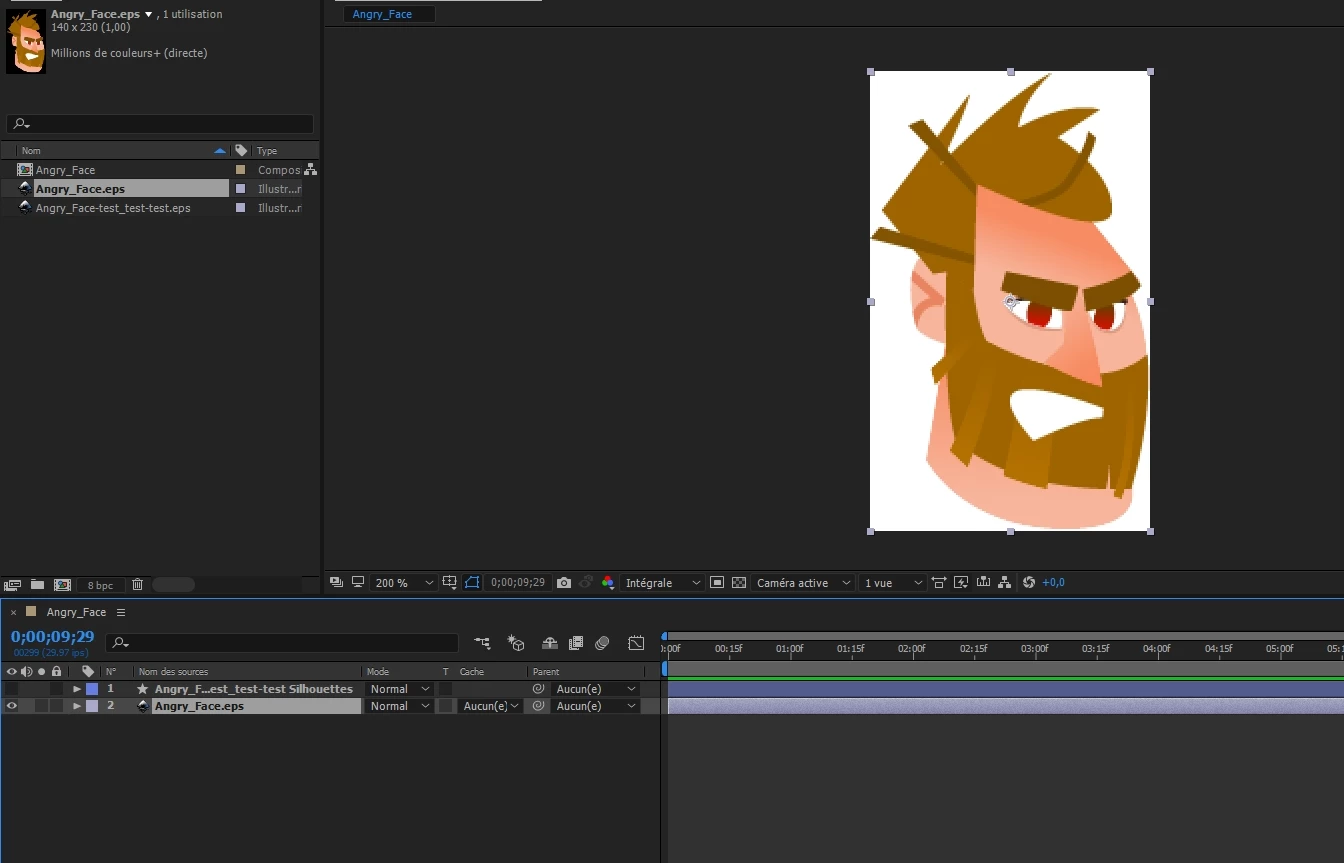
The problem is that some part of the picture are displayed in grey, like this (or just disappear):
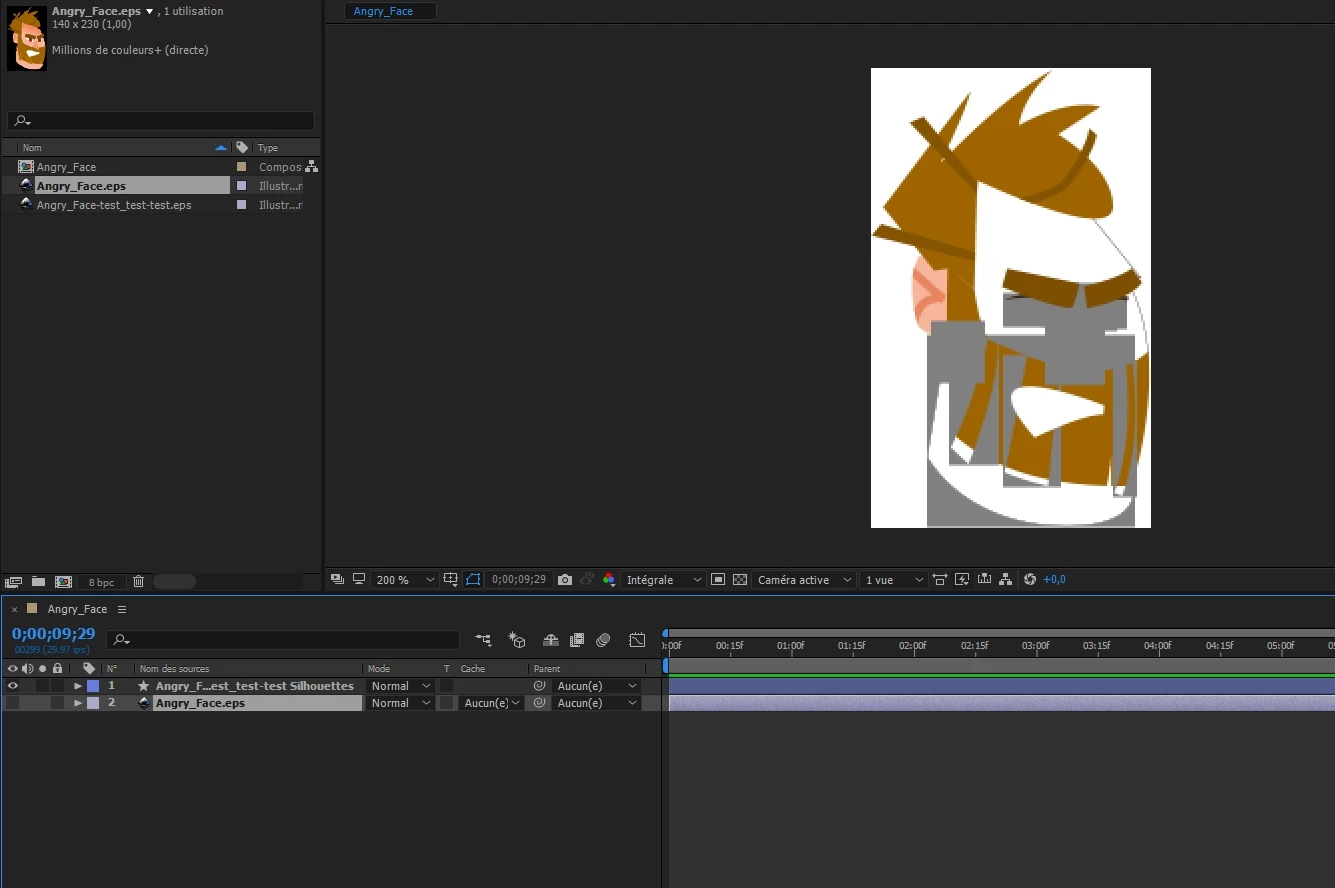
I've read in other topics that it's probably due to a problem with gradient fils... But no one seems to know how to solve that...

Does anyone here have an Idea ?

Thanks,

This topic has been closed for replies.
Correct answer Mylenium

There is nothing to solve. You simply have to remove the gradients in Illustrator and replace them with solid fills if you realyl want to convert them later in AE. It's simply not supported because there are no equivalent shape layer gradients. Hence there is nothing that can be translated. Otherwise simply work with the native AI layers like artists have done for 20 years before the conversion feature was even added.

Mylenium

1 reply

Mylenium
MyleniumCorrect answer
Legend
August 3, 2017

There is nothing to solve. You simply have to remove the gradients in Illustrator and replace them with solid fills if you realyl want to convert them later in AE. It's simply not supported because there are no equivalent shape layer gradients. Hence there is nothing that can be translated. Otherwise simply work with the native AI layers like artists have done for 20 years before the conversion feature was even added.

Mylenium