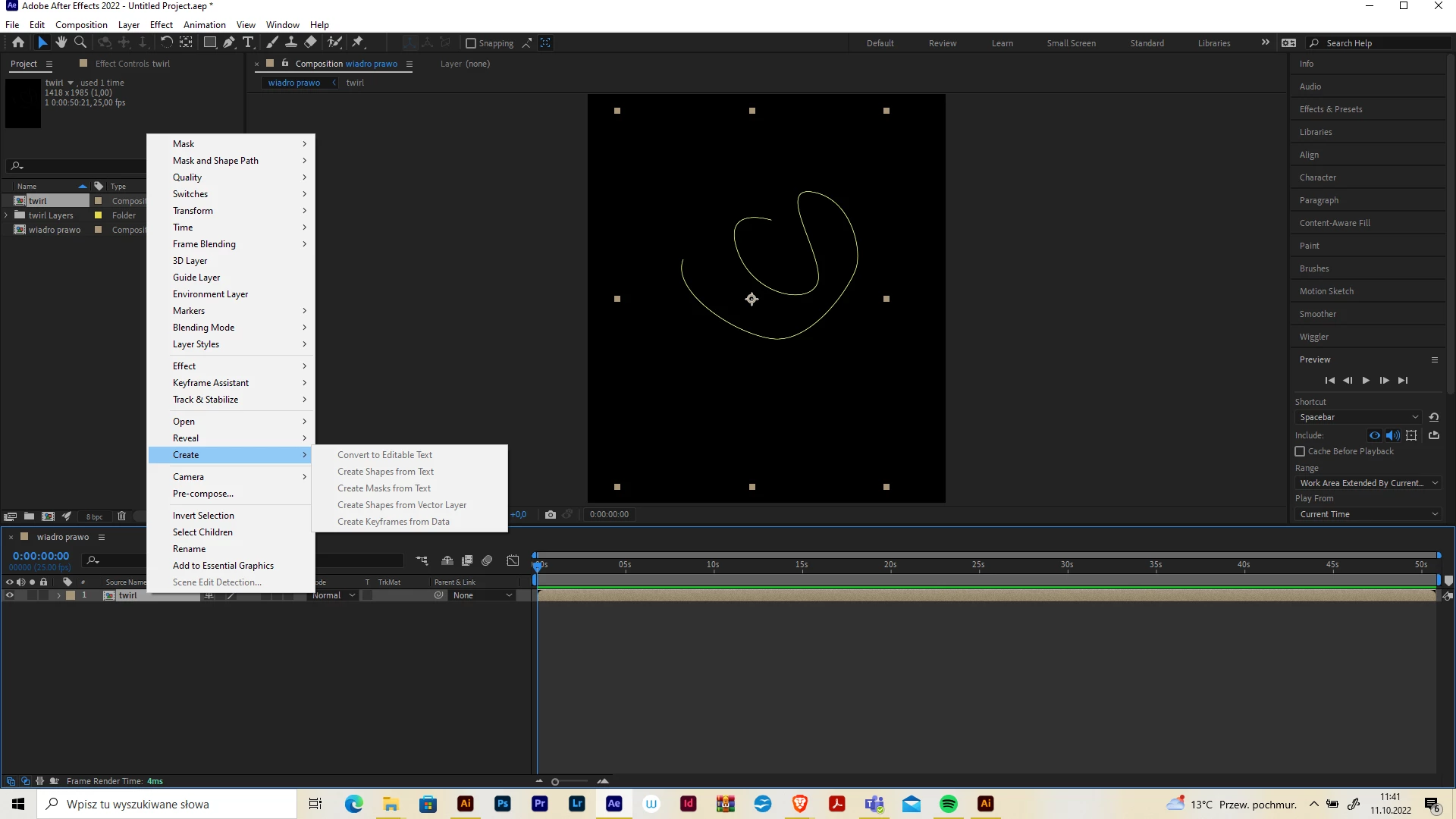
The layer you have selected is a Nested Composition. AE renders and calculates raster/bitmap internally unless the layer is an AI file, Shape Layer or Text Layer. Even if your Nested Comp contains one of these layers, upon nesting, AE converts the vector into a bitmap/raster. One way to overcome this rasterization while nesting is to use the Continuously Rasterize option and this is an advanced feature - so be mindful should you try to get over this issue.
AE can only Create Shape Layers from a selected AI file in the Timeline. Anything else will not work since the related menu item will be greyed out. HTH

 AdChoices