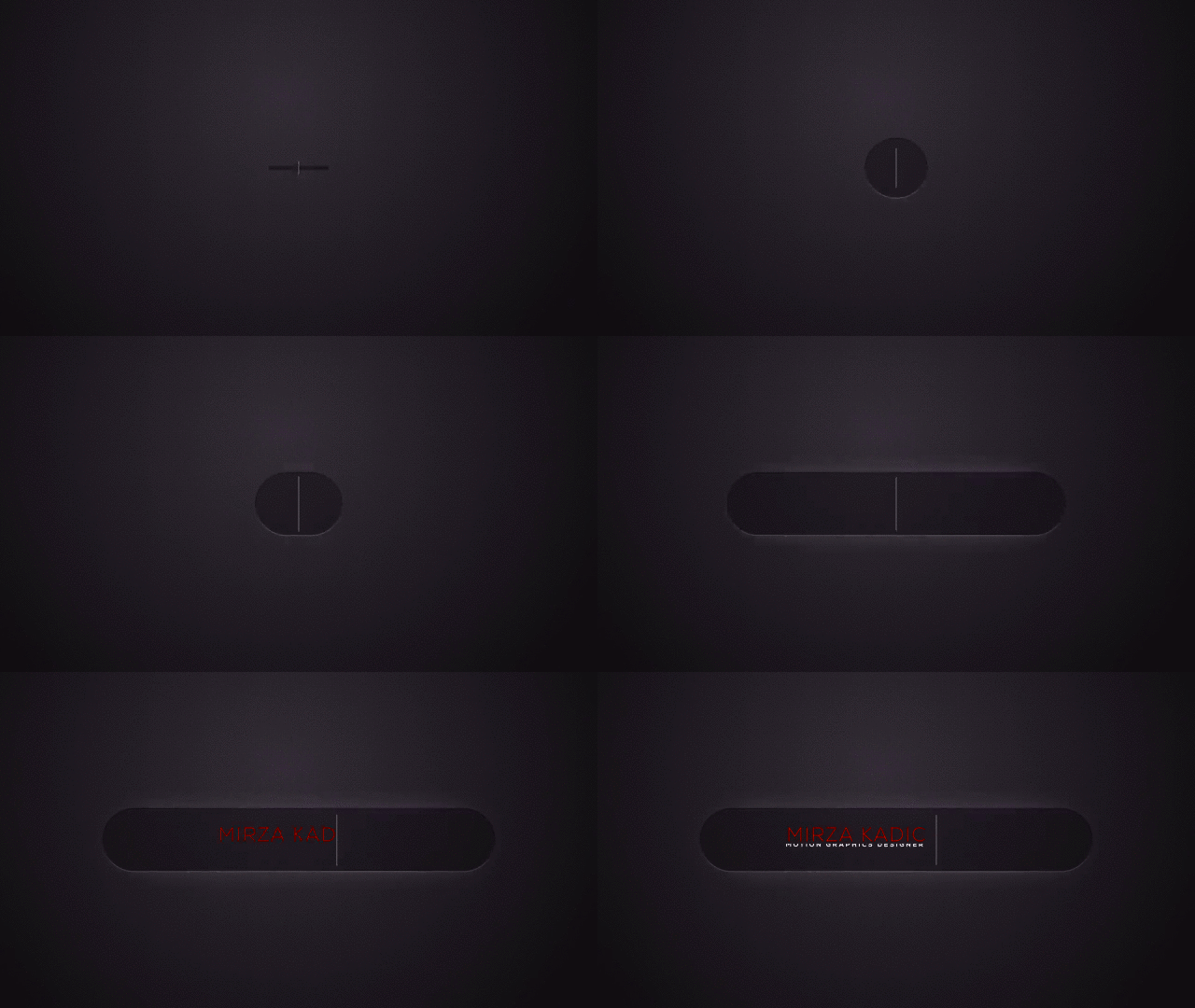
That gif is poorly designed and the text and rounded rectangle are very difficult to see but it looks like a little bevel and a glow are applied to the rounded rectangle. There are dozens of ways to do that, most of them involve multiple layers. You could duplicate the rounded rectangle layer twice, apply a blur to the middle copy, change the color to a lighter value, change the blend mode to Add, then use the top copy of the rounded rectangle as a track matte for the lighter blurred copy of the layer. The last step would be to add Bevil Alpha to the bottom copy or the rounded rectangle, adjust the angle, then move the blurred copy a little in the opposite direction to simulate the light falloff. As a final step, you could copy the Bevil Alpha effect and paste it to the text layer and fine-tune the look.
This took about 2 minutes. The panels are arranged so you can see every modified property of all the layers.
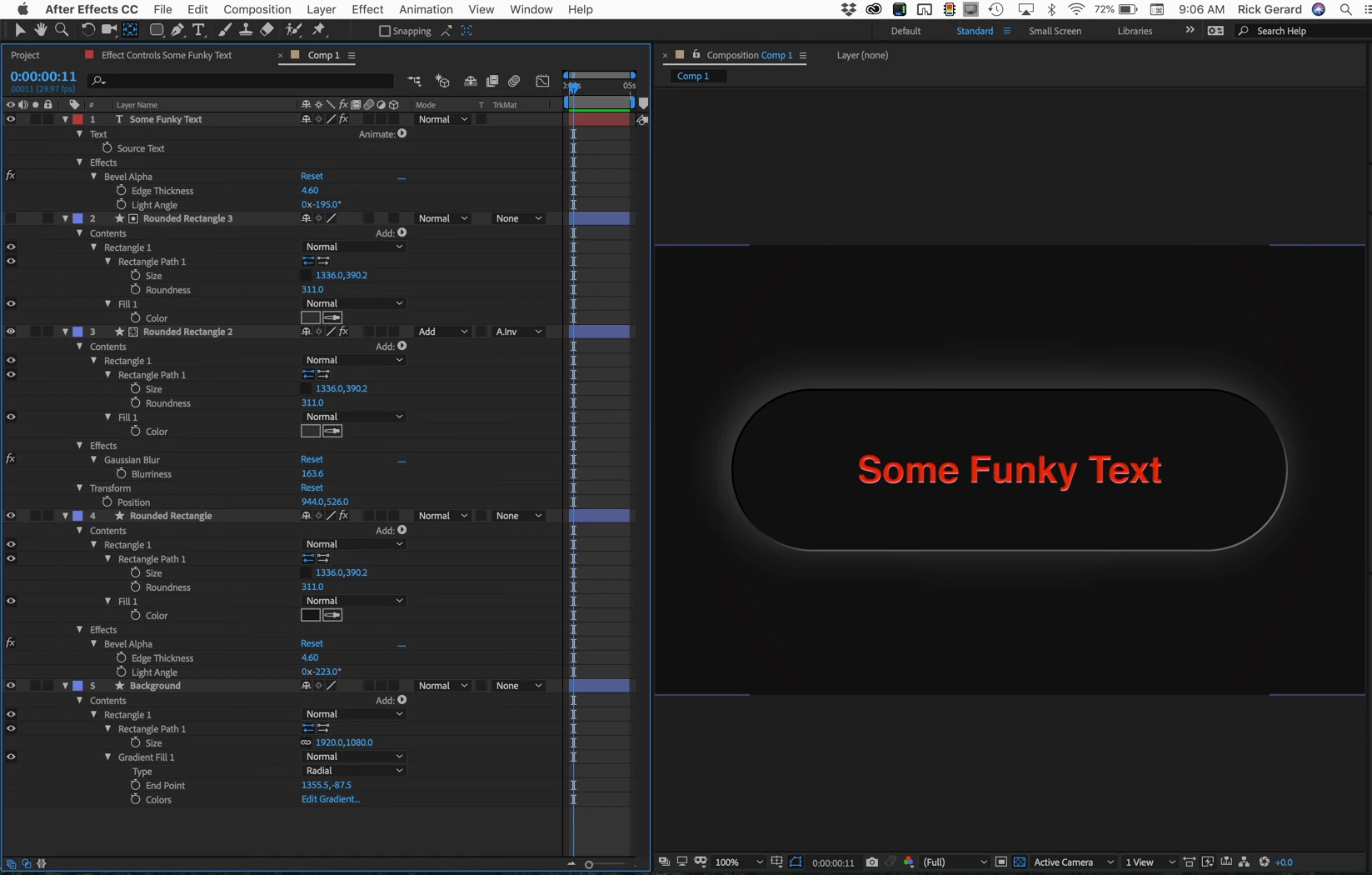
That is one of about a dozen ways to create this kind of effect. I could have matched the sample but I thought it wold be too hard for users to see what the layers were doing.
Here's a project file to look at: Dropbox - Funky Text.aep
(note: if you end up with a .txt extension when you download just delete it)
 AdChoices