
Customized Shape Particle Help
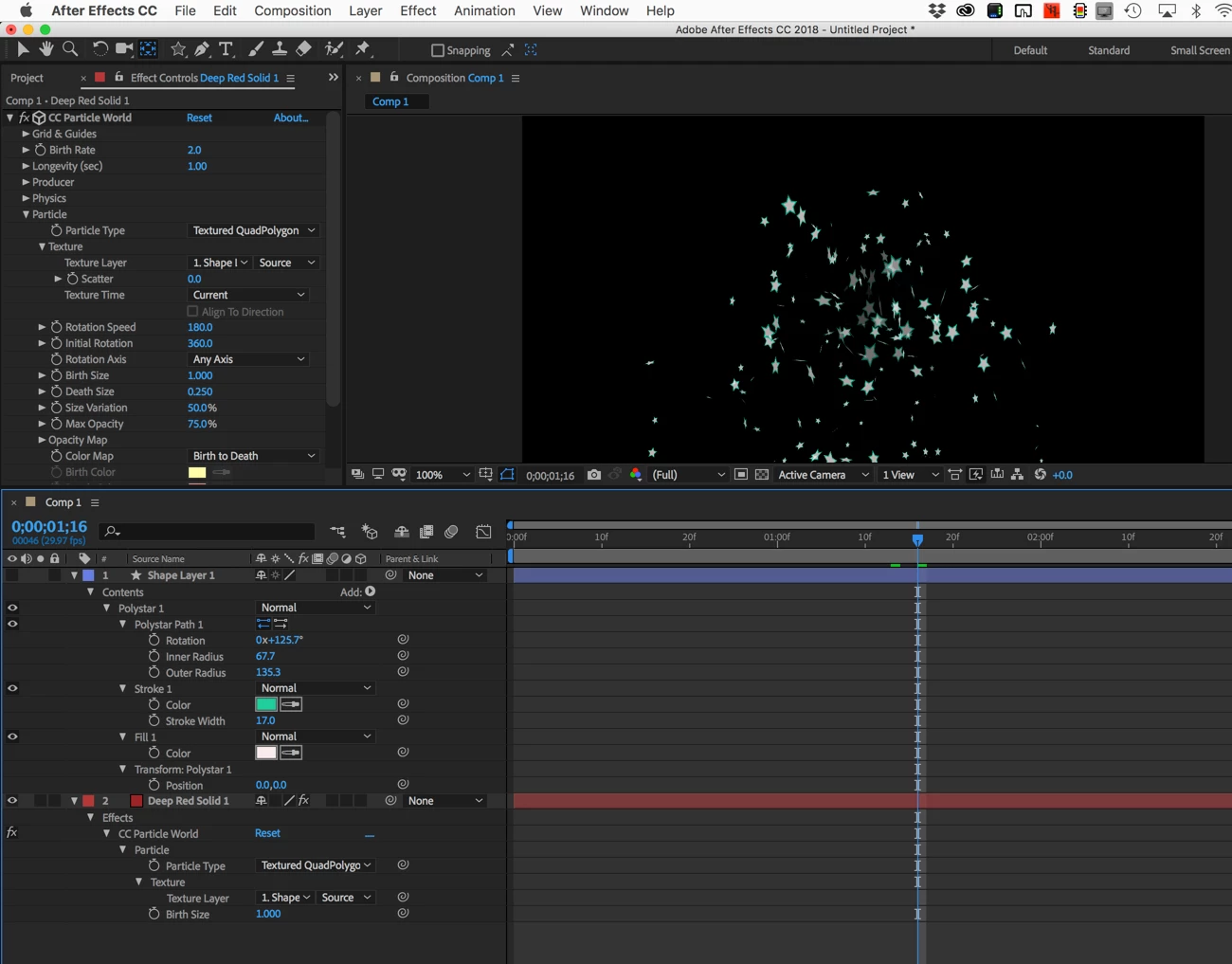
Does anyone know of any new up-to-date tutorials and instruction about how to get a customized particle to happen within a current version of Adobe After Effects CC 2018 version?
The only tutorials I could find were from about 2011-2014, and the options in those are missing.
In 2017 I was doing a video art piece for the Boston Convention Center and no matter how many people I asked, including animation teachers from 6 different universities across the USA, as well as 4 different people whom work at video game animation companies, no one knew how to make it work in the 2017 version.
The Old program versions' way of doing it:
2011:
2013:
2014-15 version:
In 2017 I was on a tight deadline and the only thing I could come up with was to use the triangle shapes, which I honestly don't care for, and at the time I really didn't understand how any of it worked:
I need to submit another proposal for them (The Boston Convention Center) again in the middle of next month, but I still can't figure out how to make a customized particle, like falling leaves, petals, or snow flakes.
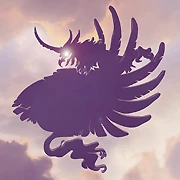
Basically something like this:
I don't know ANYONE that does, and ALL of the persons whom created the old versions of those videos from 2011-2014 refuse to answer me no matter where I try to ask them on YouTube, Facebook, Twitter, and Google+ despite them claiming that "if anyone has any question to feel free and ask."
Everything I try to look for is very old & outdated, or a re-upload of an old video usually from the GW Bush or Obama Eras.
Or, do we need the old obsolete versions to do it????? But if the old versions are obsolete then why can't the new versions do it?
Doesn't anyone know how to do it in the 2018 version?


 AdChoices