


Question
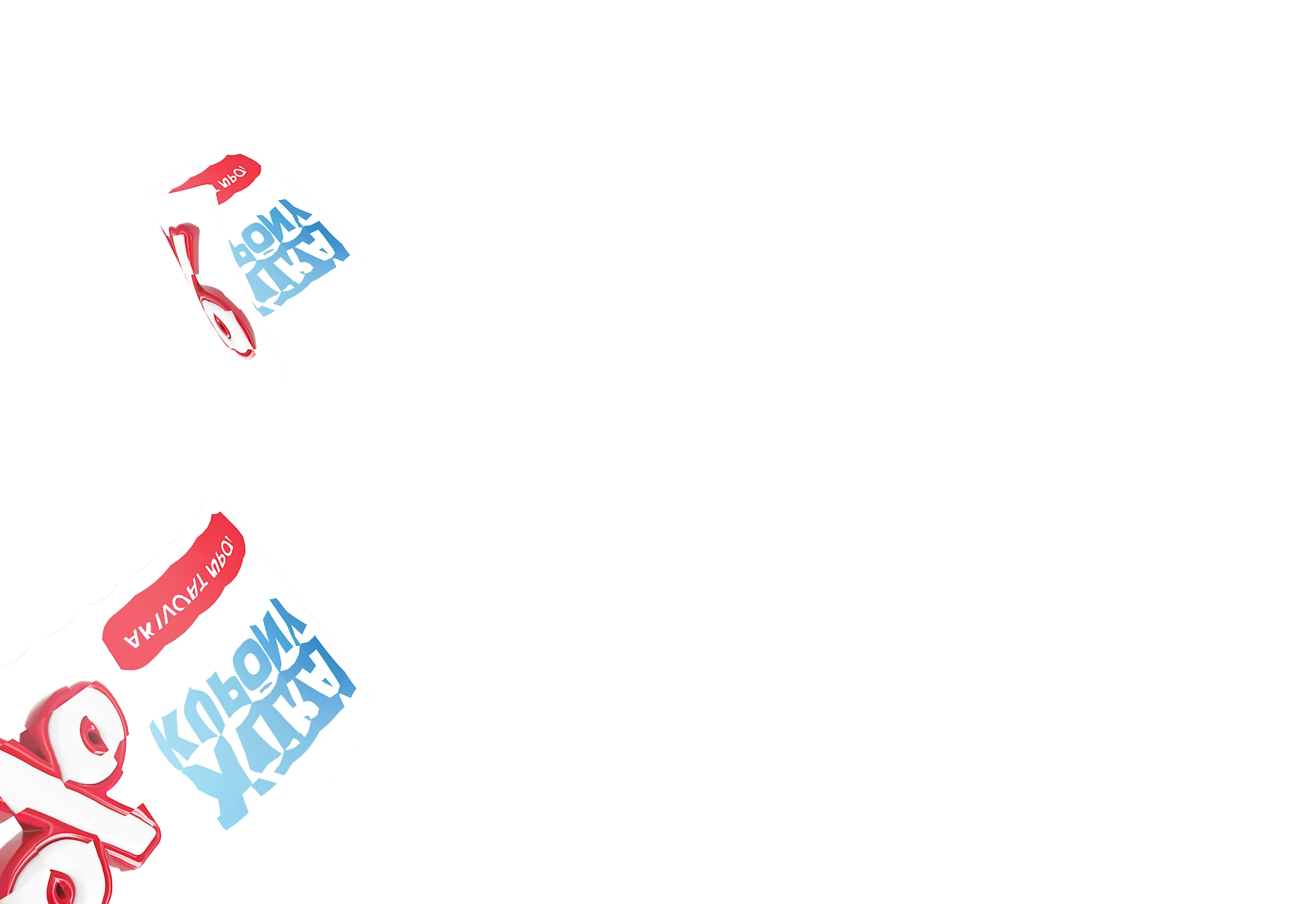
deformed and shifted/tiled texture render in AE2026 and AE2027beta (AE2025 works)
Hello.
I have project and there is used Cineware to render 3D coupons falling from the top..
Project was developed in AE2025 and there everything works like a charm..
But when I open project in AE2026 (or 27beta), texture is deformed and tiled somehow.. It looks like something invert normals, but in 2D.
I need to keep project in 2025 what is not optimal way to work when all other projects are already shifted to 2026.
Sample screens atached.
Windows 11, latest drivers, latest adobe versions..
I can provide reduced project if it helps

 AdChoices