Answered
Delete animator from multiple text layers
Hi there,
i need to remove an animator from multiple text layers. It is so much work to do it one by one, there must be a shorter way to do it. I found a way on how you can remove effects from multiple layers but that "fx"
doesn´t show up when i use "text"->"blurs"->"Evaporate Animator" for example. I try to put a screenshot in here for a better understanding of my problem on how to remove this animator from all selected layers at once.
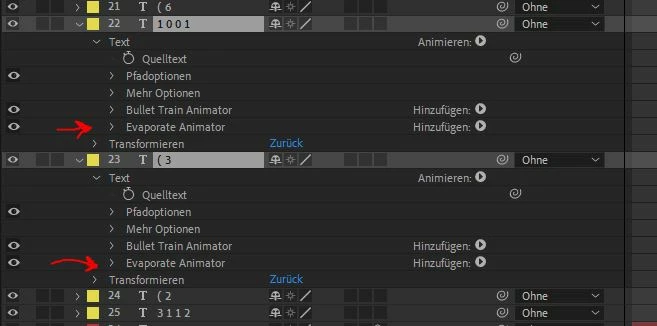
Can anyone help me here?
Thanks!
 AdChoices