Participant
March 31, 2022
Answered

Disk Cache always claiming to be empty 0KB

  • March 31, 2022
  • 5 replies
  • 2304 views

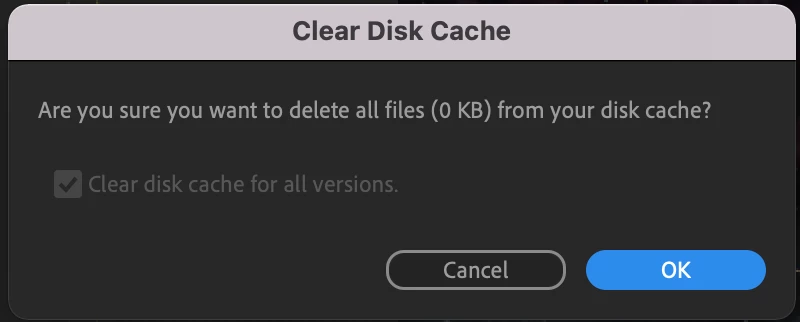
For the past month or so every time I go to clear my disk cache AE is claiming that it's empty. 


"Are you sure you want to delete all files (0kb) from your disk cache"


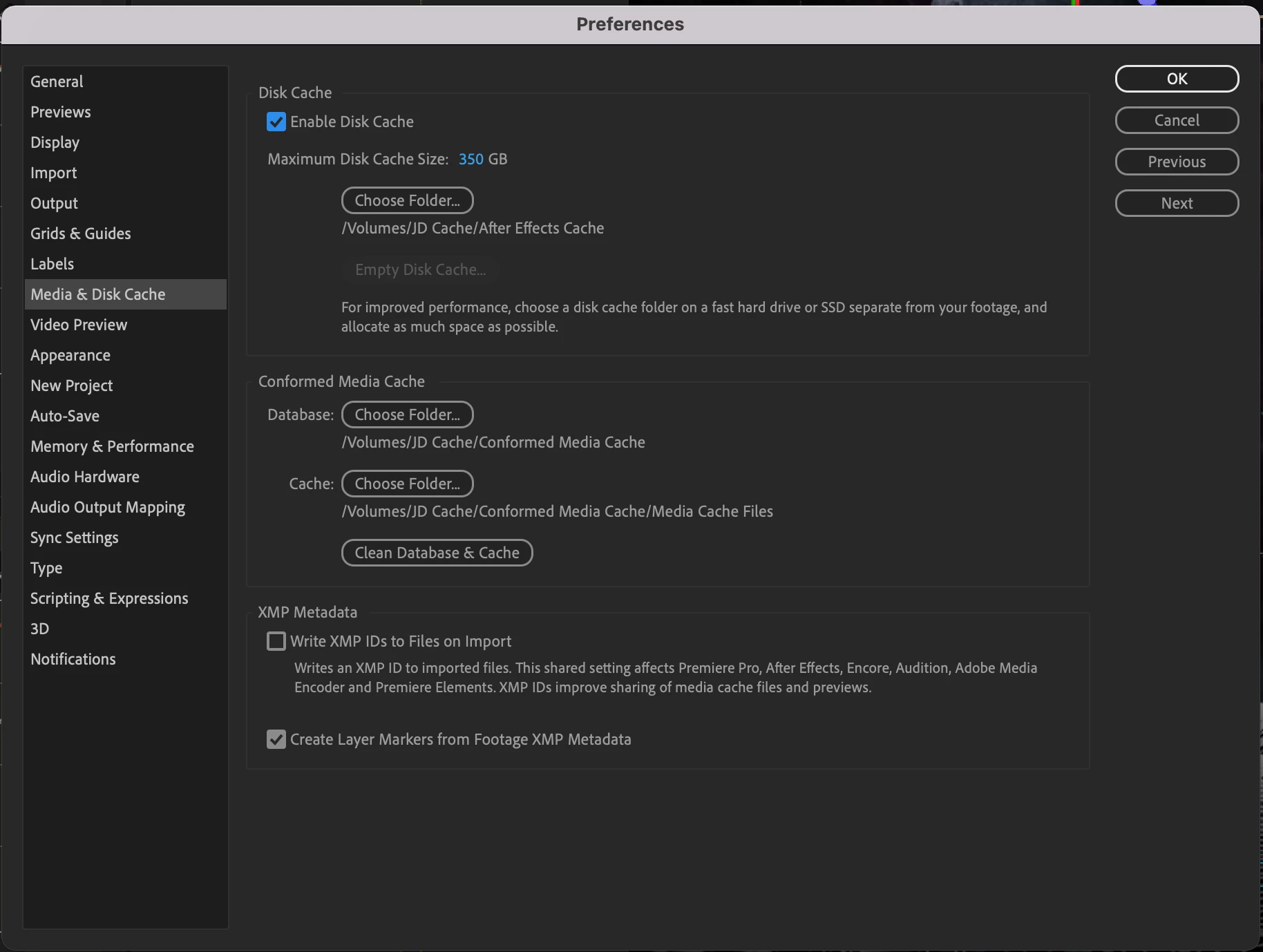
I have tried reformatting my cache drive, i've deselected and reselected the drive in the Media & Disk Cache settings. I just dont get what's going on and if it's affecting my performance.


AE 22.2.1 (Build 3)

Macbook Pro M1 Max running Monteray 12.2.1


Screenshots: 


Correct answer Nolongerinuse238483882

solution is to delete the files manually.

  • Windows: C: \Users)
    ‹YourUsername> \AppData \Roaming
  • Adobe \Common \Media Cache Files
    Mac:
    /Users/<YourUsername>/Library/ Application
    Support/Adobe/Common/Media
    Cache Files. 
    i did this and i was able to empty and clear my disk again. 


5 replies

Participant
August 21, 2025

Hey I'm having this problem rn. I saw you found a solution! Could you please tell me what you meant by formatting your cache drive? 

Participant
August 21, 2025

Completely wipe it and start again

Participant
August 22, 2025

Did it & it worked, thanks! ❤️

Participant
March 3, 2025

solution is to delete the files manually.

  • Windows: C: \Users)
    ‹YourUsername> \AppData \Roaming
  • Adobe \Common \Media Cache Files
    Mac:
    /Users/<YourUsername>/Library/ Application
    Support/Adobe/Common/Media
    Cache Files. 
    i did this and i was able to empty and clear my disk again. 


Participant
August 22, 2025

Just wanna say thanks, I used this to find my ae cache folder and then deleted everything in there! Worked!

Participant
April 5, 2022

Solved the problem but formatting my cache drive and giving it a new name. I also gave the cache folder a new name for good measure. Back in business! Thanks. 

Mo Moolla
Legend
March 31, 2022

Hi


This was a bit of a bug on the initial release of AE with multi thread rendering but has now been fixed in the new version.

Install the latest version and it should be ok

If you dont want to install the newer version set Multi Thread rendering to off and you will se your cache disk fill uo really quickly


Mo

Participant
April 1, 2022

I am running the latest version of AE 22.2.1

nishu_kush
Community Manager
Community Manager
March 31, 2022

Hi I Am Jon Duncan,


Can you browse the folder and check the size manually? Also, try changing the location of the cache and see if makes any difference.

Let us know.


Thanks,

Nishu