Answered
Displacement map shifts 50% grays when displacing by more than 100
Does anyone know why my displacement maps seem to move the image even when it is 50% gray? From what I've read, 100% white is supposed to move in the positive, 100% black in the negative, and 50% not at all, but that breaks when I push the displacement to over 100 in any direction.
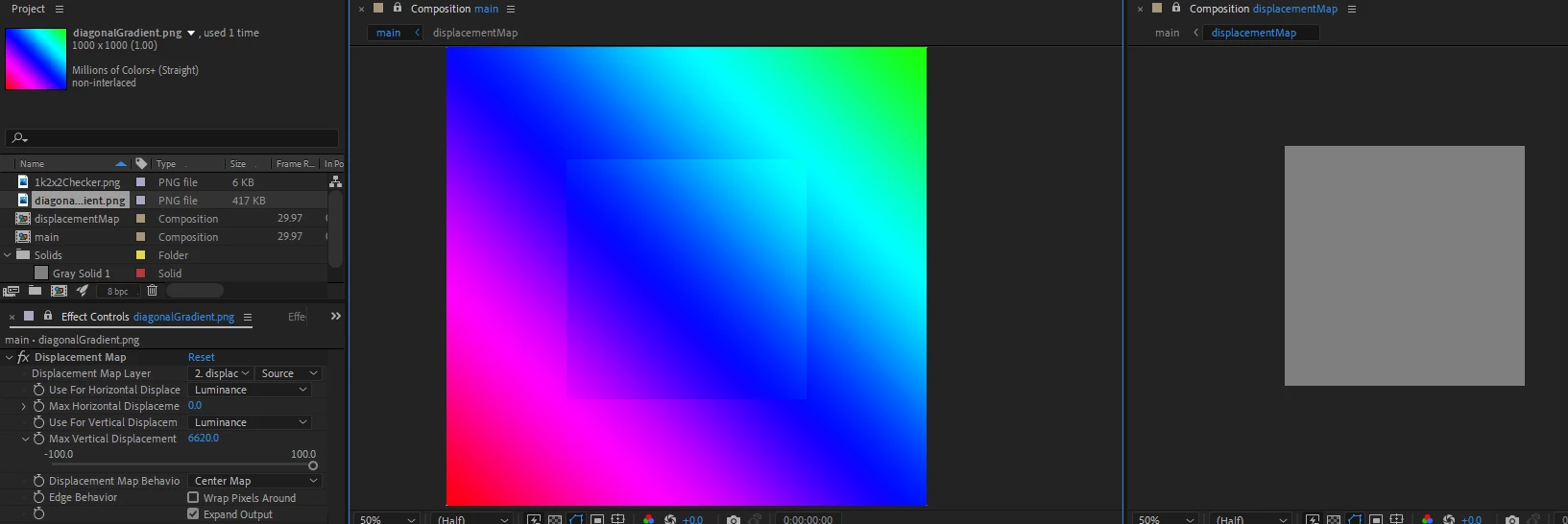
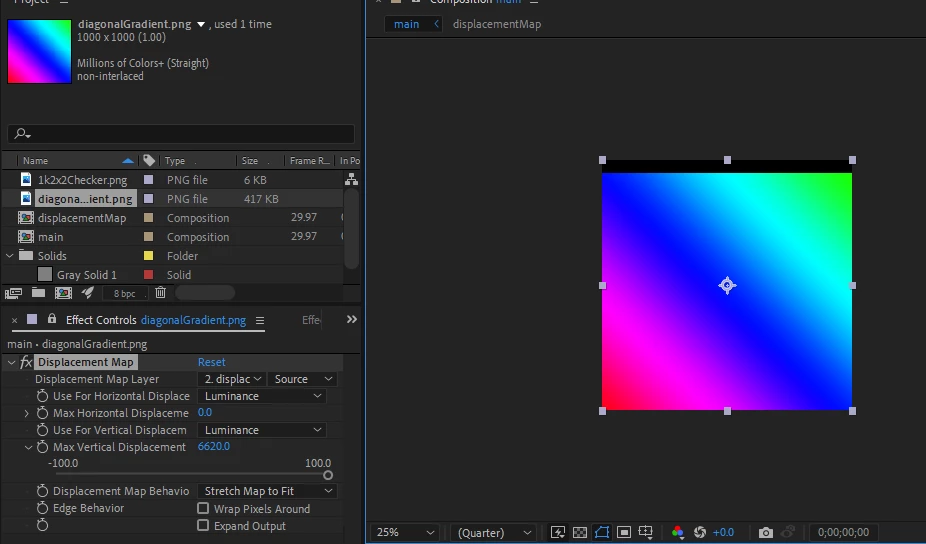
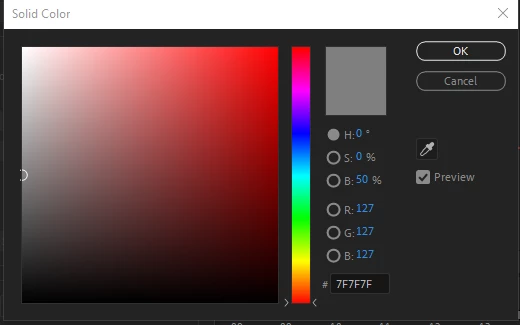
I tested by making a new comp (displacementMap) that is 50% the size of my main comp. I filled displacementMap all the way with a 50% gray solid. I applied my displacement effect to an image in my main comp expecting nothing to happen, but when I push the displacement past 100, it changes my image.
Tested with Displacement Map Behaviour on both Center and Stretch to fit, but both had issues. Is it just buggy or is there a way to fix this?
 AdChoices