Participating Frequently
October 25, 2019
Question

Display accelerarion disabled

  • October 25, 2019
  • 3 replies
  • 247 views

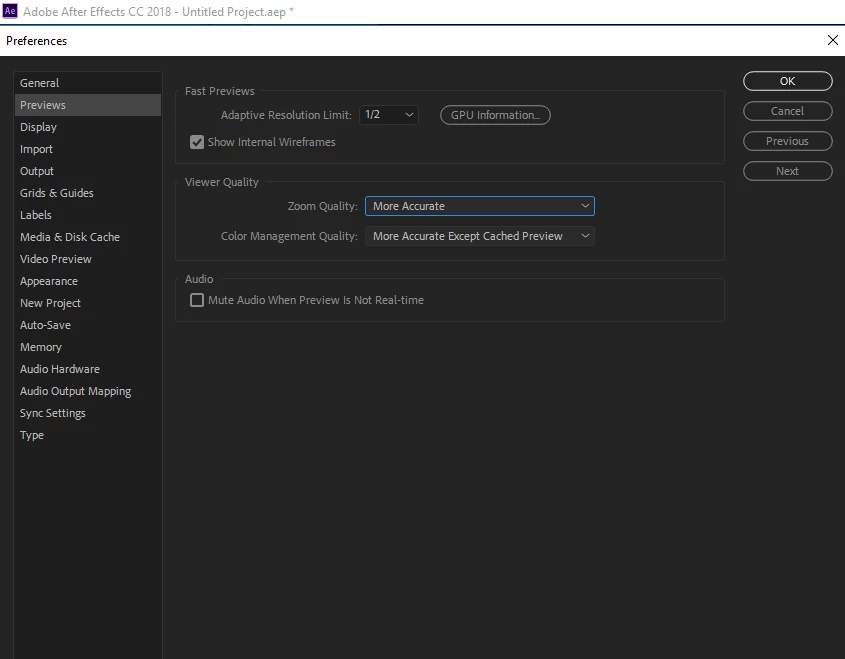
Is it possible to enable the display acceleration with this PC specs (see printscreens below) or to do something that will stop glitchy previews? It's happening only when the position and scale keyframes are used, and when I'm using for example pins to move parts of the layer, previews are smooth. 
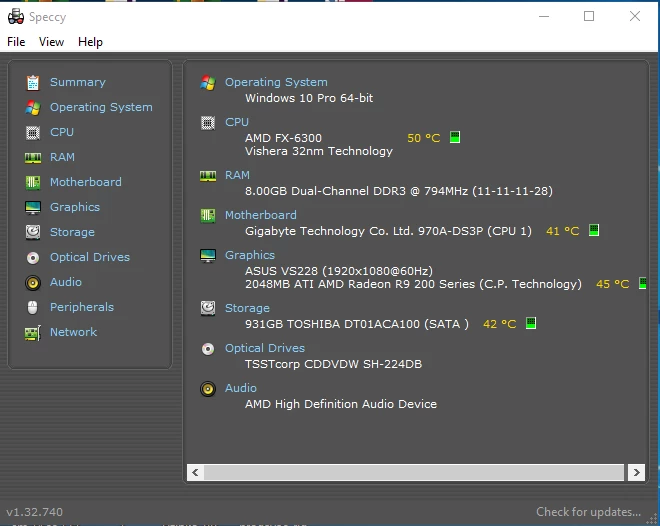
Display drivers are all up to date. I've tried to google out the solution, but I could only find for Nvidia graphic cards, and nothing for AMD. 

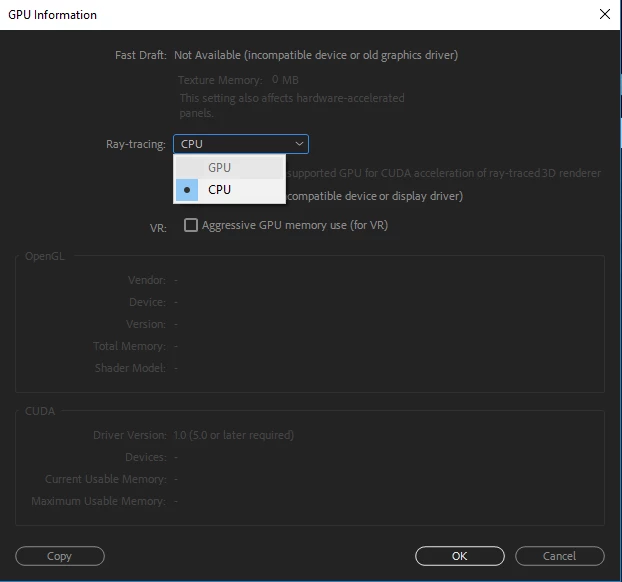
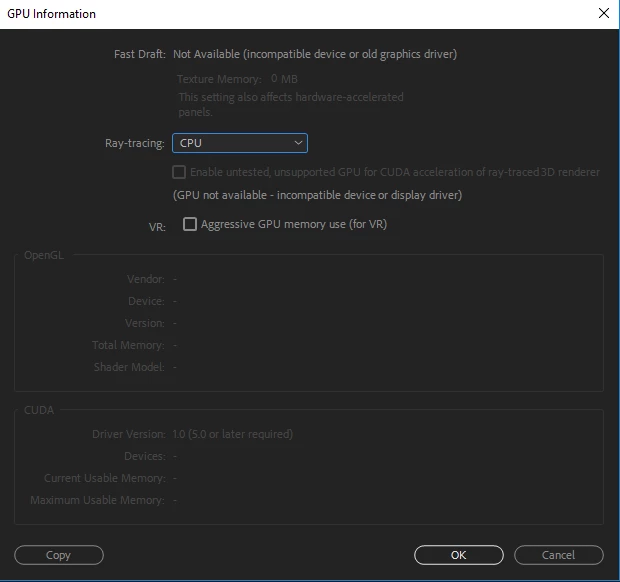
Also, I've noticed that in After effects I cannot set ray-tracing to GPU (AMD Radeon R9 270x), only CPU ( AMD Fx-6300). 
    This topic has been closed for replies.

    3 replies

    Community Expert
    October 25, 2019

    The issue may not be in GPU acceleration because it only works in certain cases in Ae, but what I see is that you have very little RAM and I don't know what the speed of your hard drive is.

    Byron.
    Community Expert
    October 25, 2019

    If you want to accelerate Ray-tracing go to the File / Project Settings menu ... and then choose the Mercury Playback Engine GPU Acceleration you need in the Video Rendering and Effects tab.

    Byron.
    lukappvcAuthor
    Participating Frequently
    October 25, 2019

    Also, nothing happens when I enable Mercury Transmit Box.