
infol70373477
Participating Frequently
May 31, 2018
Question

Distortion at full resolution and in rendered final

  • May 31, 2018
  • 3 replies
  • 421 views

Hi all,

Computer specs:

iMac (Retina 5K, 27-inch, 2017)

Proc: 3.8 GHz Intel Core i5

Mem: 8 GB 2400 MHz DDR4

Startup Disk: Macintosh HD

Graphics: Radeon Pro 580 8192 MB

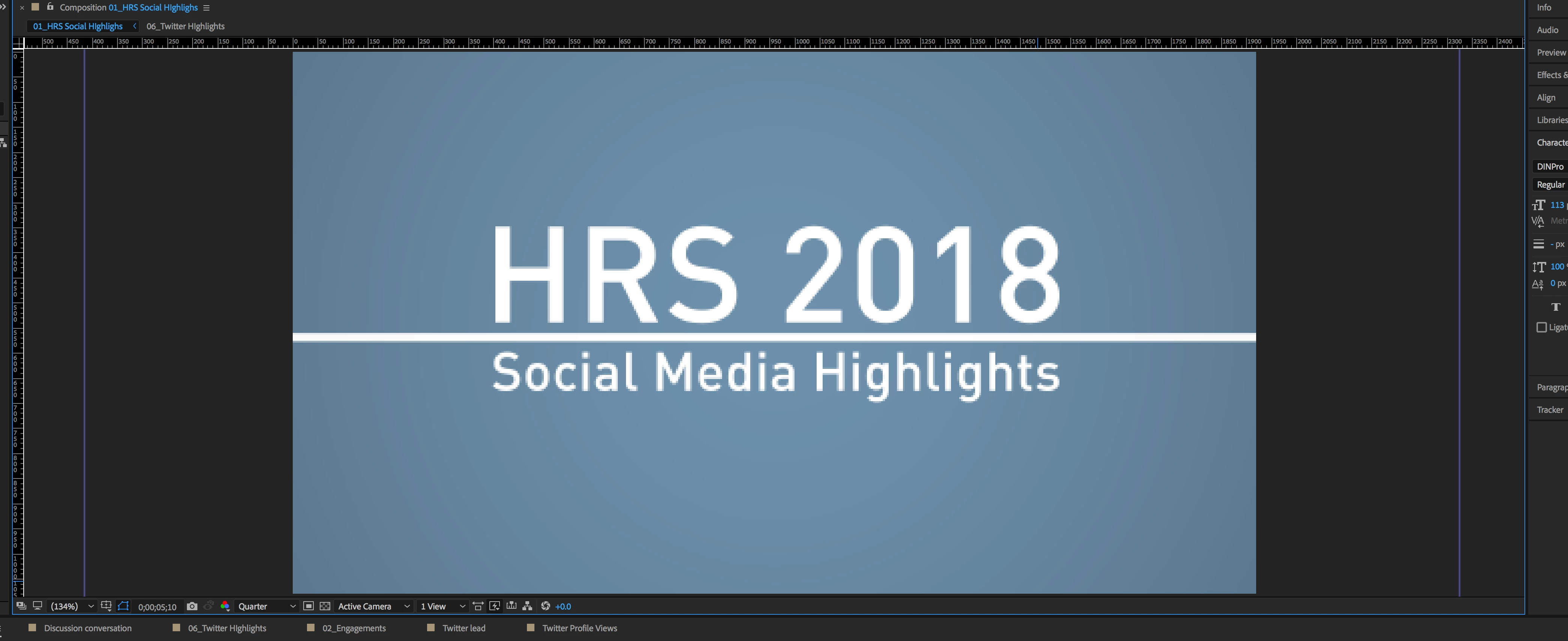
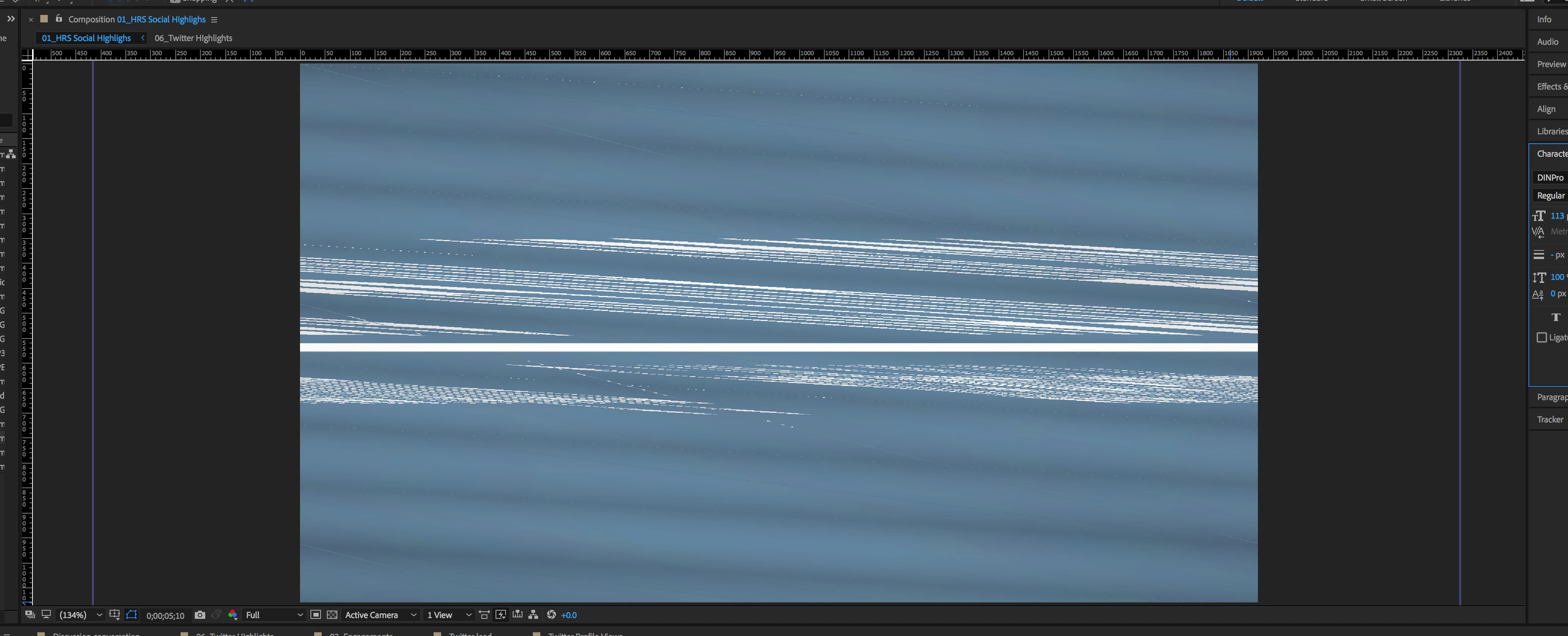
I was working on a composition at Quarter resolution. I bumped my resolution back up to Full res and found severe distortion throughout my animation. The distortion appears when I render as well. I exported this composition yesterday with no problems. I made revisions today which included adding png images, but the damaged sections do not appear to coincide with the placement of the imported images. I'm sure this is a graphics issue, but I'm not really sure what the next step is.
Any ideas?

At Quarter res
Same frame at Full res
This topic has been closed for replies.

3 replies

Rameez_Khan
Legend
June 25, 2018

Hi infol,

Were you able to resolve this?

Let us know if you need further assistance.


Thanks,

Rameez

Warren Heaton
Community Expert
Community Expert
May 31, 2018

Have you tried Edit > Purge > All Memory & Disk Cache?

infol70373477
Participating Frequently
May 31, 2018

Hi Warren. Just tried it. The distortion did reduce a bit in some places (now it's just a quick flicker in the frame I shared above), but most of it is still there. However, given that it had any effect at all, I'm going to keep digging around in possible cache issues/solutions.
Thanks!

Warren Heaton
Community Expert
Community Expert
May 31, 2018

You've probably done this, but have you tried restarting?

What does the Comp look like if you change the Comp Magnification to 100% (instead of 134%).

If this unexpected display issue persists, you'll probably want to go through some standard troubleshooting steps like making sure that your macOS is up-to-date along with having the most recent updates for whichever version of AE that you're using.  You might also have to go through your source footage one item at a time.

Also, do you have access to an iMac that has more RAM?  You could be running up against an insufficient memory issue even though AE is not displaying a message about it.

infol70373477
Participating Frequently
May 31, 2018

After effects! Apologies if that was unclear!