

Does AE have blending options like photoshop (EDIT: sorted it using the luma method I mentioned.)
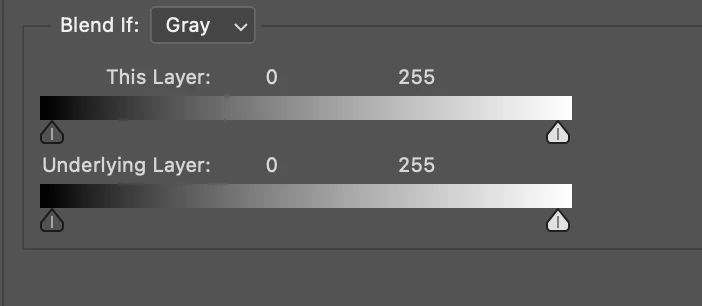
I'm not talking about blending modes, I mean the thing in 'shop with the splitable sliders to remove the lighter or darker tones from a layer?
If not, what could I do in AE to achieve something similar?
I have a comp where I have some footage at a gig... I've added an element on top & made it look like it's part of the background (tracking, blurring, etc.) but for about 5 frames, the motion-blurred hand of one of the characters in the footage passes "behind" the new object instead of in front.
I've duplicated the footage, put it in front & created a "garbage matte" around the hand.
The hand is light, the background is dark, the footage is very low quality & it's just for fun. Rotoscoping the hand is not really an option (with my limited skills plus it's very blurry). If I were in photoshop, I'd just go to my blending options, remove the darker tones & split the sliders to get a feathered edge but I'm not sure whether or not such a quick fix exists in AE?
Maybe I could use the footage as a luma matte above itself?


 AdChoices