Participant
February 11, 2024
Question

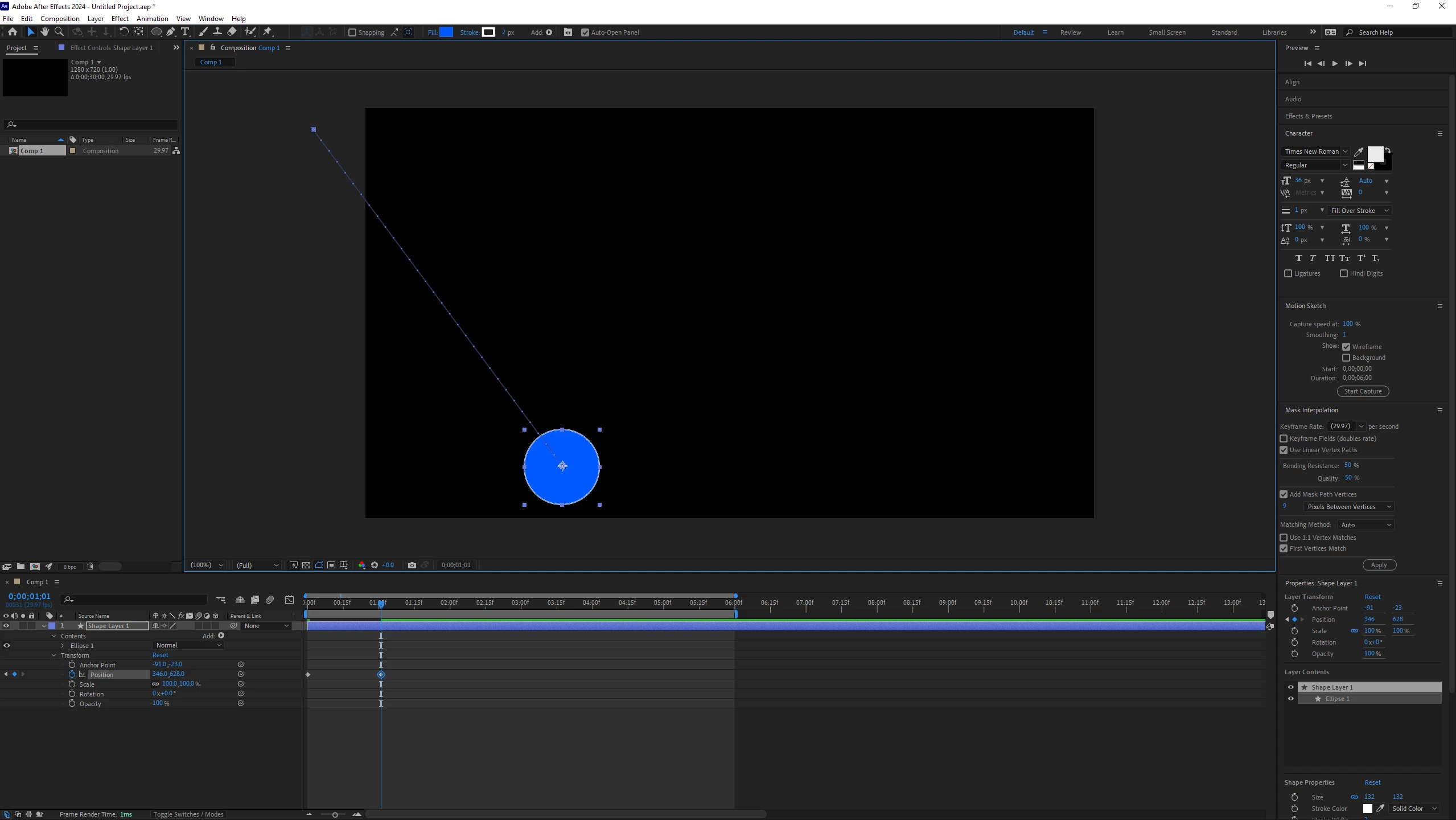
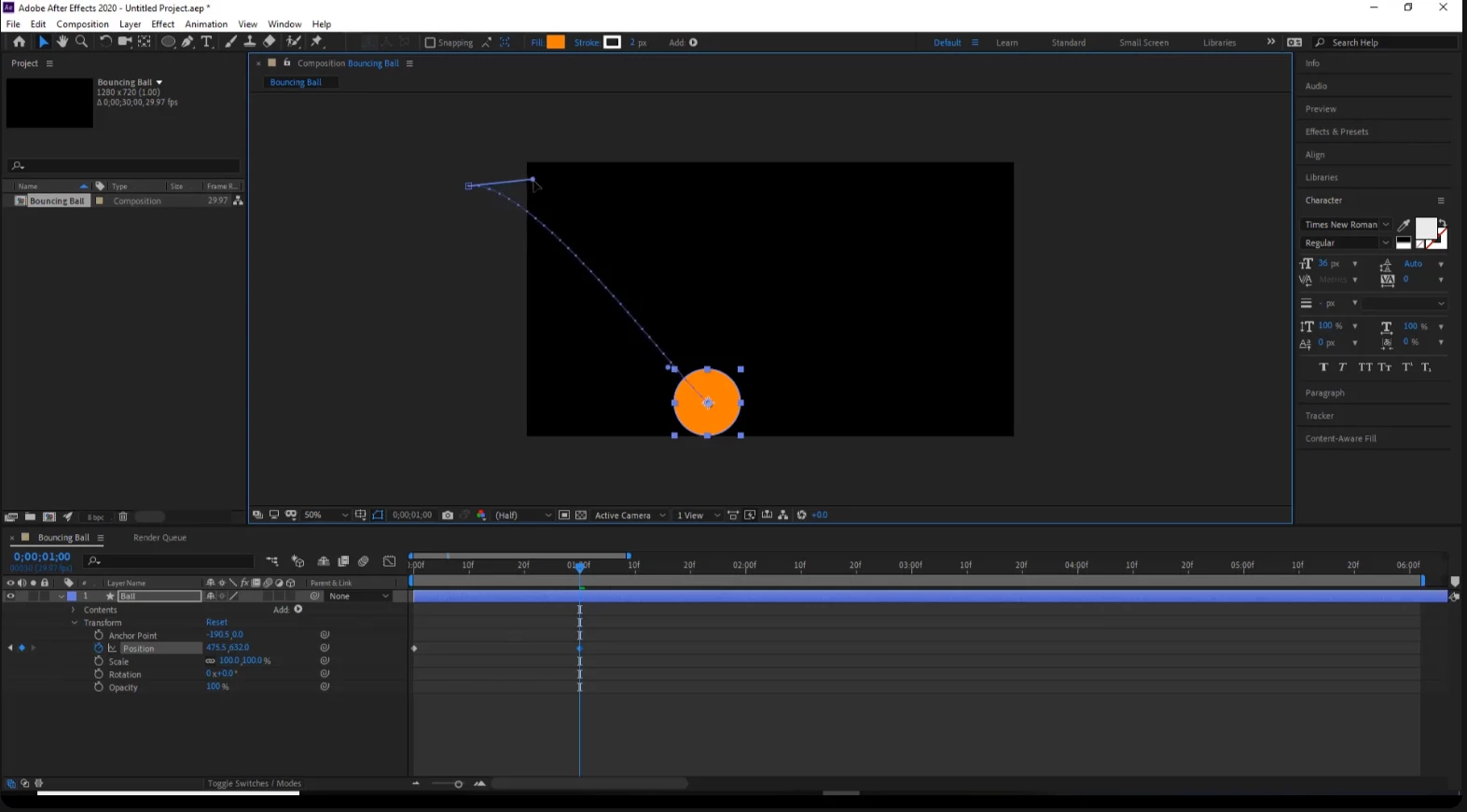
Does anyone know which workspace my teacher is using, and why the handles dont appear for me?
  • February 11, 2024
  • 2 replies
  • 225 views

The first image is his workspace and the second is mine.

 

This topic has been closed for replies.

2 replies

Community Expert
February 12, 2024

If you are using the default workspace, your motion path has no curves. Select Transform/Position in the timeline, move the CTI (current time indicator) somewhere in between the keyframes, press the 'g' key to enable the pen tool, then hold down the Alt/Option key and click and drag on the starting or ending point of the motion path to add a tangent handle and create the curve.


View Motion Path Tangent is enabled by default. You have to have turned it off or modified your Preferences/General tab and turned Default Spatial Interpolation to Linear to not be able to see them or have them automatically appear. You can open After Effects Preferences to check that by pressing Alt/Option + Ctrl/Cmnd + ;


I created a tutorial to explain how to efficiently control both the motion path and timing of a position animation using the Graph Editor. I hope it helps.

My Quick Tips Playlist


Legend
February 11, 2024
  1. Enable the Preview Panel
  2. Go to View -> View Options...
  3. Enable Motion Path Tangents