


Known Participant
January 15, 2021
Answered

Double clicking on a composition doesn't open the timeline panel

  • January 15, 2021
  • 3 replies
  • 5457 views

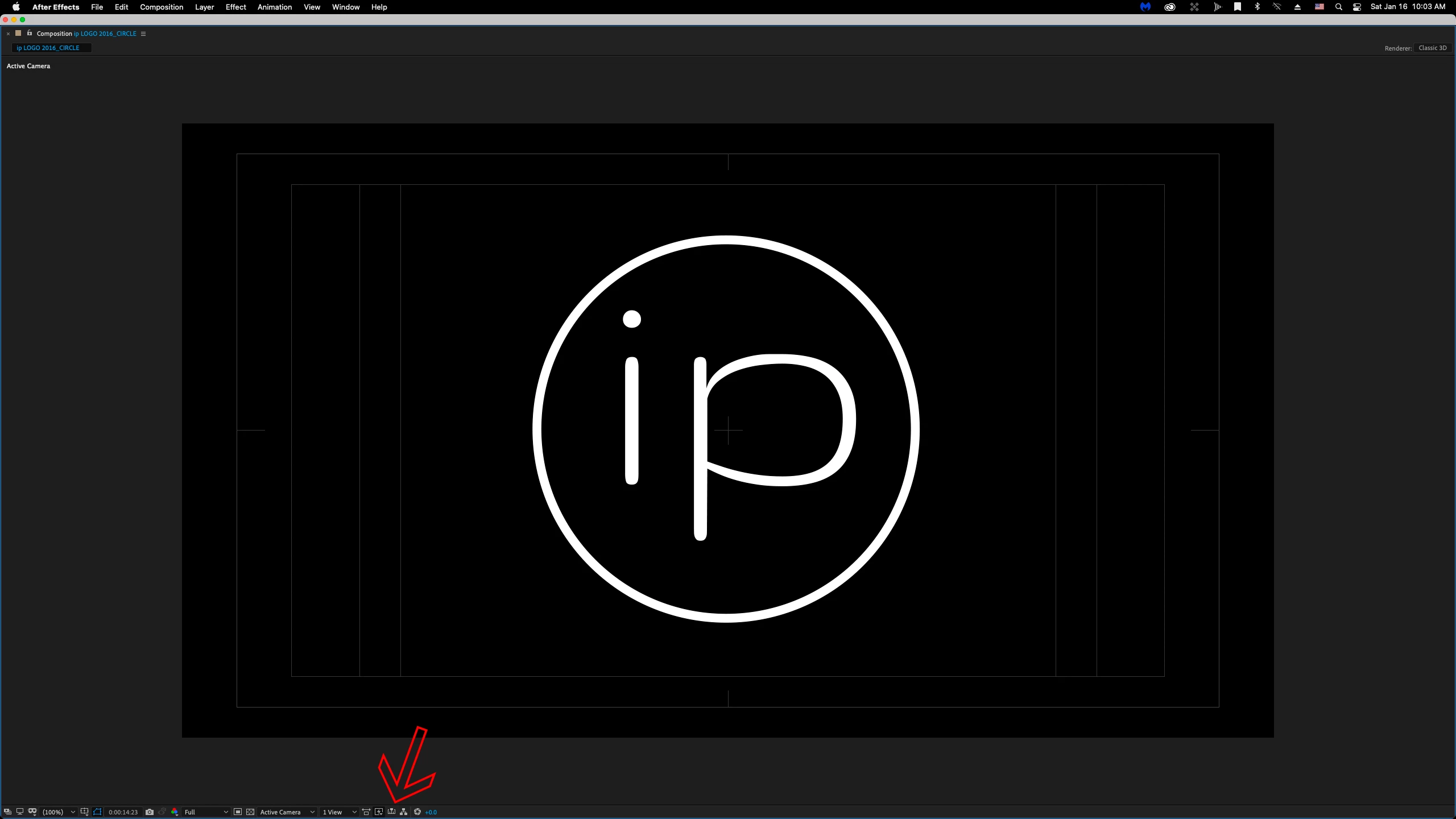
I've recently set up a 3-monitor edit system, and have created a new "Workspace" to capitalize on the new real estate I now have to work within.  After creating the workspace, I proceeded to double click on a composition (any composition) in the Project panel.  Under normal circumstances, using any other Workspace template, this action results in the Timeline panel opening within a window (usually the same window as the Render Queue panel shows up in), as well as, the Composition panel opening in a new window.  However, not this time.  For whatever reason - with this new Workspace I've created -  I double click on a composition now, and the only result is the composition Panel opens.  The Timeline panel is nowhere to be found.  


Is there a reason why the Timeline panel option isn't available in the Window dropdown menu?  Otherwise, how do I resolve this little conundrum?
This topic has been closed for replies.
Correct answer Ali Jaber

What happens if you press show timeline:

3 replies

Community Expert
January 16, 2021

And what happens if you click on the timeline but from this area? or does not appear any Timeline there?

Byron.
ip EditAuthor
Known Participant
January 16, 2021

I should've said this at the outset - I'm aware I can choose "All Panels" under the Windows dropdown as an option for re-building the workspace from scratch.  However, I'm more concerned with how to locate the Timline panel, specifically, once it disappears on me.  Will try to give some more specific system information.


Byron,

I've provided the equivalent screen grab of the menu you asked for (and from the monitor where the timeline should be.  Also, I've provided full monitor grabs for all of you to see what I'm looking at.


Mylenium & Rick,

If you're looking for me to tell you something more specific, please let me know what it is.  In the meantime, here's what I'm working with:

Mac Pro (Late 2013)

Big Sur v11.1

After Effects v17.6.0

Hopefully, the screen grabs tell you more about the configuration as I have it set up on the three monitors.


Ali JaberCommunity ExpertCorrect answer
Community Expert
January 16, 2021

What happens if you press show timeline:

Community Expert
January 16, 2021

I am assuming that you have un-docked your Timeline or your Composition panel and moved it to a third monitor.  Make sure that the panel is not locked. If that doesn't fix the problem we need to see the layout and know more details. As Mylenium said, system info will help us help you.

ip EditAuthor
Known Participant
January 16, 2021

See Byron's thread - tried answering you there

Mylenium
Legend
January 16, 2021

Without exact info about your configuration nobody can tell you much. Could simply be that you are exhausting hardware resources and acceleration functions fail to draw yet another panel.


Mylenium

ip EditAuthor
Known Participant
January 16, 2021

See Bryon's thread - tried answering you there.