fredj76006163
Participant
July 26, 2023
Question

Downscaling makes everything pixelated

  • July 26, 2023
  • 3 replies
  • 457 views

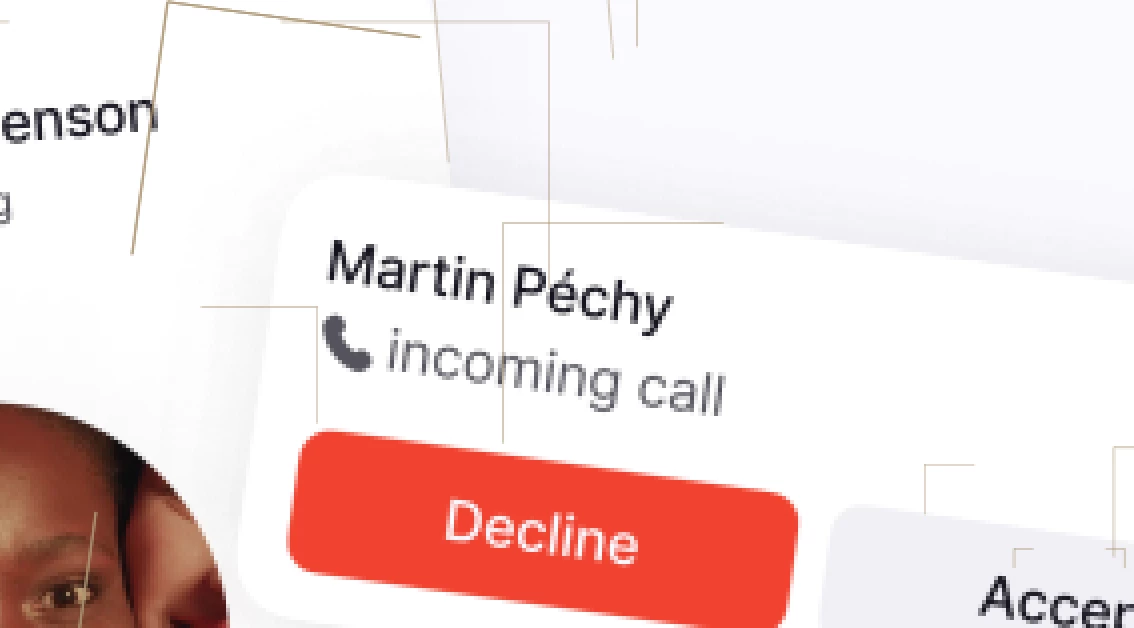
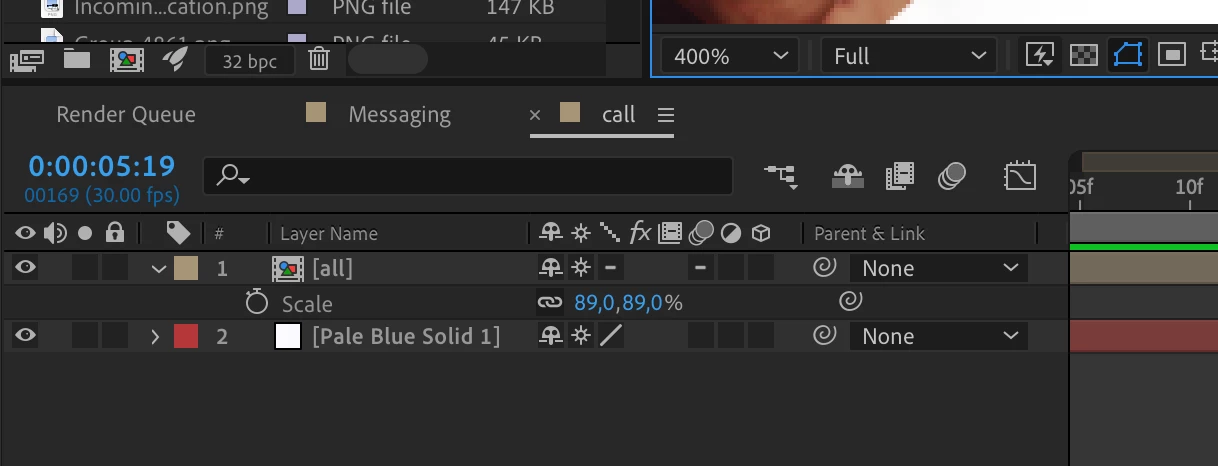
Hey , I'm trying to do some motion design in After Effects and its not my first time doing so. But this time something seems diferent. For time sake I tried using PNGs to animate. I exported them in multiple sizes so I can test downscaling them without losing quality but as you see in the images, it gets pixelated. Ive activated continous rasterize and messed with sampling etc ( the basic stuff ) but it seems i cant get the image crisp, mainly the texts. 
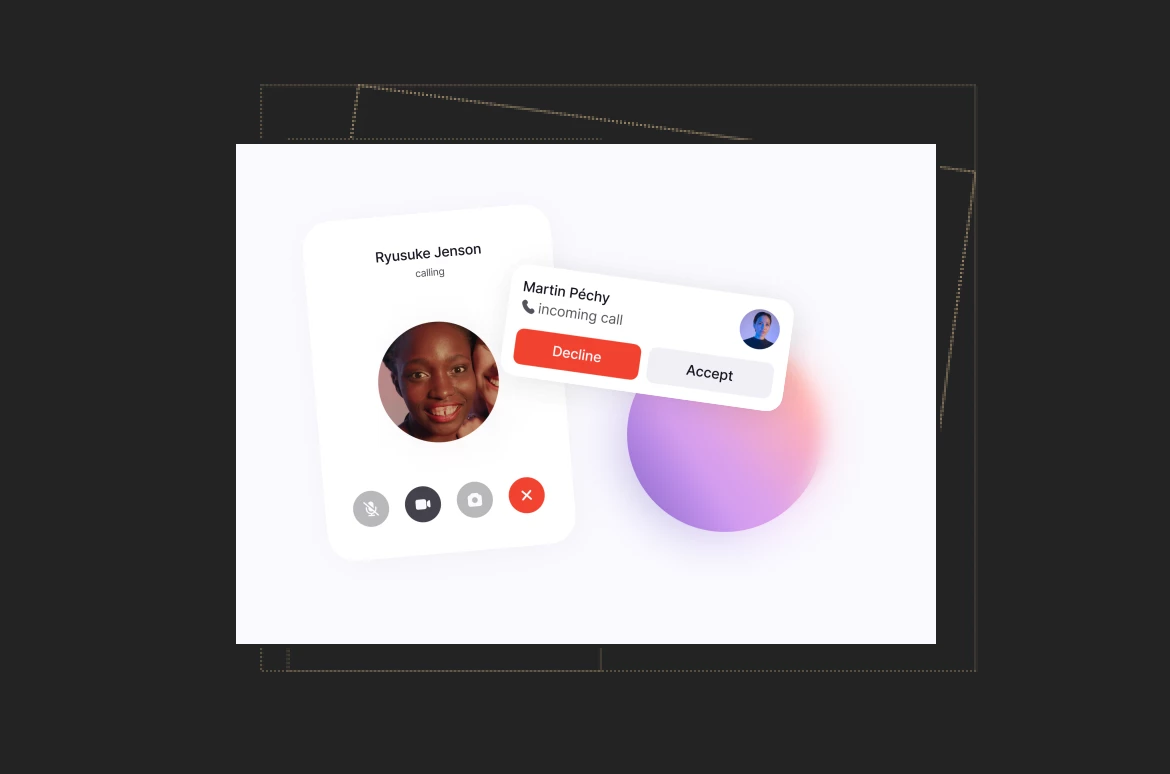
 

After those failed test I did what i'm used to do which is utilizing the AI file from Illustrator to work with vectors. Imported the comp, created the vector layers and the problem persists. Any tip on this?

This topic has been closed for replies.

3 replies

Mylenium
Legend
July 26, 2023

if you're referring to the off-composition pixelation, then that likely is simply a hardware acceleration issue. check the relevant settings in the preferences and update your graphics driver then. If it doesn't affect your actual image content, it#s probably not worth being too fussy about it. AE's GPU acceleration stuff is extremely unreliable and fragile and changing settings could even make things worse.


Mylenium

Mylenium
Legend
July 26, 2023

It might help to read the online help. You are making a mess, no offense, andd simply have wrong expectations. Of course at 400% zoom everything will look pixelated. AE is not AI and does not re-rasterize content on zooming. All that matters is how things look at 100%, i.e. at the actual output resolution pixel by pixel as it would be in Illustrator if you enable pixel preview or for that matter even in Photoshop.


Mylenium

fredj76006163
Participant
July 26, 2023

I just took those screen shots to show the examples, even in the export it pixelates.

fredj76006163
Participant
July 26, 2023

The first image is in 100% zoom

fredj76006163
Participant
July 26, 2023

The downscale is 37.5% btw and I know that the bigger the image is and consequential the scaling is bigger, the more pixelate it gets. but i tried importing 2x 4x 10x 12x PNG and nothing worked. Even working with AI vectors in 100% scale ( native ) it gets pixelated.